
It has become genuinely hard to tell what is real online. Fake disaster photos spread within minutes, cloned voices call people's relatives, and AI-written essays slip past teachers. Google DeepMind's answer is SynthID, an invisible watermarking system, and on October 7, 2026, Google opened its public checker, the SynthID Detector at synthid.com, to everyone worldwide. This guide explains what SynthID is, how the watermark is hidden, and how to use the new detector yourself.
What Is SynthID?
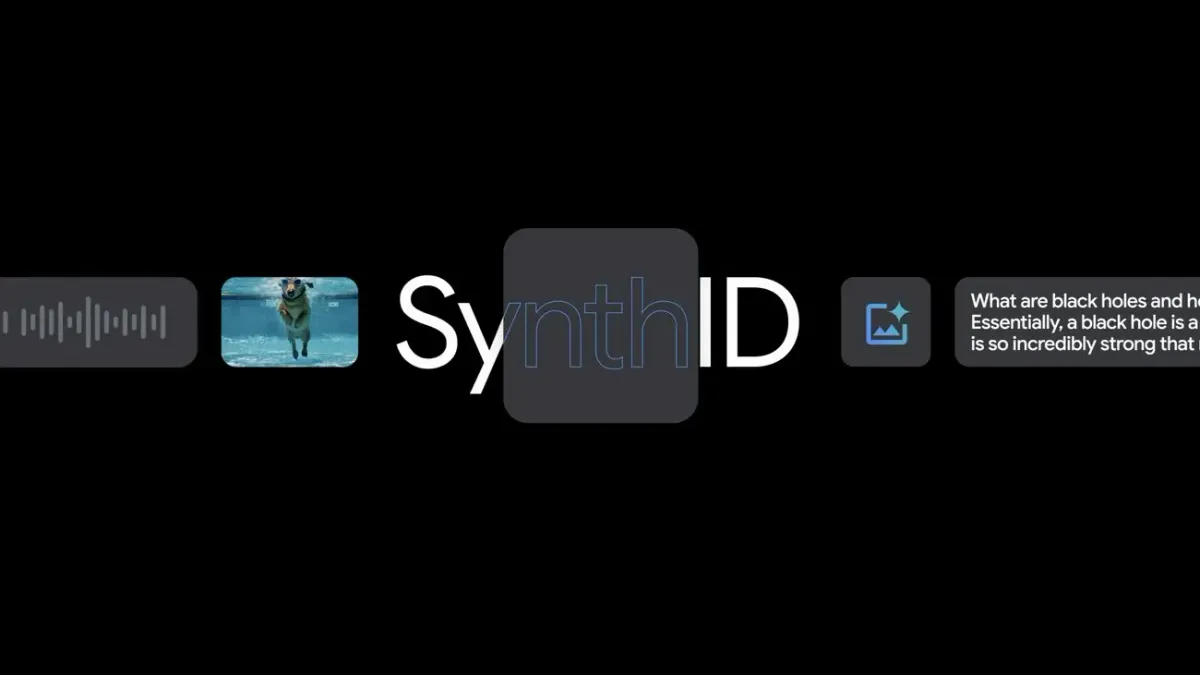
SynthID is a watermarking technology from Google DeepMind that builds a hidden signature into AI-generated content. A normal watermark is a logo stamped in a corner, which anyone can crop out. SynthID is woven into the data of the file itself. To a person, the image, clip, or audio track looks and sounds identical. To a detector, it carries a mathematical pattern that says the content came from a particular AI system.
Google first launched it in 2023 for images. It has since expanded to audio, video, and text, and it is used across Google's generative models, including Imagen for images, Veo for video, Lyria for audio, and Gemini for text. By Google's own figures, it has now marked more than 180 billion images and videos and about 240,000 years of audio.
What Is the SynthID Detector?
Marking content is only half the job, because a watermark nobody can read is useless. The SynthID Detector is the reading half: a web portal where you upload a file and it scans for the watermark. Google previewed an early version at Google I/O on May 20, 2025, but access was limited to journalists and media professionals. The October 2026 release removed that gate.
Here is what the public version offers right now:
- Open to everyone, in English. Anyone can use it worldwide, though the interface is English-only for the moment.
- Images, video, and audio. Reported supported formats include JPG, PNG, HEIC, and GIF images, MP4, MOV, and WEBM video, and MP3, WAV, OGG, FLAC, AAC, and M4A audio.
- Sign-in required. You log in with a Google, Apple, or OpenAI account, and Google says each person gets a daily quota of roughly 10 checks.
- No text option on the public site. Even though SynthID also watermarks Gemini's text, the public portal does not currently accept text uploads.
It Is No Longer Only About Google
The biggest change is that the checker now recognizes watermarks from other companies. Besides Google's own, it can detect SynthID marks from partners including OpenAI, Nvidia, and Kakao, with Apple support described as coming soon. Before, you could only confirm whether Google's tools made something. Now one upload can answer the question for several major AI providers, and each new partner widens what a single check can tell you.
Google also says verification is already built into Search, the Gemini app, and Chrome, which together handle over a million requests a day. The standalone site simply gives anyone a single place to check a file from anywhere.
How SynthID Works
The method differs depending on the type of content.
Text: Nudging Word Choices
A language model writes by predicting the next word, or token, from a set of probabilities. After "My favorite fruit is...", it might weigh "apple," "banana," and "mango." SynthID's text watermark applies a subtle, secret-key-based bias to those choices. The sentence still reads naturally, but across a few hundred words the selections form a statistical fingerprint that a detector holding the same key can recognize. Google open-sourced this text version in late 2024, so other developers can use it in their own models, and a technical write-up is available on Hugging Face.
Images: Tiny Pixel Adjustments
For images, SynthID uses a pair of neural networks. One embeds the signal by adjusting pixel values in ways too small for the eye to notice, and the other learns to detect it. Because the signal is spread across the whole image rather than parked in one corner, it can usually survive cropping, filters, resizing, compression, and even screenshots.
Audio and Video
Audio watermarks live in the waveform itself, and video is handled across both its frames and its sound. Gemini, for example, can inspect a video's visual and audio tracks for SynthID. When the detector finds a mark, it can point to which parts of a file most likely carry it, such as particular audio segments or regions of an image.
How to Use the SynthID Detector
- Go to synthid.com and sign in with a Google, Apple, or OpenAI account.
- Drag your image, video, or audio file into the upload box.
- Wait for the scan, then read the result, which tells you whether a SynthID watermark was found and, where possible, where.
If you are about to share a suspicious viral clip, this takes under a minute and costs nothing.
Why It Matters
Fighting deepfakes. If a fake video was made with a watermarking tool, a newsroom can check it quickly instead of arguing about it for days.
Building trust. Platforms can label AI content automatically, and ordinary people get a simple way to double-check something before forwarding it.
Shared infrastructure. Because partners such as OpenAI and Nvidia are participating, the system works more like a common standard than a single company's walled garden.
What the SynthID Detector Cannot Do
This is the part most coverage skips, and it matters.
It only finds SynthID marks. An unmarked file is not proof of authenticity. Plenty of AI content comes from open-source models and other tools that add no SynthID watermark at all, so a "nothing found" result simply means nothing found.
It cannot separate fully AI-made from AI-edited. If a real photo was touched up with AI, the detector may flag it, but it will not tell you how much of it is synthetic.
Text is the weak point. Heavy rewriting or translating AI text breaks the statistical pattern, and Google itself acknowledges that text watermarks can be circumvented. Images and audio tend to hold up better against compression and conversion.
Daily limits apply. Around ten checks a day is fine for casual use but not for bulk verification.
The sensible approach is to treat SynthID as one strong signal alongside reverse image search, source checking, and common sense, not as a lie detector.
Conclusion
SynthID started as an invisible tag inside Google's own images. With the October 2026 public launch of the SynthID Detector, it has become a free tool anyone can use to check images, video, and audio, including media from several other AI companies. It is not foolproof and it is not a universal truth machine, but in a feed full of synthetic media, a one-minute check beats guessing. Try it on the next suspicious image you see.
Sources - Google DeepMind , Google Blog, Digital Trends, TBreak, SQ Magazine, TechCrunch , Hugging Face