
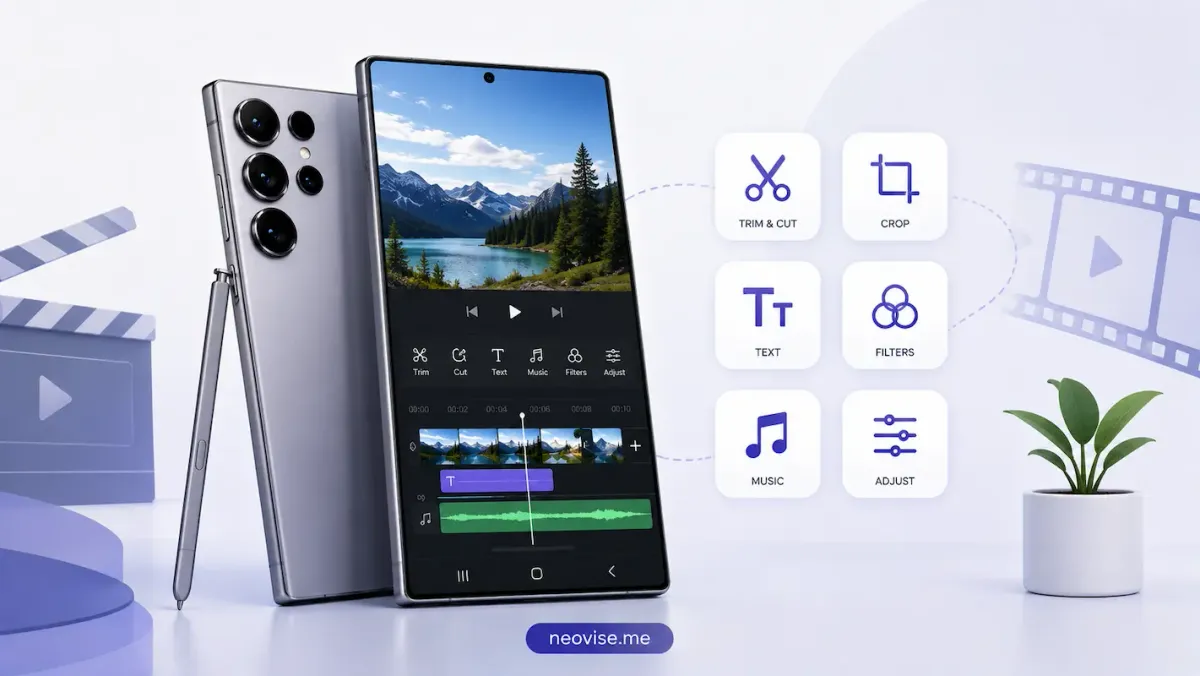
For years, CapCut dominated mobile video editing, with creators relying on its templates, automatic captions, and smooth timeline to produce TikToks, Instagram Reels, and YouTube Shorts at no cost. However, that period has ended. In late 2025 and early 2026, ByteDance restructured CapCut into Standard, Pro and Team plans. Reports from around January 21, 2026, indicated the new Pro plan would cost approximately $19.99 monthly or $179.99 annually, with existing annual users facing a renewal around February 20, 2026, that would escalate to this higher rate. Previously free features, like some 1080p exports, dynamic captions, and cloud storage, are now behind a paywall and the June 2025 terms of service faced criticism for granting extensive, perpetual rights to uploaded content.
If you've recently opened CapCut and noticed a free tool suddenly requiring a subscription, you're not imagining it. The positive side is that mobile video editing continues to advance globally, with several excellent free options available for both iOS and Android. Here's a comprehensive overview of the top free CapCut alternatives for mobile in 2026, detailing their features and limitations.
What Actually Makes a Good CapCut Alternative?
Not every editing app deserves to be called a true replacement. A few things separate a genuine alternative from a stripped-down trimming tool.
First, a proper multi-track timeline is essential. Modern short-form editing relies on layering picture-in-picture clips, text overlays, background music, and sticker animations, which a single-track editor cannot accommodate. Second, watermark-free exports are crucial; even a small logo in the corner immediately indicates that a video was created with a paid tool. Third, the app should provide advanced features beyond simple trimming, such as speed adjustments, keyframe animation, noise reduction, and color grading, allowing it to evolve with a creator rather than becoming a limiting factor.
1. VN Video Editor (VlogNow): Best Overall Free Alternative
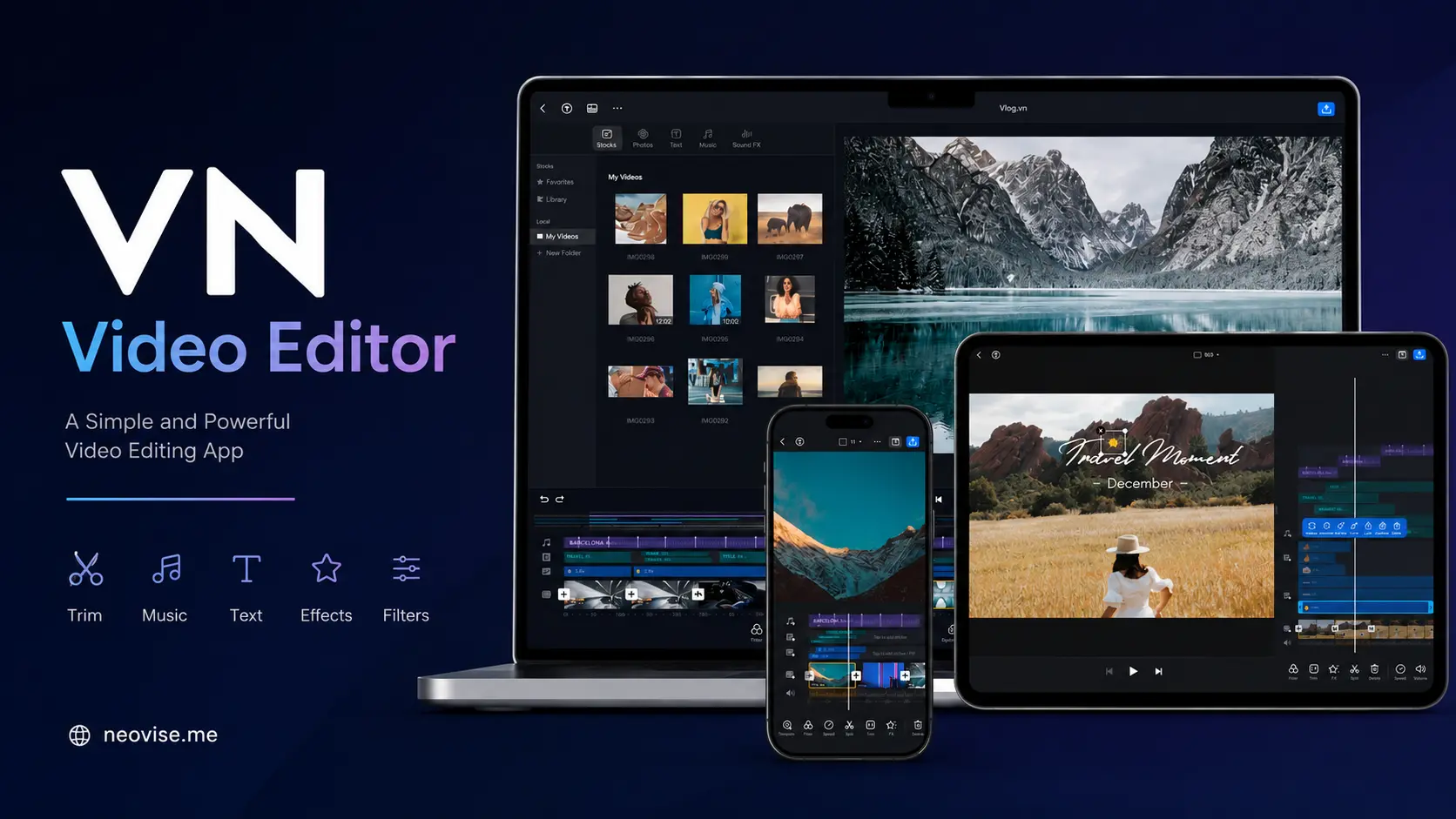
VN Video Editor, created by Ubiquiti Labs, LLC and formerly known as VlogNow, offers a near desktop-level editing experience in a portable form. It is completely free, without subscriptions or watermarks on exported videos, and operates on iOS, Android, Mac, and Windows. This allows users to begin editing on their phone and transition seamlessly to a larger screen.
The app supports a multi-track timeline with frame-accurate trimming down to 0.05 seconds, keyframe animation for moving text and stickers along custom paths, and speed curve tools for smooth ramping effects. For color work, VN lets you import custom .cube LUT files, and exports go up to 4K at 60fps on capable hardware. It's this combination, professional tools with zero cost and no branding, that has made VN one of the most recommended CapCut replacements this year.
Pros:
- Completely free with no watermark and no forced subscription
- Multi-track timeline with keyframes, masks, and blend modes
- Custom LUT import for cinematic color grading
- Cross-platform: iOS, Android, macOS, and Windows
- 4K 60fps export on supported devices
Cons:
- Fewer trending templates and automated AI effects than CapCut
- Auto-captioning is more limited than dedicated caption-first apps
- 4K editing needs a reasonably powerful phone (6GB+ RAM recommended)
2. InShot: Best for Quick, Beginner-Friendly Edits
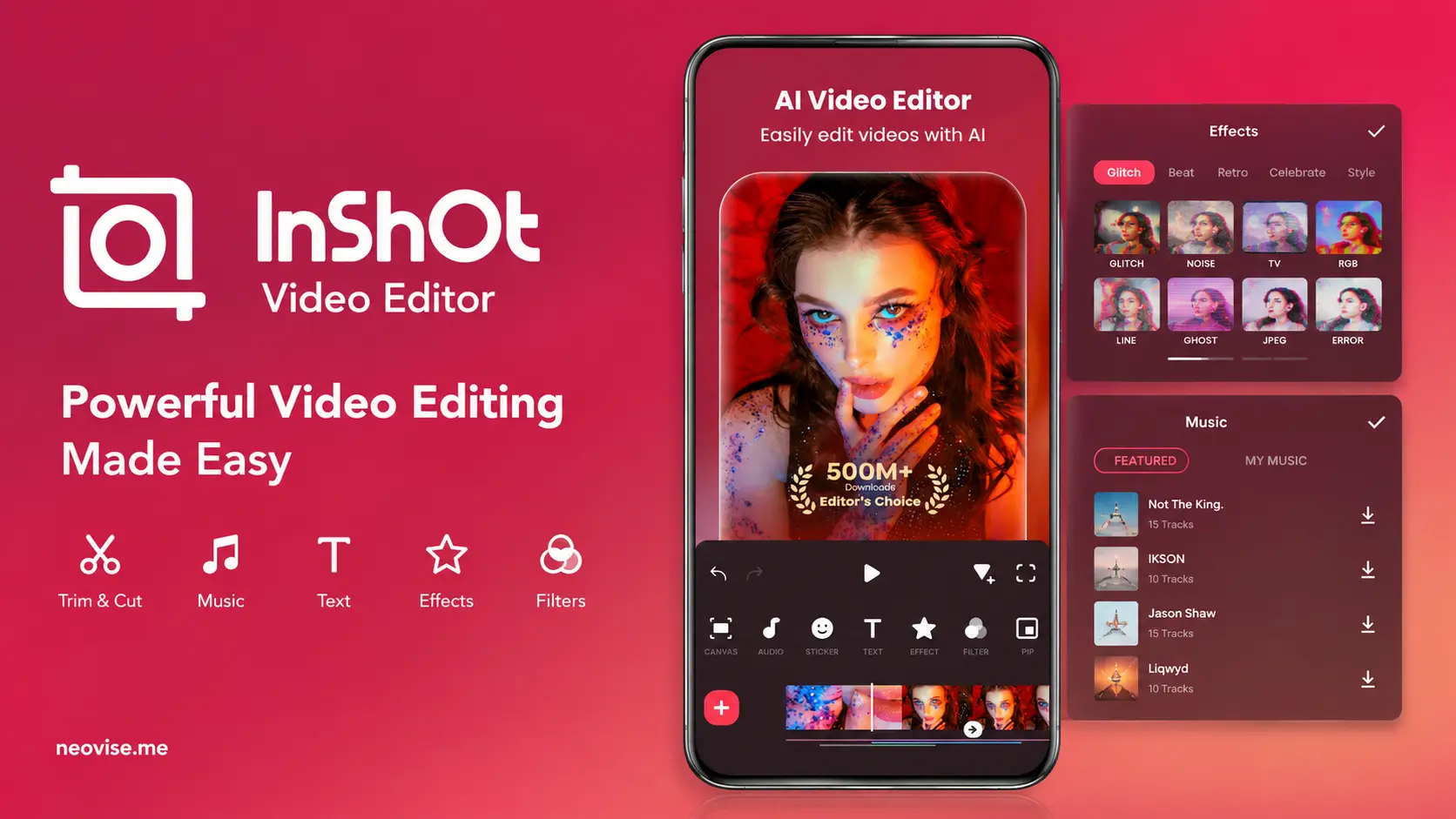
InShot remains one of the most downloaded editing apps worldwide, and it's a natural landing spot for creators leaving CapCut who just want something simple. The interface is built around single-tap tools: trimming, instant aspect-ratio switching between 9:16 and 16:9, background blur and a solid sticker and text library with basic keyframe animation.
InShot does place a small watermark on free exports, but it offers a fair workaround: watching a short in-app ad removes the watermark for that specific export, no purchase required. For creators who don't mind the occasional ad break, that makes InShot a legitimately free, no-subscription option. A yearly InShot Pro upgrade, priced modestly compared to CapCut's new rates, removes ads and watermarks permanently and adds AI tools like silence removal.
Pros:
- Beginner-friendly interface, usable within minutes
- Free watermark removal by watching a short ad
- Strong picture-in-picture support for reaction and commentary videos
- Runs smoothly even on older, budget smartphones
Cons:
- Banner ads and popups throughout the free experience
- Timeline gets cluttered on complex, multi-layer projects
- Limited color grading and audio waveform tools
3. YouTube Create: Best 100% Free Option With No Ads or Watermarks
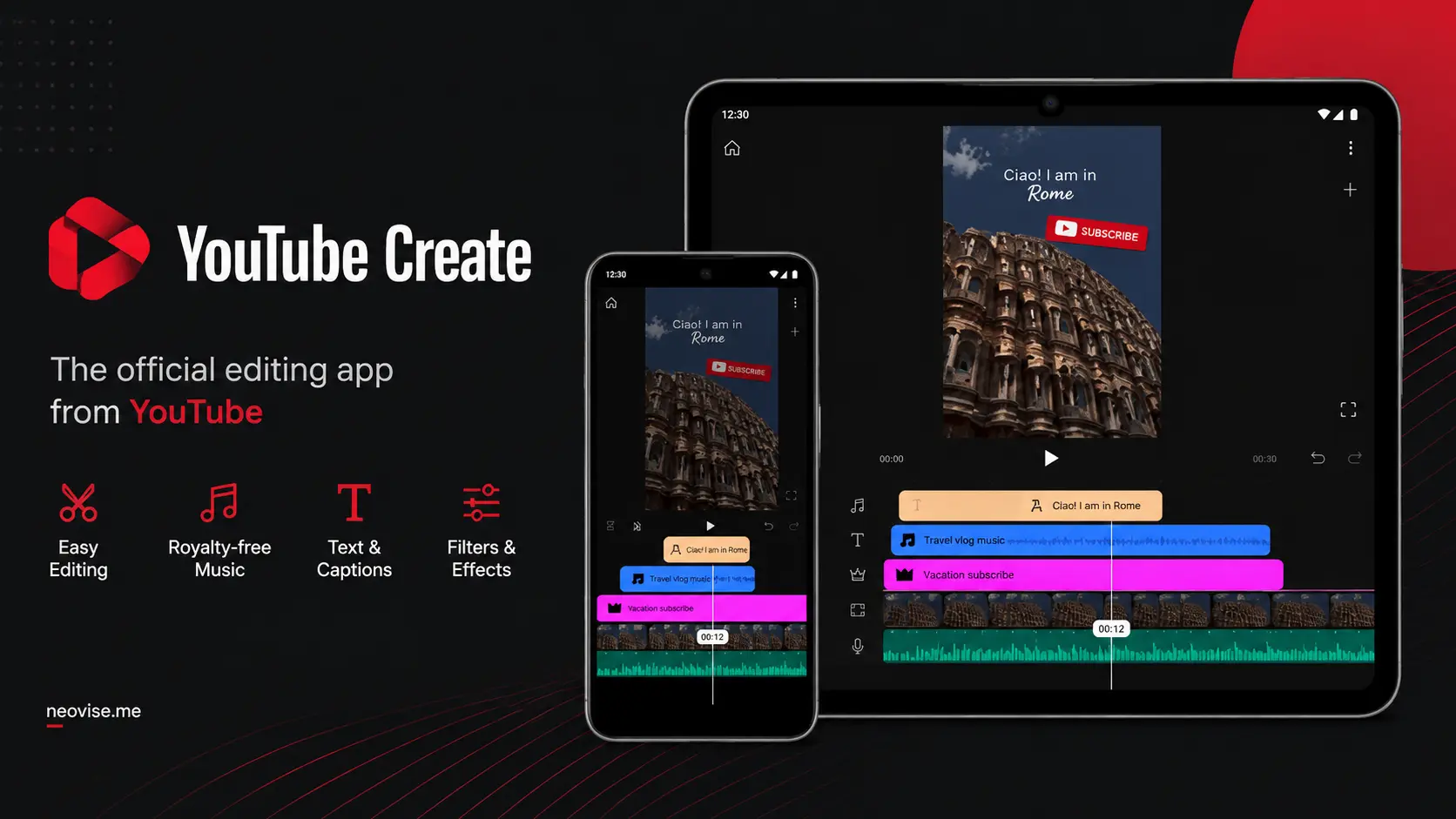
Built directly by Google, YouTube Create is aimed squarely at creators making Shorts and long-form YouTube videos from their phones. It's currently in beta but has already rolled out to both Android and iOS users in most regions and it remains completely free with no ads, no watermark and no paid tier at all.
Signing in with a Google account unlocks a library of thousands of licensed, royalty-free music tracks and sound effects with beat-matching built into the timeline, so there's no copyright-strike risk. The standout feature is its audio cleanup tool, which uses AI to strip out wind, traffic and echo from voice recordings, and the app also generates automatic captions in several languages with a single tap.
Pros:
- Entirely free: no watermarks, no ads, no subscription
- Thousands of licensed royalty-free tracks with beat matching
- One-tap AI audio cleanup for noisy recordings
- Auto-captioning built in, plus direct one-tap upload to YouTube
Cons:
- Still in beta, with some users reporting export crashes
- Feature set is lighter than dedicated multi-track editors like VN
- Mostly optimized for vertical and square formats
4. Adobe Premiere on iPhone: Best for Professional Color and Audio Control
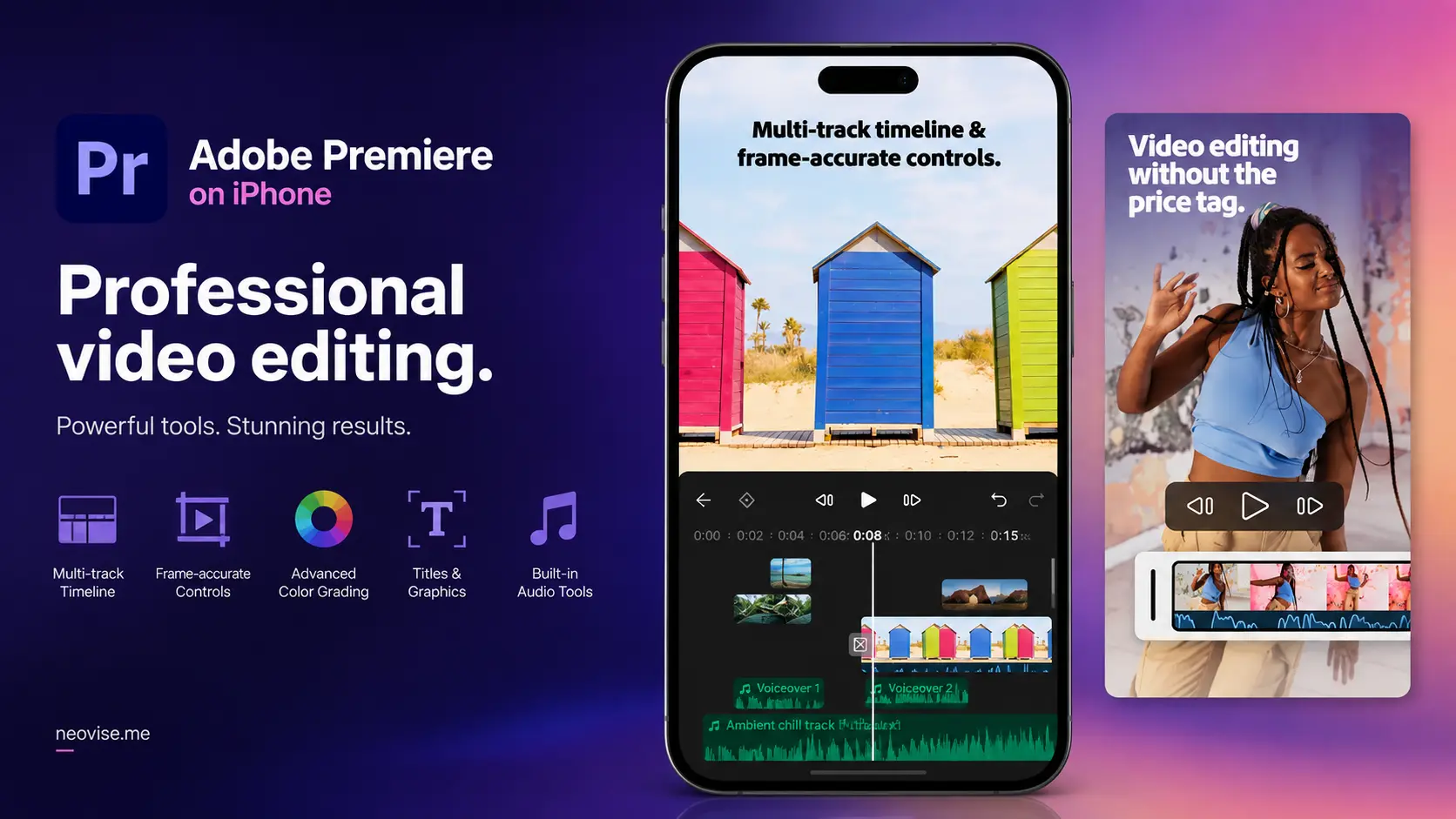
Adobe discontinued its older Premiere Rush app on September 30, 2025, replacing it with a rebuilt mobile app called Premiere on iPhone. It's free, includes a genuine multi-track, resizable timeline, unlimited free auto-captions and watermark-free 4K exports, all without a subscription for the core toolset. An Android version is still in development, so for now this option is iOS-only.
The app connects to Adobe Creative Cloud, so a project started on the phone can be handed off to desktop Premiere for final polish. It also includes AI-powered audio cleanup and Adobe Firefly-generated stickers, images and sound effects, though those generative AI features consume paid credits rather than being fully free.
Pros:
- Free multi-track timeline with precise color and audio controls
- Unlimited free auto-captions and watermark-free exports
- Seamless project handoff to desktop Premiere via Creative Cloud
- No account required just to edit, save, and export locally
Cons:
- iOS only for now; Android is still "in development"
- Generative AI features (Firefly stickers, sound effects) require purchased credits
- Lacks the viral meme templates found in CapCut
5. LightCut: Best AI Auto-Editor for One-Tap Videos
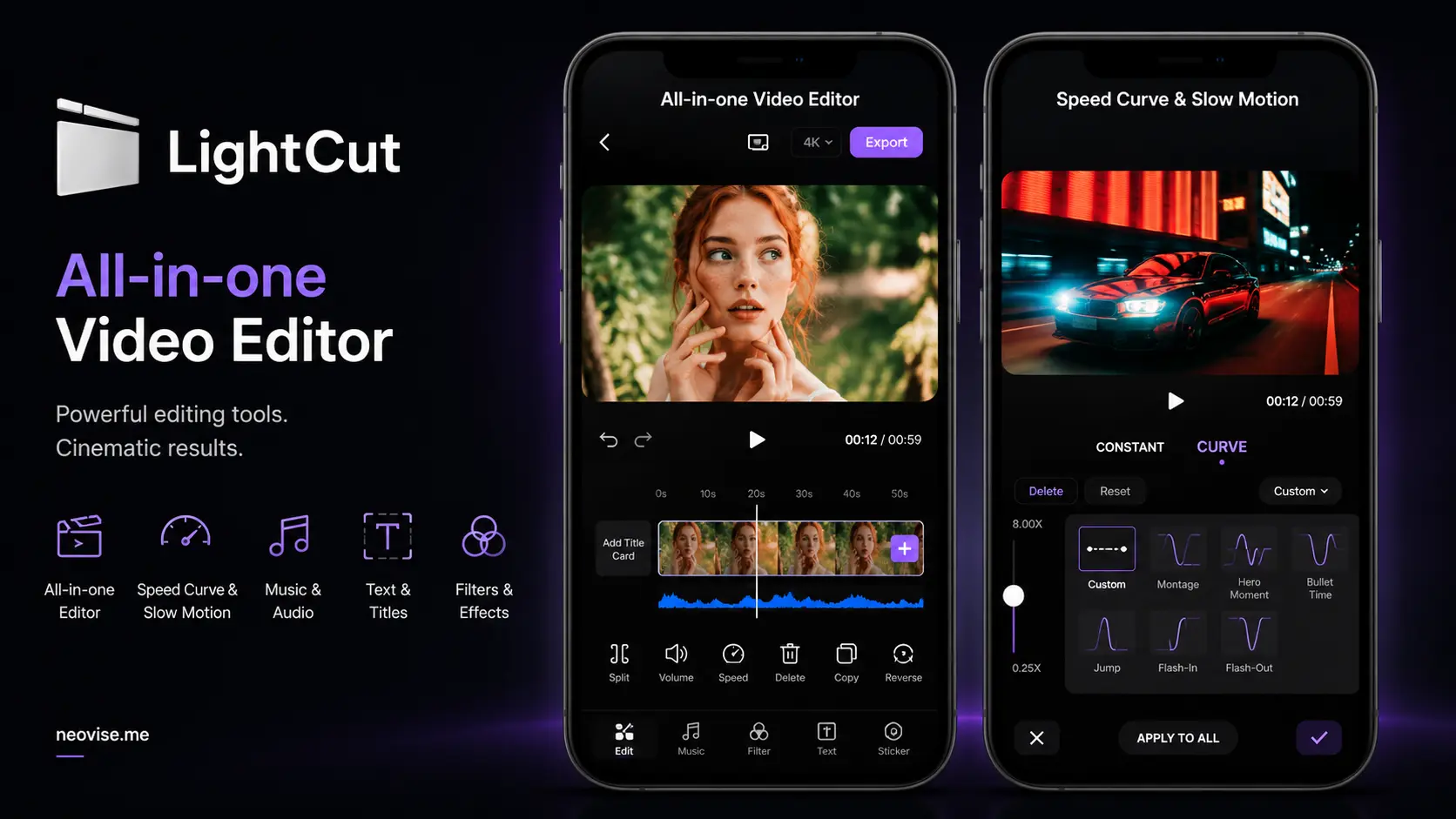
LightCut is developed by drone maker DJI and is officially recommended for use with its camera and gimbal lineup, though it works fine with regular phone footage too. It's completely free, with no ads and no watermark on any export, and its core draw is the One-Tap Edit feature: feed it a batch of raw clips, and its AI analyzes the footage, picks the most engaging moments, cuts them to the beat of a chosen track, and applies transitions automatically.
Manual editing tools exist as well, including a multi-track timeline, text overlays, and speed adjustments, though they're noticeably less refined than what VN Video Editor offers. LightCut connects directly over Wi-Fi with several DJI drones and pocket cameras for instant footage transfer and preview, a real advantage for anyone shooting on DJI hardware.
Pros:
- Genuinely free with zero ads or watermarks
- Smart AI Auto Cut builds beat-synced edits in seconds
- Direct wireless integration with DJI drones and gimbals
- Large, regularly updated template library
Cons:
- Manual timeline tools are less precise than VN's
- Heavily reliant on cloud processing for AI templates
- Lacks landscape support on iPad, according to user reviews
6. YouCut: Best Lightweight Option for Older Phones
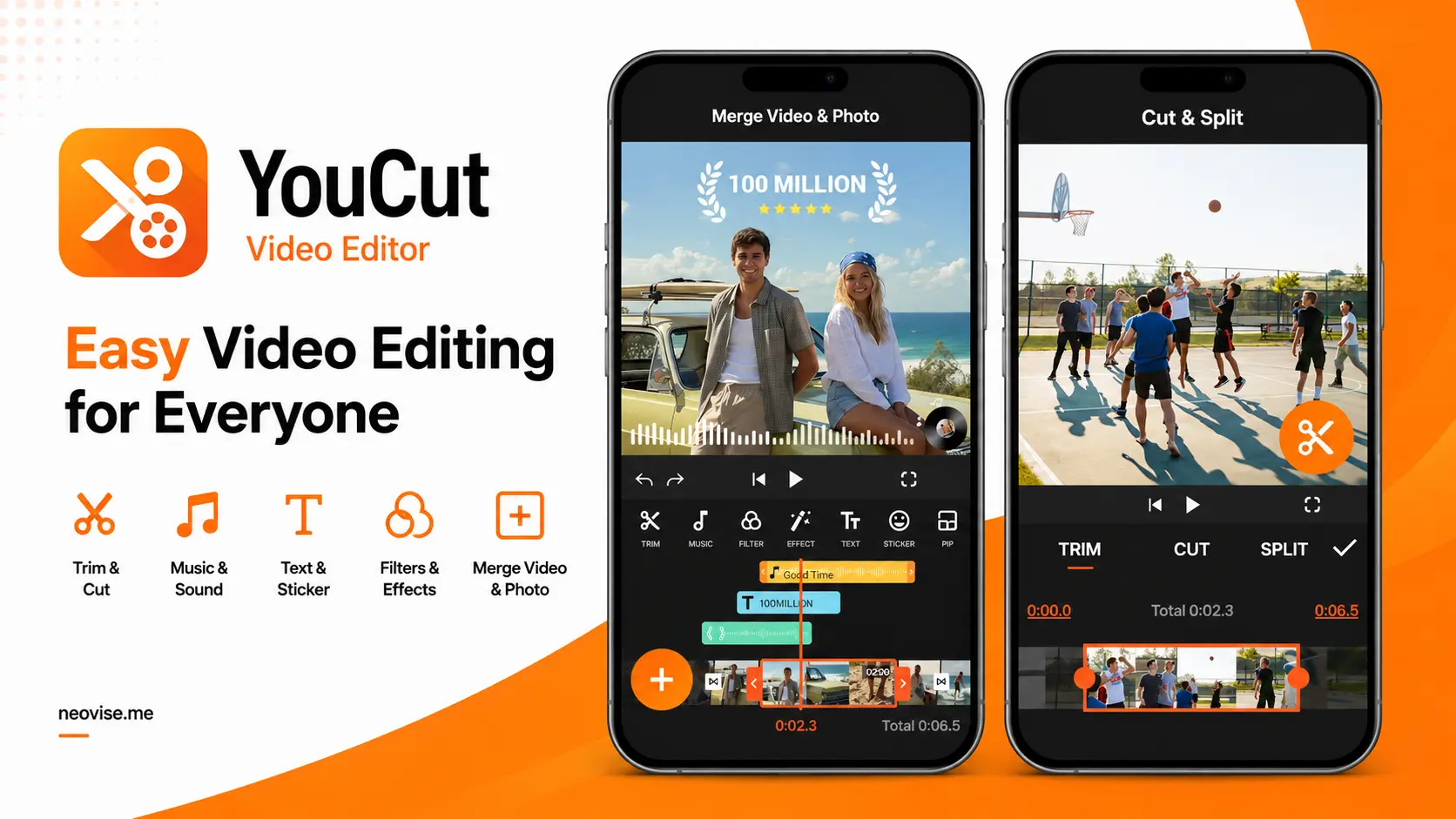
Made by the same team behind InShot, YouCut targets a slightly different use case: traditional landscape-format editing for full-length YouTube uploads rather than social shorts. Its biggest strength is efficiency. Where many modern editors demand heavy RAM and storage, YouCut is built to run comfortably on budget or aging smartphones without overheating or lagging.
Like InShot, YouCut lets free users strip the small export watermark by watching a short ad instead of paying. It covers the essentials well: clip merging, speed adjustment, background swaps, and filters, plus solid video compression that shrinks file sizes without noticeably hurting quality.
Pros:
- Runs smoothly on older or lower-spec devices
- Free watermark removal via a short ad
- Efficient compression tools for smaller export files
- No account registration required to start editing
Cons:
- Banner ads appear throughout the free interface
- AI background removal and advanced keyframing require payment
- Text animation options are more limited than CapCut's
Comparing the Alternatives at a Glance
| Editor | Watermark | Best For | Platforms |
|---|---|---|---|
| VN Video Editor | None (100% free) | Desktop-style precision editing | iOS, Android, macOS, Windows |
| InShot | Removable via ad | Quick Reels and TikToks | iOS, Android |
| YouTube Create | None (100% free) | Shorts, voiceovers, captions | iOS, Android (beta) |
| Adobe Premiere on iPhone | None (free tier) | Color grading, pro audio | iOS only |
| LightCut | None (100% free) | One-tap AI editing, DJI footage | iOS, Android |
| YouCut | Removable via ad | Long-form video on older phones | iOS, Android |
Which One Should You Actually Pick?
If you want the deepest manual control, custom LUTs, keyframes, speed curves, without ever hitting a paywall, VN Video Editor is the strongest match for CapCut's old feature set. If your workflow leaned on CapCut's automated templates, LightCut's AI Auto Cut will feel the most familiar. And if you're a beginner who just wants to trim clips, drop in music and post quickly, InShot or YouTube Create will get you there with almost no learning curve.
Conclusion
CapCut's shift toward a $19.99-a-month Pro tier and a restructured pricing model has pushed a lot of creators to look elsewhere, and thankfully, the alternatives are genuinely competitive rather than compromises. Whether you land on VN Video Editor's desktop-grade precision, YouTube Create's completely ad-free experience, or LightCut's one-tap AI edits, it's entirely possible to keep making polished, watermark-free videos on your phone without adding another subscription to your monthly bills.
Sources - Sonary, SocialRails, Adobe, guruposts.com, Pixflow, DJI, AnyMP4