English
 Russian
 Español
 Français
 Deutsch
 हिन्दी
 සිංහල
සිංහල 中文
中文 日本語
日本語
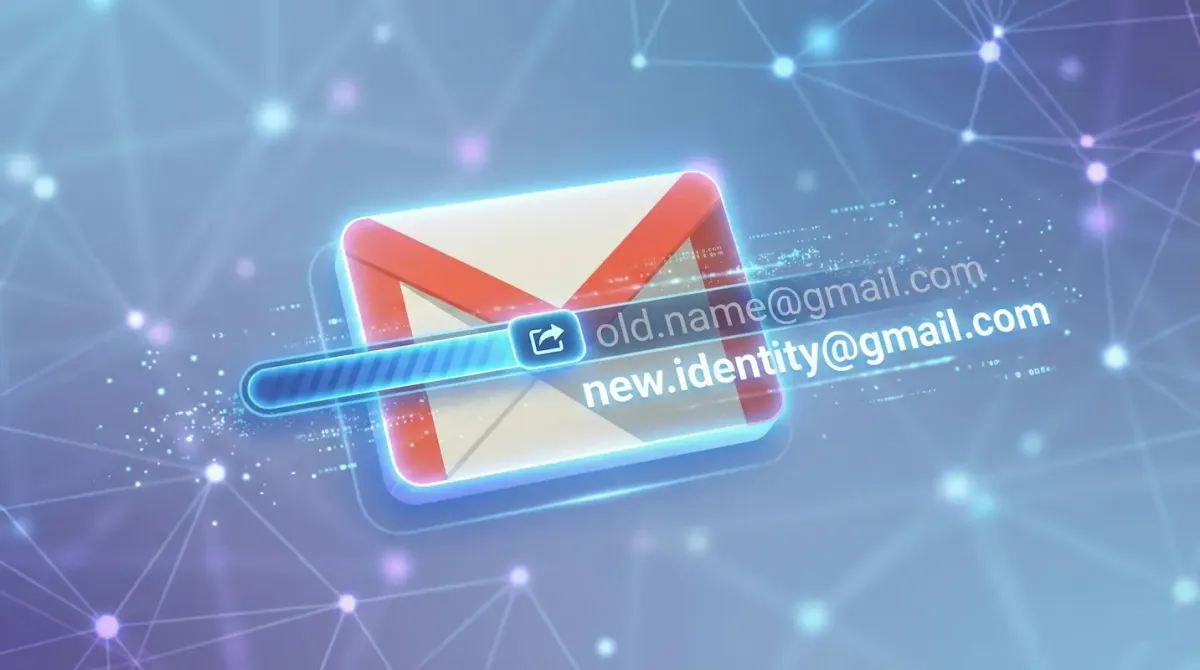
For almost twenty years, changing a Gmail address was simply not possible. Once you created an address such as [email protected], it was locked in forever. If that username later felt unprofessional or outdated, the only option was to open a new account and leave behind years of emails, contacts, and subscriptions.
That long-standing rule is finally beginning to change. As of late December 2025, Google has started introducing a new option that allows some users to rename their Gmail address without creating a new account. While the feature is not yet available to everyone, it marks a major shift in how Gmail accounts work.
This article explains what the new rename feature does, who can access it, and the best alternatives if your account has not received the update yet.
The Gmail “Rename” Update (December 2025)
In December 2025, multiple reports confirmed that Google began a gradual rollout of a Gmail rename feature. This update allows selected users to change their primary @gmail.com address directly from their Google Account settings, without losing their inbox or account data.
To check whether your account supports this feature:
- Open your Google Account settings at myaccount.google.com
- Select Personal Info
- Scroll to Contact Info and choose Email
- Click Google Account Email
- Look for a small pencil icon next to your Gmail address
If the pencil icon appears, your account is part of the early rollout and you can choose a new Gmail address immediately.
There are a few important rules to keep in mind:
- The address can only be changed once every 12 months
- Your old Gmail address becomes an alias
- Emails sent to your old address will still arrive in your inbox
This alias system ensures you do not miss messages from people who still use your previous email address.
What If You Don’t Have the Update Yet?
Most Gmail users will not see the rename option right away. If the pencil icon is missing, you cannot directly change your Gmail address at this time. However, there are reliable workarounds that can achieve a similar result.
Method A: Use “Send Mail As”
This is the most popular professional workaround. It allows you to keep your existing account while appearing to send emails from a new address.
- Create a new Gmail address, such as
[email protected] - Log in to your old Gmail account
- Open Settings > See all settings > Accounts and Import
- Find Send mail as and select Add another email address
- Enter the new address and verify it
- Set the new address as the default sender
With this setup, you continue using your old inbox, but recipients see emails coming from your new address.
Method B: Full Account Migration
This option is best if you want to completely stop using your old address but keep your email history.
- Create a new Gmail account
- In the new account, open Settings > Accounts and Import
- Choose Import mail and contacts
- Sign in to your old account when prompted
Google will copy your emails and contacts into the new inbox, giving you a fresh address without losing important data.
Gmail Dot and Plus Tricks You Can Use Anytime
In some cases, you may not need a new account or rename feature at all. Gmail includes built-in variations that work automatically.
- Dot trick: Gmail ignores dots in addresses. For example,
[email protected]and[email protected]lead to the same inbox. - Plus trick: You can add a plus sign and extra text, such as
[email protected]. This is useful for filtering emails, though it may not look ideal for professional use.
These tricks do not change your actual Gmail address, but they can help with organization and presentation.
Conclusion
For the first time in Gmail’s history, changing your email address is becoming possible. If your account has received the December 2025 rename update, you can modify your address directly while keeping all your emails and settings.
If the feature is not available yet, the Send mail as option remains the most practical and professional workaround, while full migration is ideal for those ready to move on completely. Until the rename feature reaches all users, these methods offer safe and flexible ways to manage your Gmail identity.
Sources:
cybersecuritynews.com
9to5google.com
support.google.com
Frequently Asked Questions