English
 Russian
 Español
 Français
 Deutsch
 हिन्दी
 සිංහල
සිංහල 中文
中文 日本語
日本語
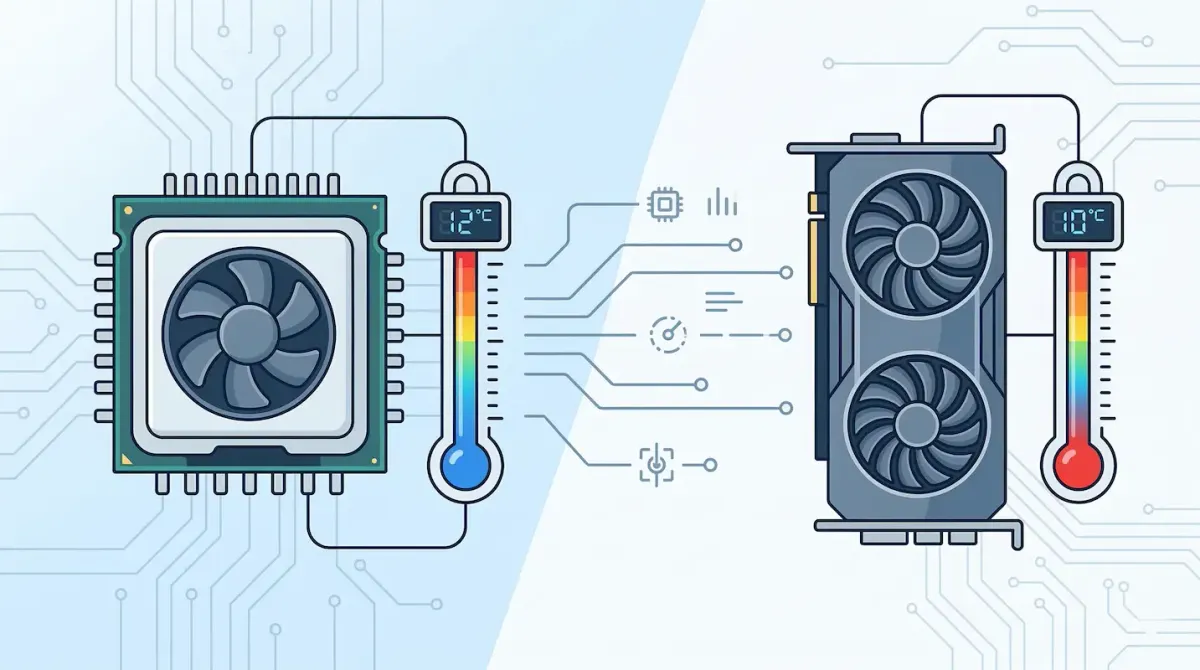
If you want your computer to perform well and last longer, keeping an eye on its temperature is essential. Inside your system, the CPU (Central Processing Unit) and GPU (Graphics Processing Unit) handle demanding tasks like gaming, video editing, and multitasking. These operations generate a lot of heat.
If your cooling system is not working properly or dust blocks airflow, heat can build up quickly. When this happens, your system may slow down automatically to prevent damage. This behavior is known as thermal throttling, and it can cause lag, stuttering, and reduced performance. In extreme cases, overheating can permanently damage your hardware.
The good news is that you can easily monitor your system temperature using free software tools. Below are some of the best options available.
HWiNFO (Best for Advanced Monitoring)
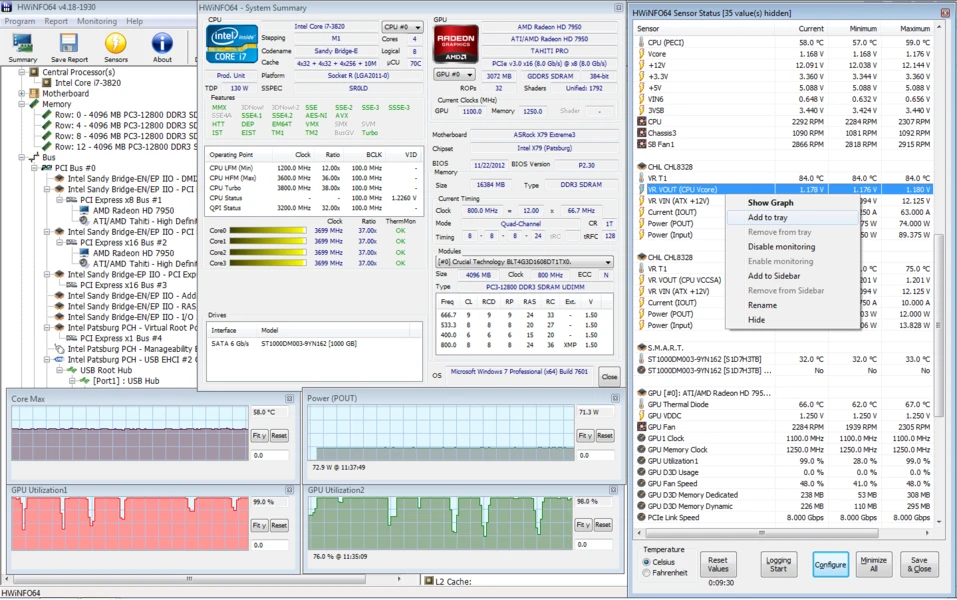
HWiNFO is one of the most powerful and detailed hardware monitoring tools available. It is widely used by PC enthusiasts and professionals.When you launch the software, you can choose the “Sensors only” mode, which displays a detailed list of all hardware readings in your system.
This tool provides:
- CPU core temperatures
- GPU temperature
- Motherboard sensor data
- Storage drive temperatures
Although the interface may feel overwhelming at first, it gives you complete insight into your system. If you want maximum detail and accuracy, HWiNFO is an excellent choice.
MSI Afterburner (Best for Gamers)
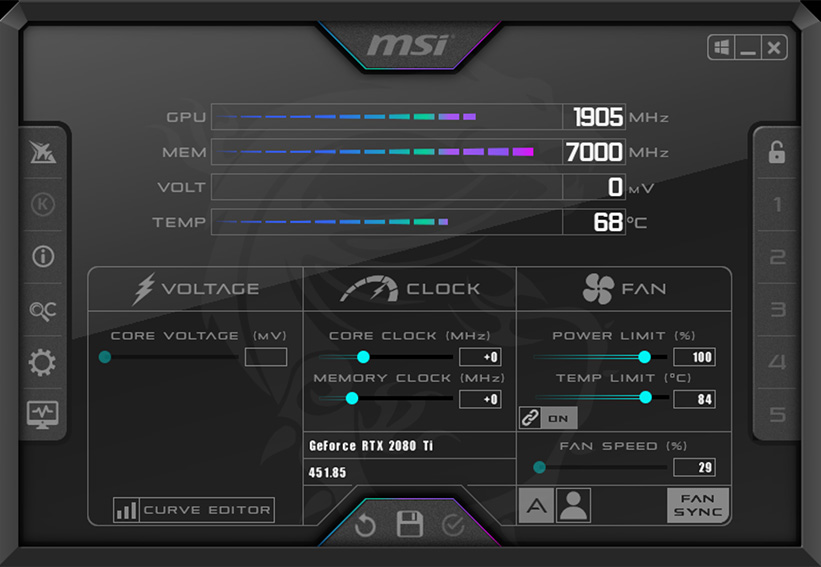
MSI Afterburner is one of the most popular tools among gamers. It works with graphics cards from all brands, not just MSI. Its standout feature is the on screen display (OSD) powered by RivaTuner Statistics Server.
This allows you to:
- View CPU and GPU temperatures while gaming
- Monitor FPS (frames per second)
- Track system usage in real time
Instead of minimizing your game to check temperatures, you can see everything directly on your screen while playing. This makes it ideal for detecting overheating during heavy workloads.
HWMonitor (Best for Simplicity)
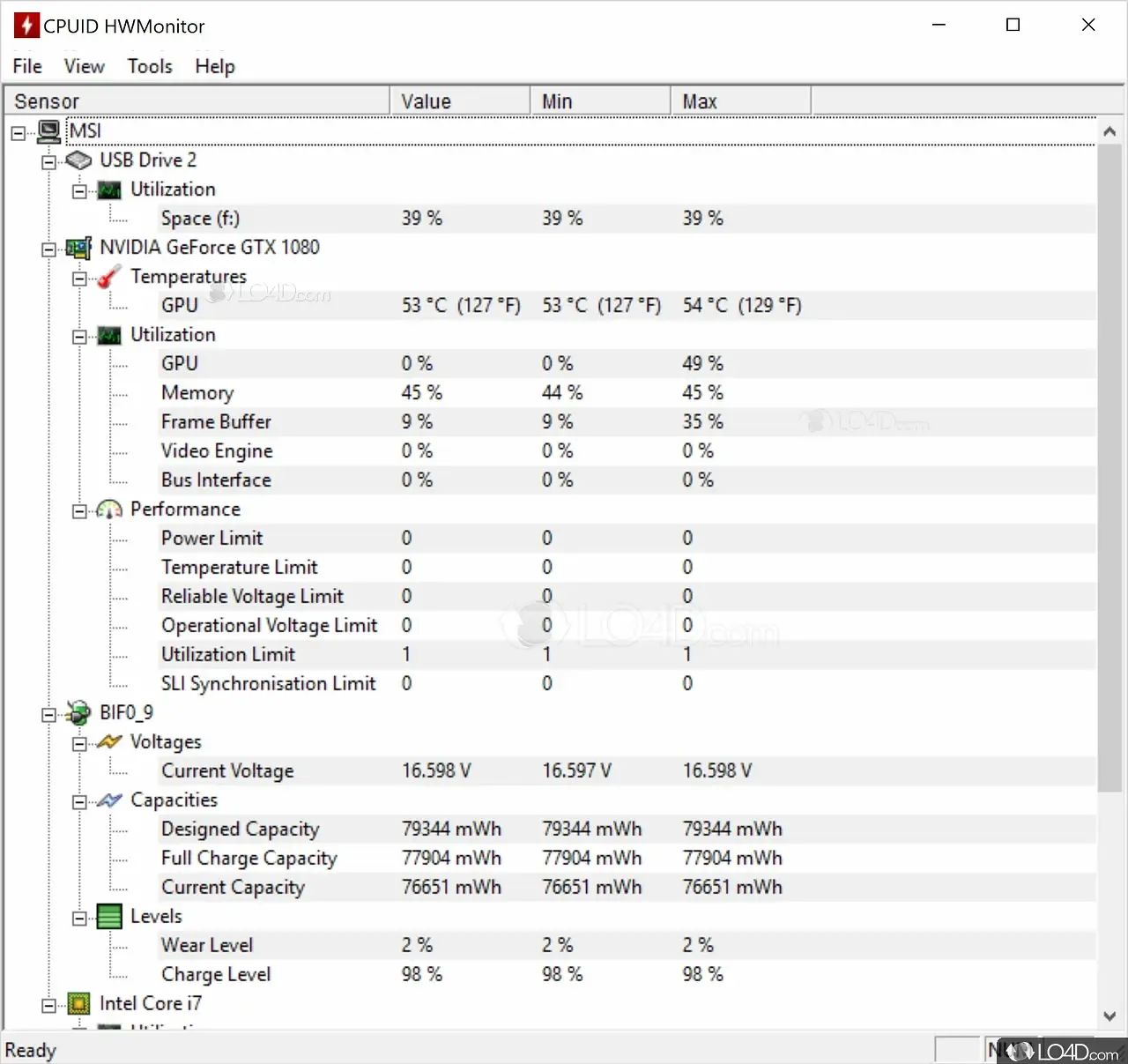
HWMonitor is a lightweight and easy to use tool created by CPUID. It presents system data in a clean format, focusing on essential information such as:
- Current temperature
- Minimum recorded temperature
- Maximum recorded temperature
This is especially useful when testing your system under load. For example, you can run a game for an hour and later check the maximum temperature reached.
If you want something simple without advanced settings, HWMonitor is a great option.
Core Temp (Best for CPU Only Monitoring)
If you only want to monitor your CPU, Core Temp is a focused and efficient tool. It reads temperature data directly from your processor’s internal sensors and uses very little system resources. One of its best features is taskbar integration. It can display your CPU temperature as a small number near the system clock, allowing you to monitor it at a glance.
This is perfect if you recently installed a new cooler or want to keep an eye on CPU performance continuously.
Libre Hardware Monitor (Best Open Source Tool)
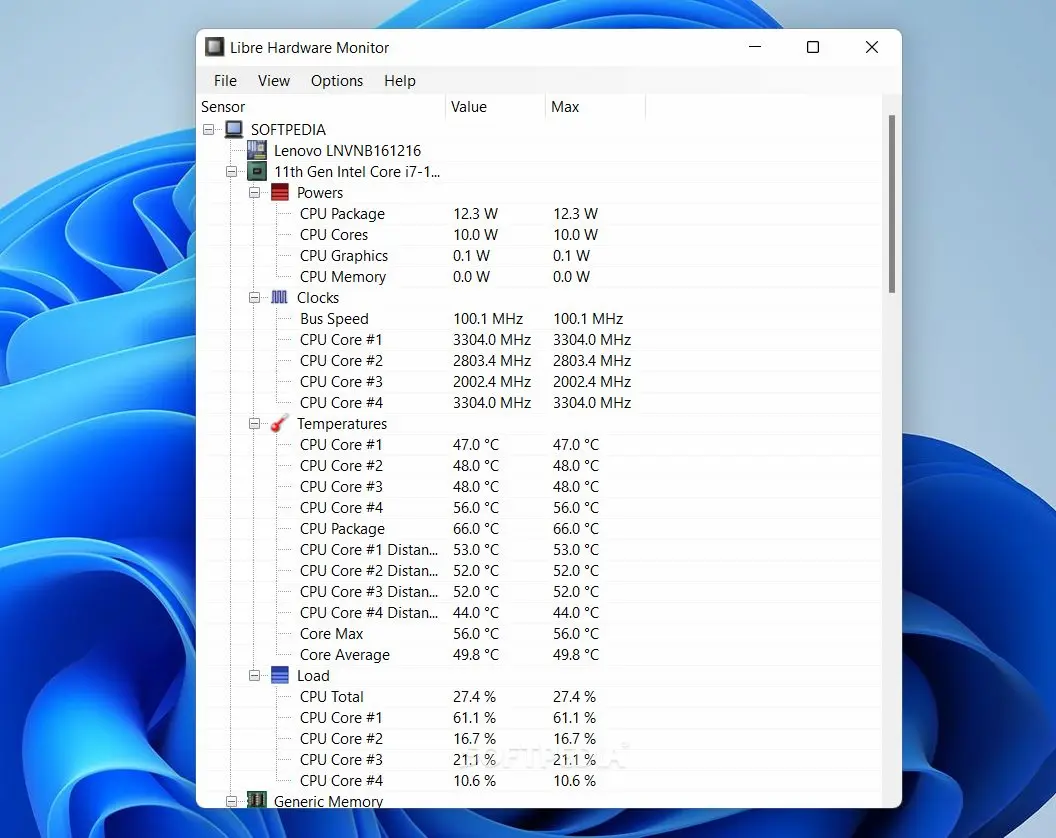
Libre Hardware Monitor is a free and open source alternative for users who prefer clean and transparent software.
Since it is open source:
- The code is publicly available
- No hidden tracking or ads
- Regular community updates
It offers a simple interface similar to HWMonitor but is frequently updated to support newer hardware. If you want a privacy focused tool with no extra bloat, this is a solid choice.
What Temperatures Are Safe?
Once you start monitoring your system, it is important to understand what temperature ranges are considered safe.
Idle Temperature (Low Usage)
When browsing or doing light work, temperatures should typically stay between 30°C and 50°C.
Under Heavy Load (Gaming or Editing)
During demanding tasks, safe temperatures usually range between 65°C and 85°C.
Danger Zone
If temperatures exceed 90°C, you should take action. While short spikes are normal, staying above this level for long periods can damage your hardware. At around 100°C, most systems will automatically shut down to prevent failure.
Conclusion
Monitoring your CPU and GPU temperature is one of the easiest ways to protect your computer and maintain performance. You do not need expensive tools to do this effectively.
If you want deep analysis, HWiNFO is the best option. For gaming, MSI Afterburner provides real time monitoring. If you prefer simplicity, HWMonitor is ideal. For CPU focused tracking, Core Temp works perfectly, and Libre Hardware Monitor is great for users who prefer open source solutions.
Choose the tool that matches your needs and keep your system running cool and stable.
Sources - hwinfo.com, msi.com, cpuid.com
Frequently Asked Questions