6 Best Free Automation Tools to Boost Productivity (2026)

 English
 Russian
 Español
 Français
 Deutsch
 हिन्दी
 සිංහල
සිංහල 中文
中文 日本語
日本語
In 2025, you do not need to be a programmer to build software. You just need to connect the apps you already use.
"Automation" sounds expensive, but it doesn't have to be. While premium tools cost hundreds of dollars a month, there are powerful free alternatives that let you automate emails, organize files, and manage social media at no cost.
In this article, we list the 6 Best Free Automation Tools. We have analyzed their "Free Plans" to see which one gives you the most value.
1. Make (Formerly Integromat)
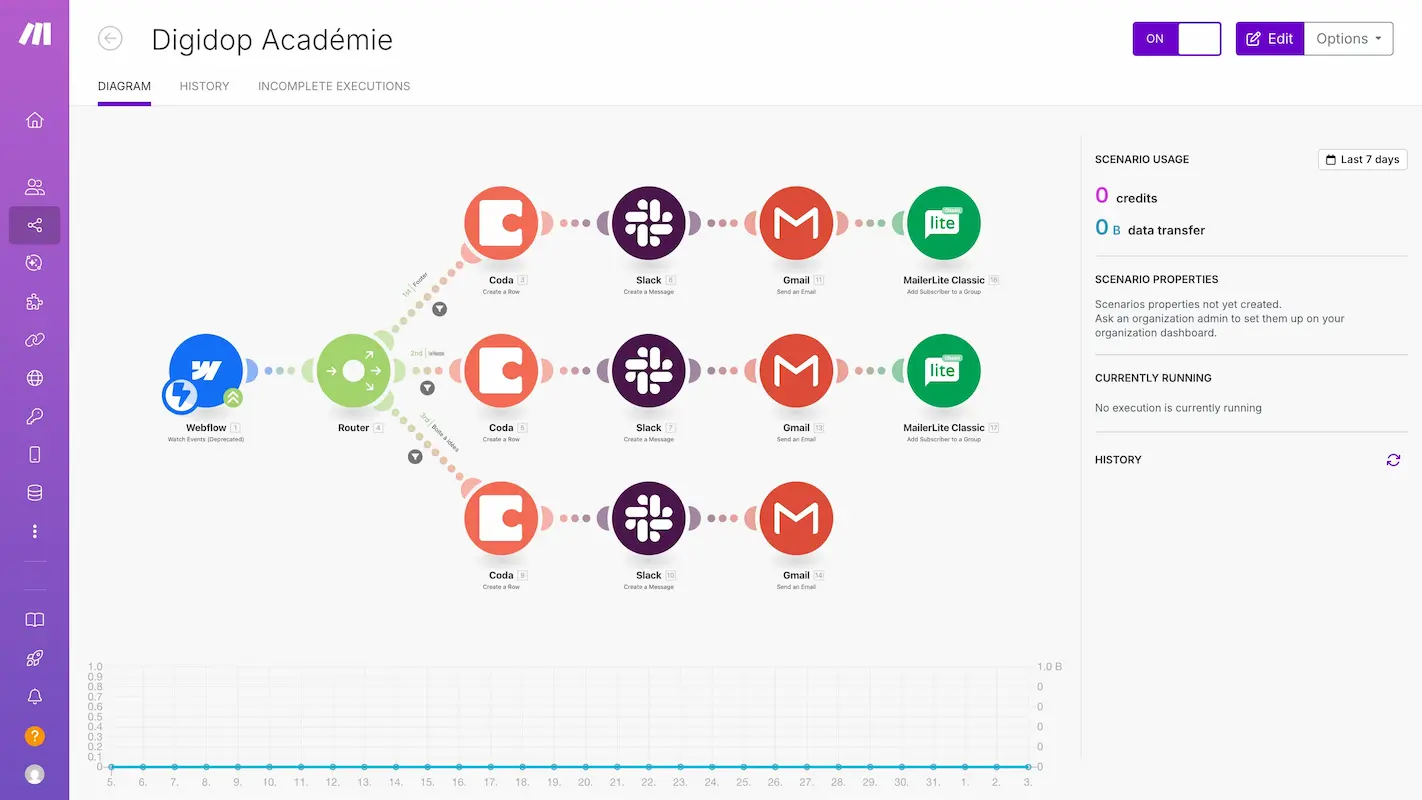
Best For: Visual thinkers and complex workflows.
Make is widely considered the best free alternative to Zapier. It uses a beautiful "bubble" interface where you can drag and drop apps to connect them. Unlike other tools that just do "A to B," Make allows you to create complex paths, loops, and filters.
- Free Plan Limit: 1,000 operations per month.
Pros:
- Visual Interface: You can "see" how your data moves between apps.
- High Limit: 1,000 operations is much more generous than Zapier's free plan.
- Complex Logic: Supports routers, filters, and error handlers even on the free plan.
Cons:
- Steeper Learning Curve: It can be overwhelming for total beginners.
- Operation Count: Complex workflows burn through your 1,000 "operations" quickly.
2. n8n (The Open-Source King)
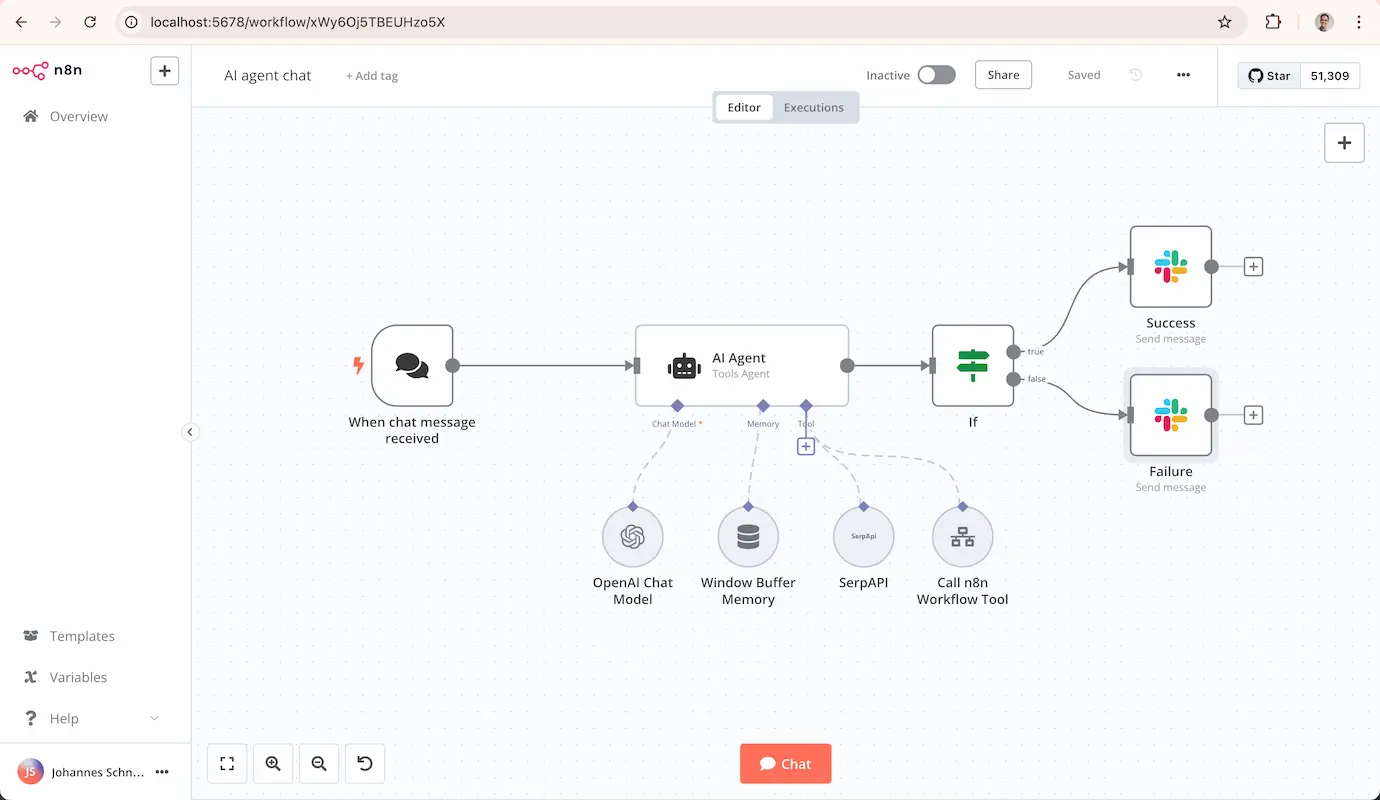
Best For: Tech-savvy users and developers.
n8n is a "Fair-code" tool. It is unique because if you host it yourself (on your own computer or server), it is completely free with no limits. It allows you to use JavaScript to manipulate data, giving you infinite control.
- Free Plan Limit: Unlimited (if Self-Hosted).
Pros:
- Unlimited Executions: No monthly caps if you run it on your own hardware.
- Privacy: Your data stays on your server, not in the cloud.
- Powerful: Supports custom JavaScript and Python code.
Cons:
- Requires Setup: You need to know how to install software on a server (Docker/Node.js).
- Cloud Cost: If you don't want to self-host, their Cloud version is paid.
3. Microsoft Power Automate Desktop
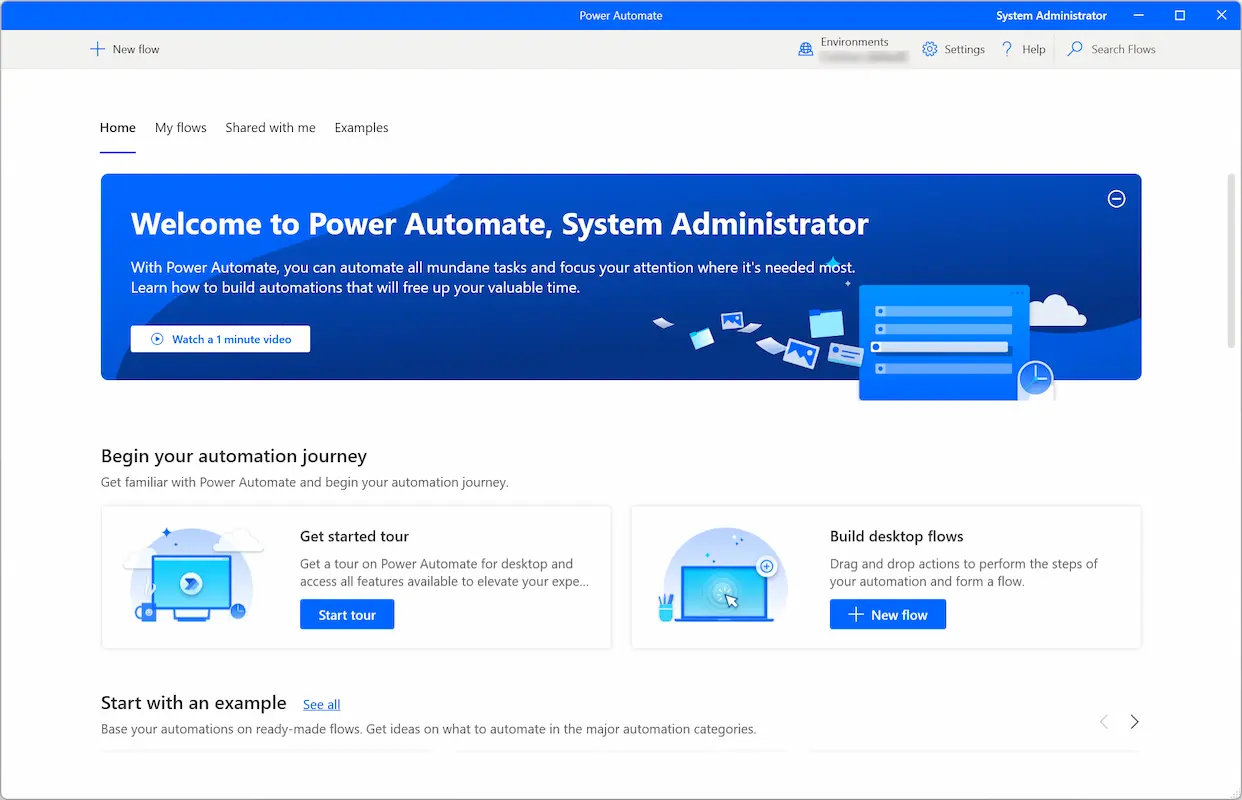
Best For: Windows users and "Robotic Process Automation" (RPA).
Most automation tools work in the cloud (connecting Gmail to Slack). Power Automate Desktop works on your actual screen. It can click buttons, open Excel files, and copy-paste text just like a human robot.
- Free Plan Limit: Free for personal use (Windows 10/11).
Pros:
- Desktop Control: Can automate old software that doesn't have an API.
- Built-in: It comes pre-installed on many Windows 11 computers.
- Recorder: You can "record" your mouse clicks, and it will repeat them.
Cons:
- Windows Only: Does not work on Mac or Linux.
- Local Only: The computer must be turned on for the automation to run.
4. Zapier
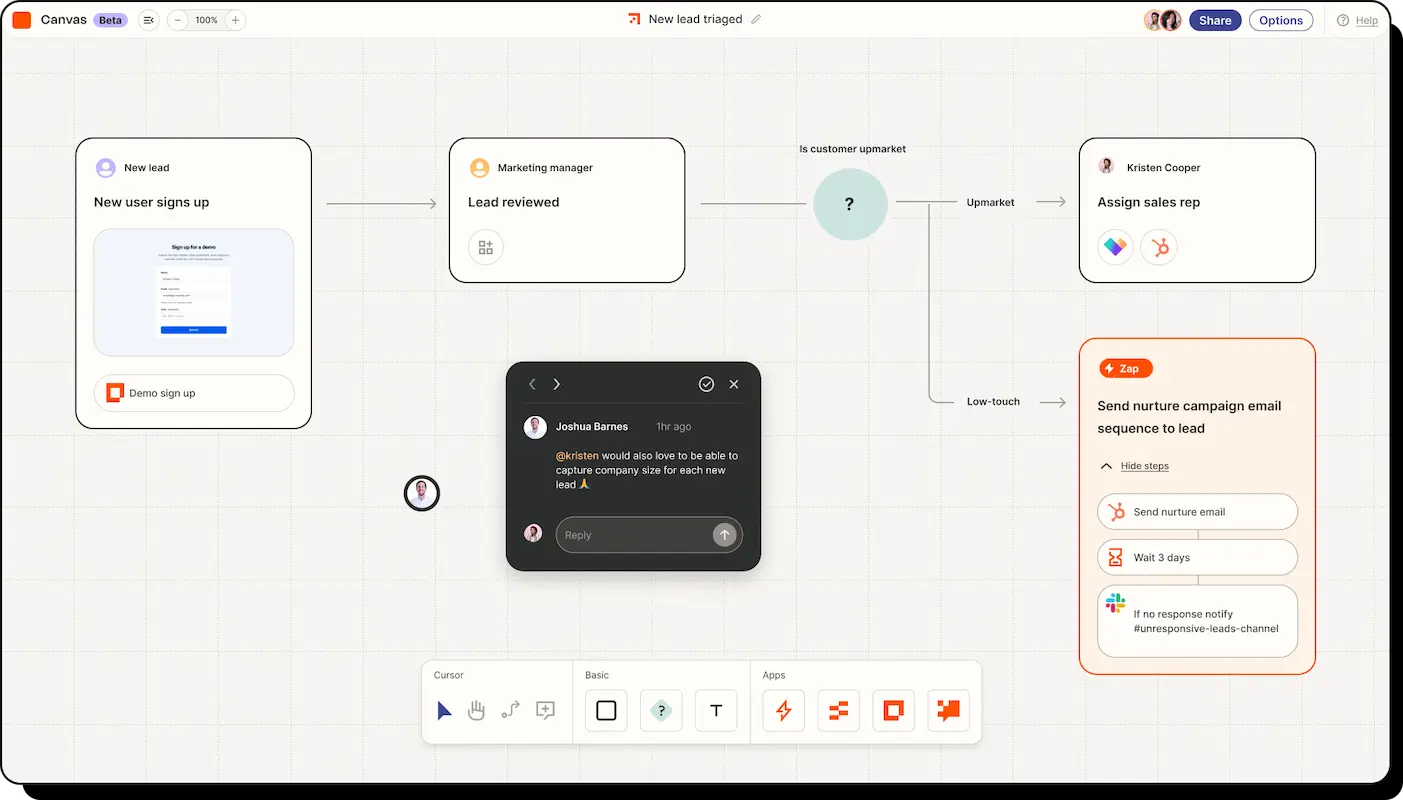
Best For: Total beginners and simple tasks.
Zapier is the most famous tool on this list. It connects to over 6,000 apps. While its free plan is very limited, it is also the easiest to use. If you just need to do one simple thing (like "Save Gmail attachments to Drive"), Zapier is the quickest solution.
- Free Plan Limit: 100 tasks per month.
Pros:
- Huge Library: Connects to almost every app in existence.
- Very Easy: The "Editor" is simple and impossible to break.
- Reliable: It rarely crashes or fails.
Cons:
- Very Stingy: 100 tasks is very low (that's only 3 emails a day).
- Limited Logic: No "Multi-step" Zaps on the free plan (only A to B).
5. Activepieces
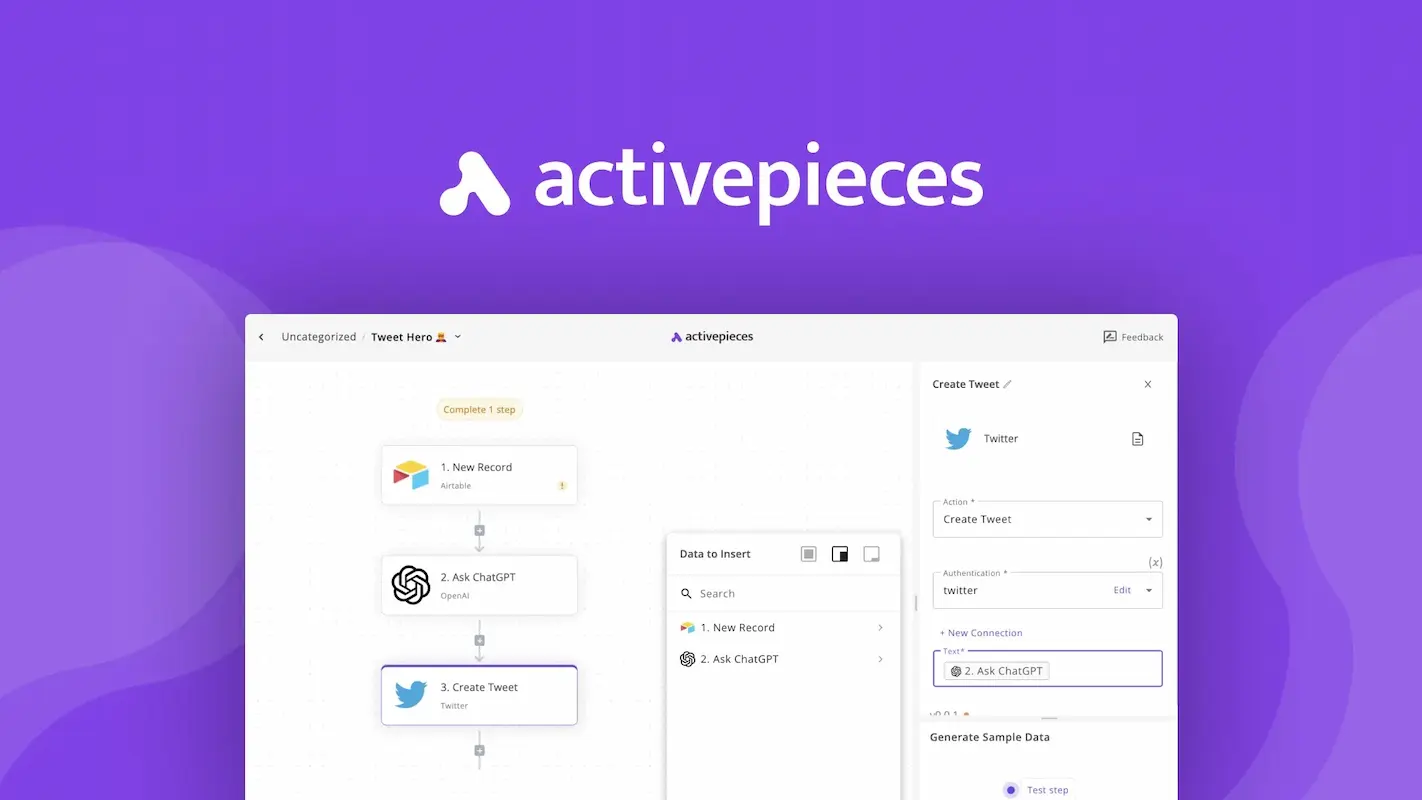
Best For: Open-source lovers who want a simple UI.
Activepieces is a newer tool gaining popularity in 2025. It is open-source like n8n but has a simple interface like Zapier. It is built by a community of developers who want a "no-nonsense" automation tool.
- Free Plan Limit: Generous free tier (or unlimited if self-hosted).
Pros:
- Community Driven: New "pieces" (integrations) are added by the community fast.
- Clean UI: Very modern and easy to understand.
- Open Source: You can read the code and host it yourself.
Cons:
- Newer: Has fewer integrations than Zapier or Make.
- Bugs: As a newer tool, you might encounter small issues occasionally.
6. IFTTT (If This Then That)
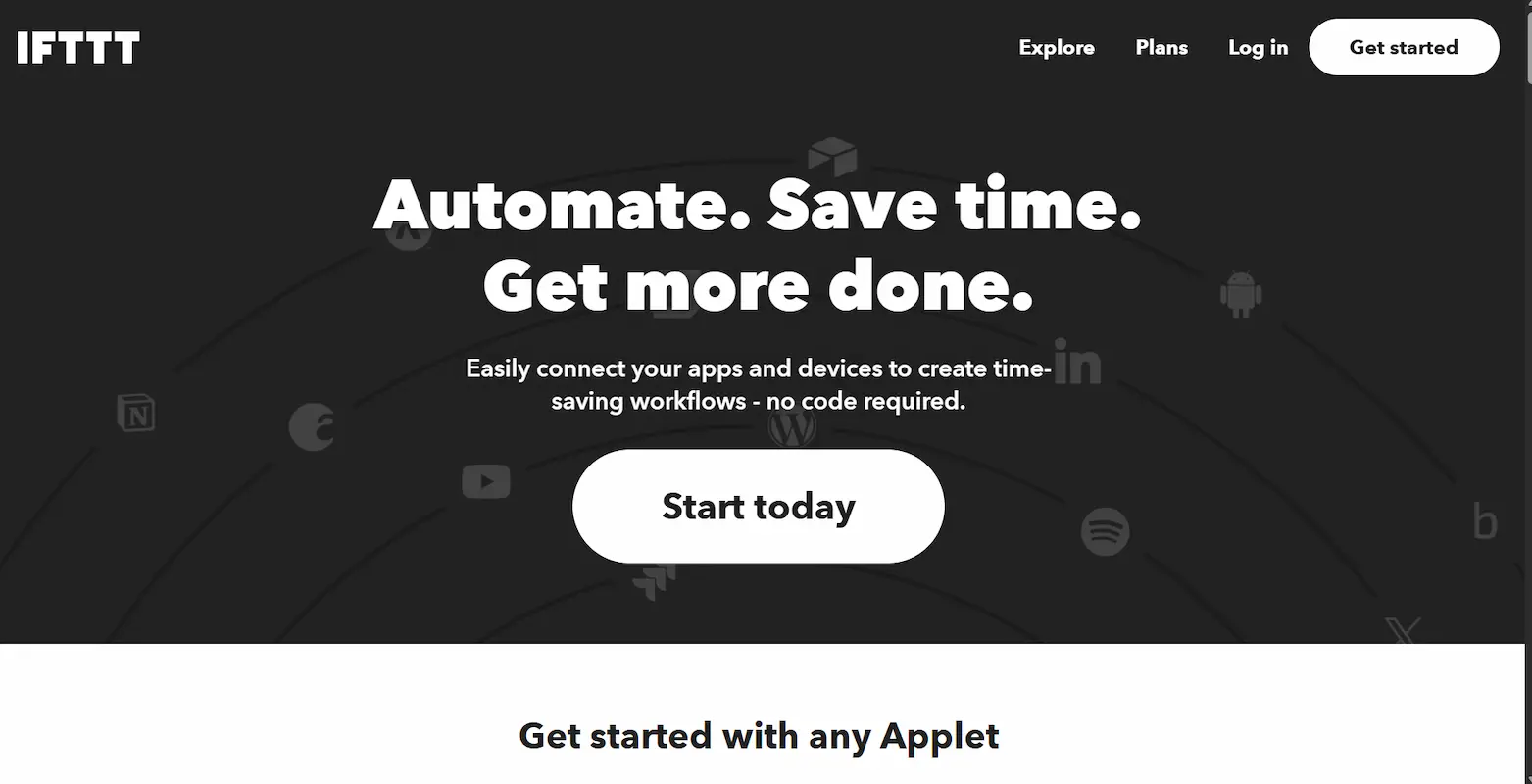
Best For: Smart Home and simple mobile tasks.
IFTTT is the classic automation app. It is less about "business workflows" and more about "lifestyle." It connects your phone, your smart lights, and your social media.
- Free Plan Limit: 2 Applets (very limited).
Pros:
- Mobile First: Great mobile app for triggering tasks from your phone.
- Smart Home: Best for connecting Alexa, Google Home, and Hue lights.
- Simple: No logic, just "If This, Then That."
Cons:
- Extremely Limited: The free plan is barely usable for power users.
- Simple Only: Cannot handle complex data or business logic.
Comparison Table: Free Limits
| Tool | Free Limit | Best Feature |
|---|---|---|
| Make | 1,000 Ops/Mo | Visual Workflow Builder |
| n8n | Unlimited (Self-Hosted) | Privacy & Power |
| Power Automate | Unlimited (Desktop) | Clicking Buttons (RPA) |
| Zapier | 100 Tasks/Mo | Ease of Use |
| Activepieces | Unlimited (Self-Hosted) | Simple Open Source |
| IFTTT | 2 Applets | Smart Home Control |
Conclusion
If you are just starting, Make is the best all-around choice because of its generous 1,000-operation limit.
However, if you are technical and want zero limits, n8n is the undisputed king. For Windows users who want to automate boring clicks, Power Automate Desktop is a must-have.
Which tool will you try first? Let us know in the comments!
Source - make.com , n8n.io , zapier.com , activepieces.com , microsoft.com
Frequently Asked Questions