YouTube Create: The New Free Video Editor from Google

 English
 Russian
 Español
 Français
 Deutsch
 हिन्दी
 සිංහල
සිංහල 中文
中文 日本語
日本語
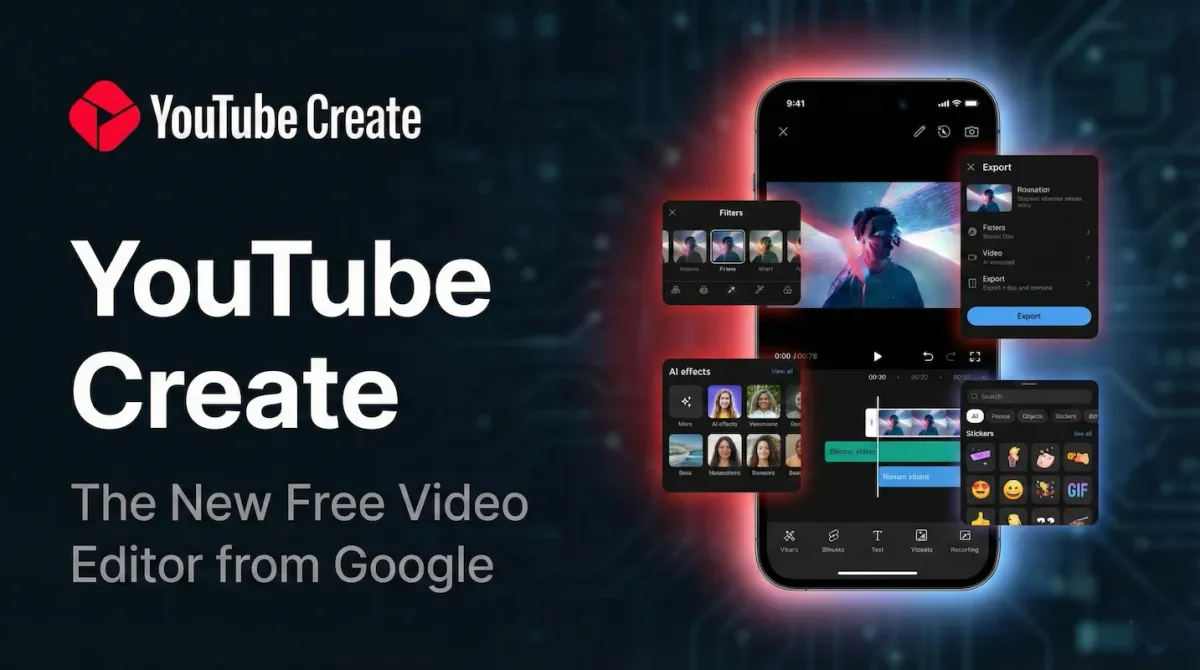
For years, mobile creators have relied on third-party apps like CapCut or InShot to edit their videos. While these tools are great, they often come with annoying ads, watermarks, or confusing subscription models.
In December 2025, YouTube officially changed the game. After a long beta period on Android, the YouTube Create app is now available for everyone, including iPhone (iOS) users.
This is not just a basic trimmer. It is a fully featured mobile editing studio built by Google to help you make Shorts and long-form videos faster. The best part is that it is 100% free with no hidden premium tier.
In this guide, we break down exactly what this app can do and why it might be time to delete your other video editors.
What Is YouTube Create?
YouTube Create is a standalone app designed to solve the three biggest headaches for creators: Copyright Claims, Audio Quality, and Captions.
Unlike other editors where you have to worry if the music you used will get your video demonetized, YouTube Create is directly linked to the YouTube Audio Library. This means you have access to thousands of royalty-free songs that are guaranteed safe to monetize.
Top 4 Killer Features
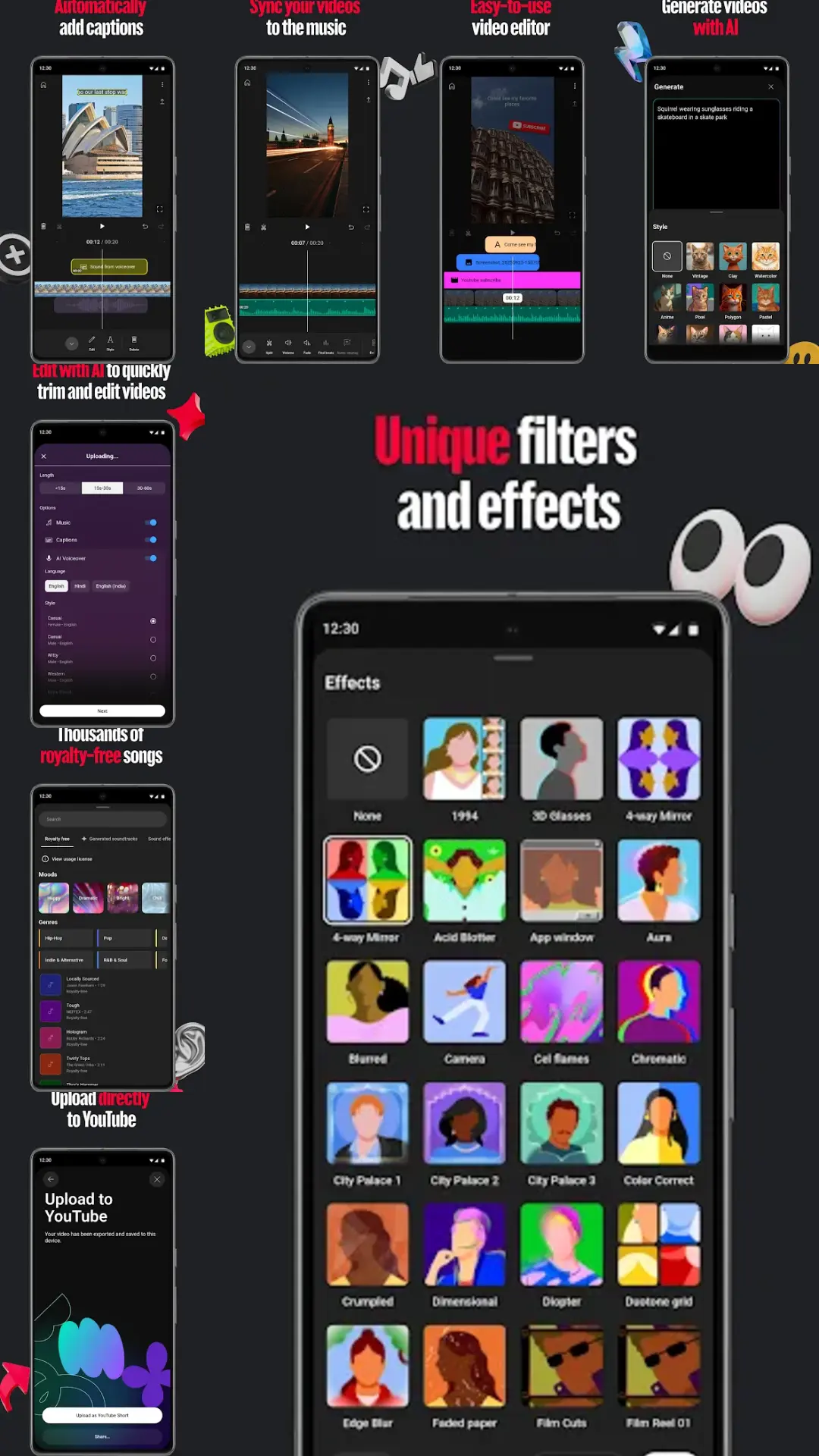
1. AI Audio Cleanup
This is widely considered the best feature of the app. If you record a vlog in a windy street or a noisy cafe, you usually need expensive desktop software to fix the sound.
- How it works: You tap one button called "Audio Cleanup."
- The Result: The app uses Google's AI to instantly remove background noise and isolate your voice. It sounds almost like you recorded it in a studio.
2. Automatic Captions (For Free)
Most apps charge extra for auto-generated subtitles. YouTube Create includes this for free.
- It automatically listens to your video and generates perfectly timed captions in English, Hindi, Spanish, and many other languages.
- You can customize the font, color, and animation style to match the popular "Shorts" aesthetic found on TikTok.
3. The "Veo 3" AI Integration
In the late 2025 update, Google integrated its powerful Veo 3 generative AI model into the app.
- Dream Screen: You can type a prompt like "Neon cyberpunk city rain" and the AI will generate a unique, moving video background for your Green Screen videos.
- This allows creators to build professional sets without leaving their bedroom.
4. Beat Matching
Editing clips to music can be tedious. YouTube Create has a "Find Beats" tool that automatically marks the high points of a song on your timeline. This makes it incredibly easy to cut your video clips exactly to the rhythm of the music for a professional feel.
YouTube Create vs. CapCut
Is it better than the industry giant CapCut?
| Feature | YouTube Create | CapCut |
|---|---|---|
| Price | 100% Free | Free + "Pro" Subscription |
| Watermark | None | Yes (on some templates) |
| Music Safety | 100% Safe (Audio Library) | Risky (Copyright strikes possible) |
| Features | Focus on Essentials | Massive Library of Effects |
| Platform | Mobile Only | Mobile & Desktop |
Verdict: If you make highly complex edits with 3D zooms and wild transitions, CapCut is still more powerful. However, for 90% of creators who just want a clean video with good audio and safe music, YouTube Create is the superior, safer choice.
How to Get It
The app is available right now on the Google Play Store and the Apple App Store.
- Requirement: You need an Android phone with at least 4GB of RAM or an iPhone XR (or newer) running iOS 17.
Conclusion
YouTube Create is the most important tool Google has released for creators in years. By offering premium features like AI noise reduction and auto-captions for free, they have lowered the barrier to entry for everyone.
If you have been afraid to start a YouTube channel because editing seemed too hard, this app was made for you.
Source - blog.youtube , support.google.com
Frequently Asked Questions