Best Free Online Video Editors for Beginners and Creators
Discover the best free online video editing websites in 2026. Compare CapCut, Canva, Clipchamp, Adobe Express, and more to create professional videos in your browser.

 English
 Russian
 Español
 Français
 Deutsch
 हिन्दी
 සිංහල
සිංහල 中文
中文 日本語
日本語
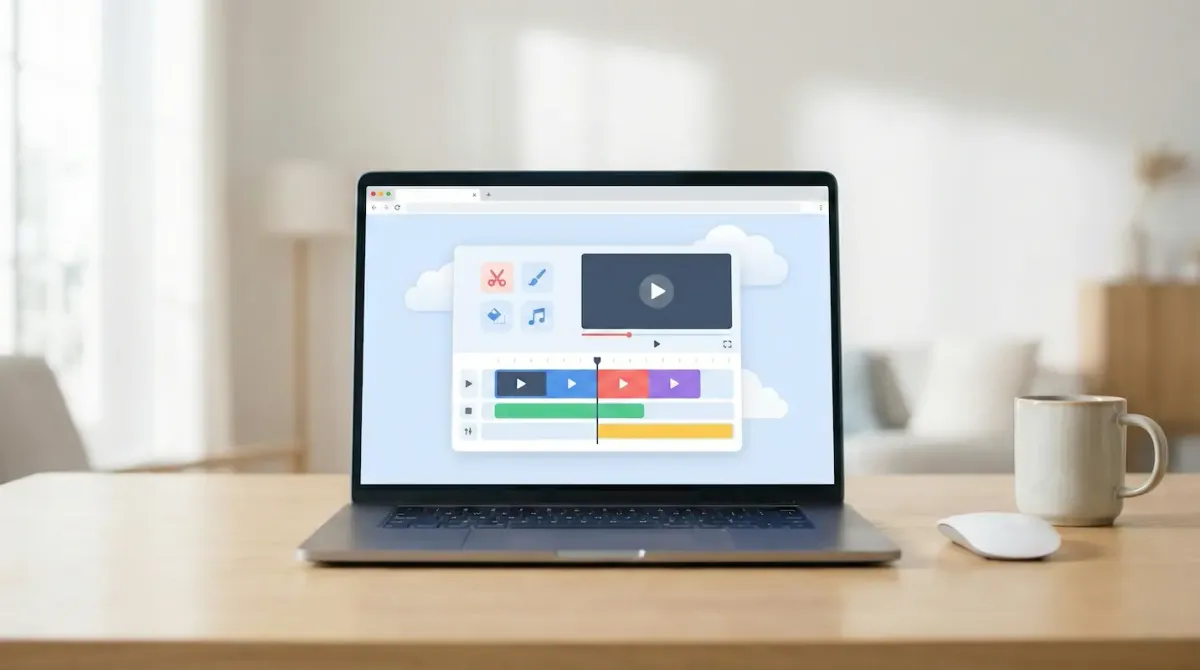
In 2026, creating high-quality videos no longer requires expensive software or a powerful desktop computer. Thanks to cloud computing and artificial intelligence, free online video editing websites now offer professional-grade tools directly inside your web browser.
Whether you are a YouTuber, social media creator, student, or small business owner, browser-based editors allow you to cut, trim, subtitle, enhance audio, and export videos without downloading heavy programs. Many platforms even include AI tools such as automatic captions, background removal, and text-to-video generation.
If you are searching for the best free online video editors with no complicated setup, this guide will help you choose the right platform for your needs.
1. CapCut Online (Best for Social Media Content)
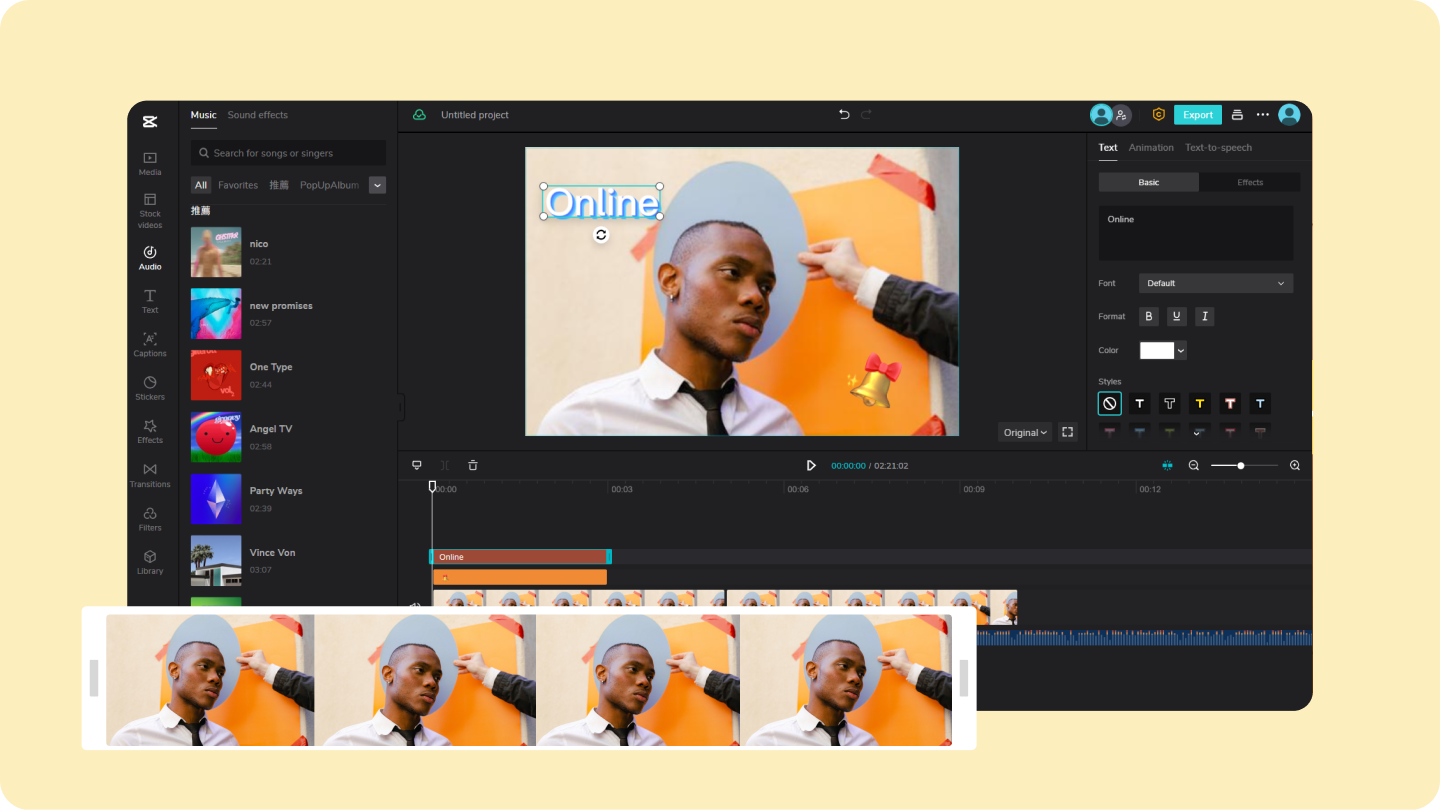
CapCut Online has become one of the most popular free online video editing tools, especially for TikTok, Instagram Reels, and YouTube Shorts creators. Built by the same company behind TikTok, it focuses heavily on fast-paced, engaging content.
The browser version offers a full multi-track timeline, allowing you to layer video clips, music, text, and effects. Its biggest advantage is AI automation. You can automatically remove video backgrounds, generate accurate subtitles in seconds, and apply trending transitions designed for social platforms.
For creators who want viral-ready content without advanced editing knowledge, CapCut is one of the strongest free options available in 2026.
2. Canva Video Editor (Best for Beginners and Businesses)
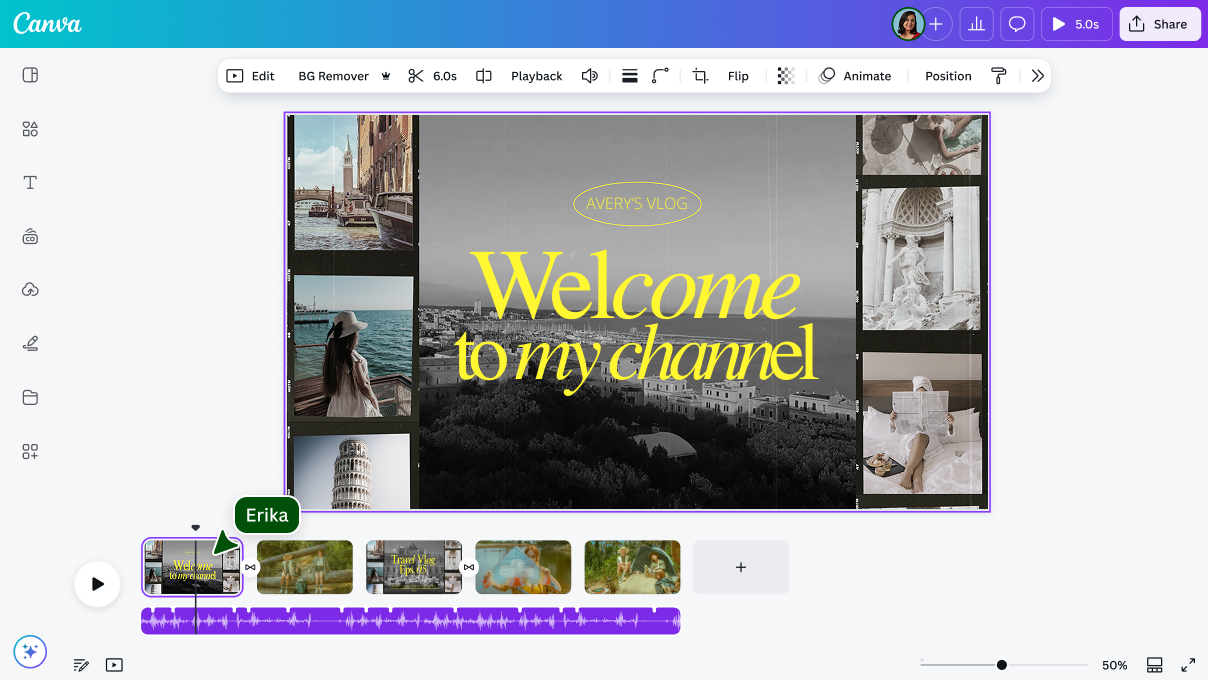
Most people know Canva Video Editor for graphic design, but its free online video editor has evolved into a powerful yet simple tool for beginners.
Canva uses a drag-and-drop interface with ready-made templates. You can quickly insert your own clips into professional layouts without learning complex editing techniques. This makes it perfect for:
- Small business promotional videos
- Educational slideshows
- Social media marketing content
- Product demonstrations
The free plan includes stock footage, music tracks, animated text, and one-click resizing for different platforms. If you want clean, professional results with minimal effort, Canva is ideal.
3. Microsoft Clipchamp (Best Free No-Watermark Export)
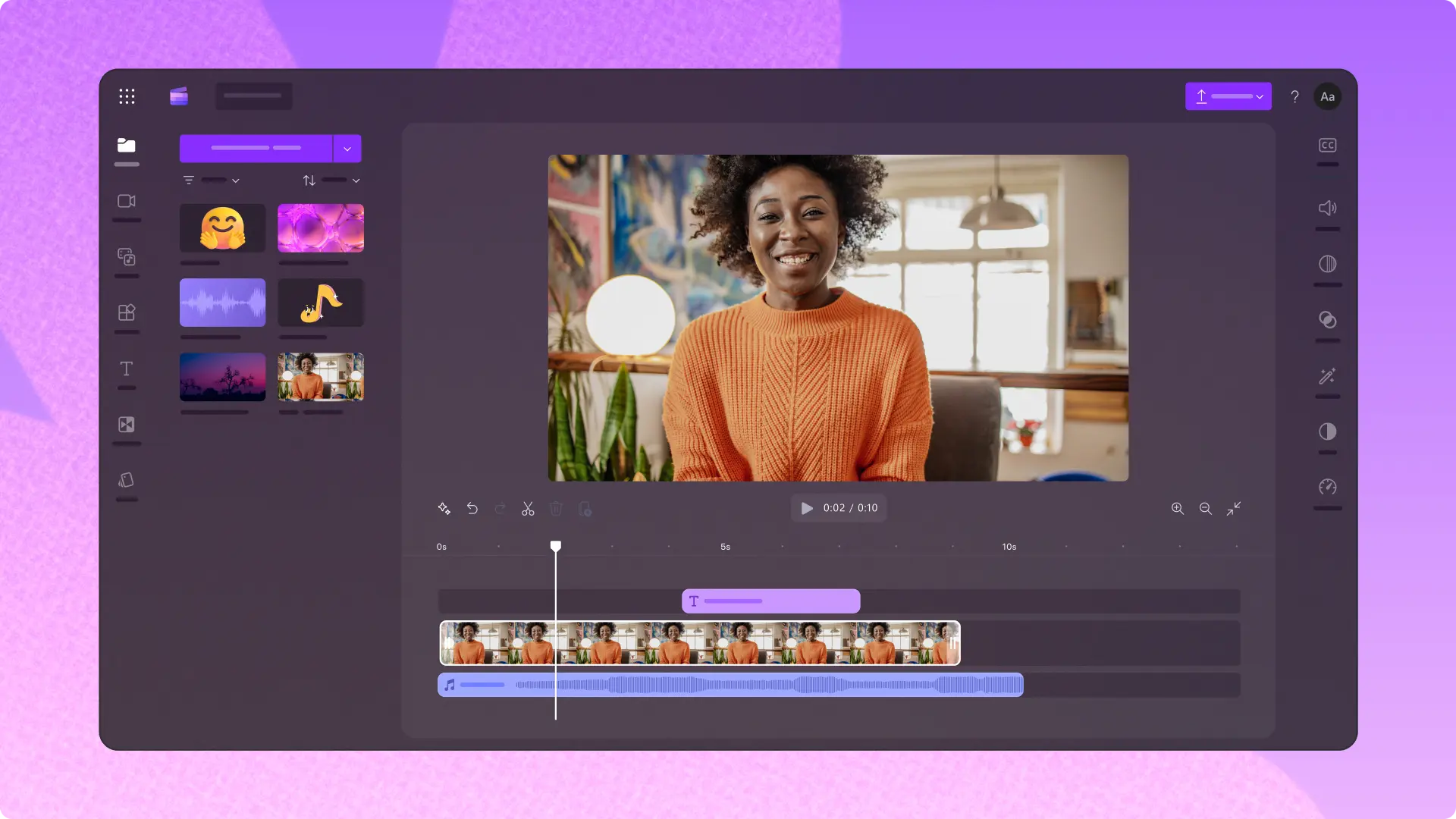
Microsoft Clipchamp is one of the best free online video editors for users who want high-quality exports without watermarks.
Unlike many free tools, Clipchamp allows you to export 1080p videos at no cost. This makes it extremely attractive for YouTubers and students who need polished final videos.
It also includes built-in screen recording and webcam recording tools. Teachers, gamers, and online instructors can record tutorials directly inside the browser. Another powerful feature is text-to-speech voice generation, which allows you to create realistic voiceovers from written scripts.
For Windows users especially, Clipchamp offers a seamless experience across browser and desktop.
4. Adobe Express (Best for Polished Social Posts)
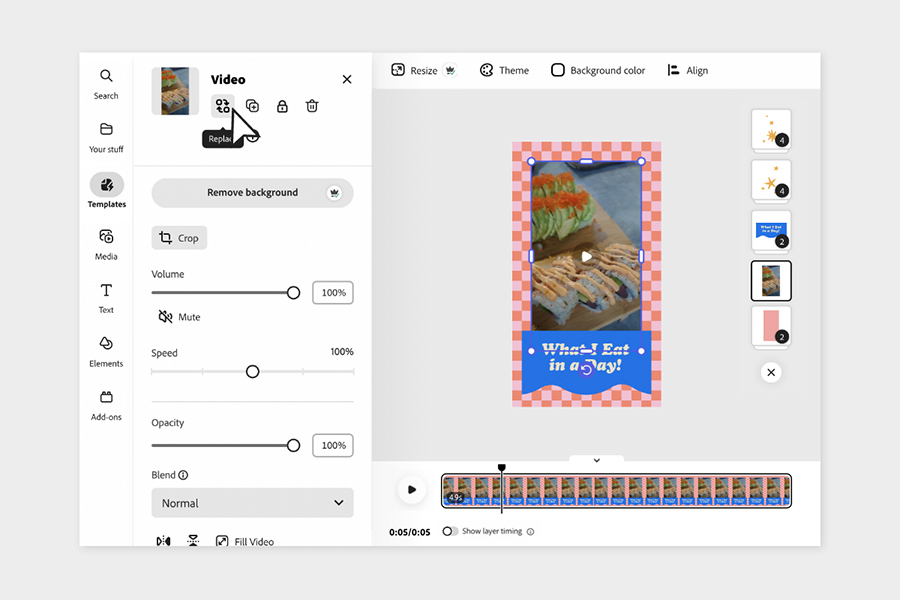
Adobe Express is Adobe’s free, lightweight alternative to professional Premiere software. It is designed for fast, high-quality content rather than complex film editing.
The platform relies heavily on stylish templates, making it perfect for quick Instagram posts, YouTube intros, and promotional clips. One major advantage is integration with Adobe Firefly AI tools, allowing you to generate text effects and design elements inside your video projects.
If you want a professional look with minimal editing time, Adobe Express delivers excellent design quality in a simple browser environment.
5. VEED (Best for Subtitles and Audio Cleanup)
VEED is known for its strong AI-powered subtitle generator and audio enhancement tools. It is especially useful for podcasters, educators, and interview-based content creators.
The automatic caption feature creates accurate subtitles and even highlights words as they are spoken. This increases engagement on social platforms where many users watch videos without sound.
VEED also includes noise reduction tools. If your recording contains background wind or static noise, the AI cleaner can significantly improve voice clarity. While the free version includes a watermark, the subtitle and audio tools make it worth testing.
6. Invideo AI (Best for Text-to-Video Creation)
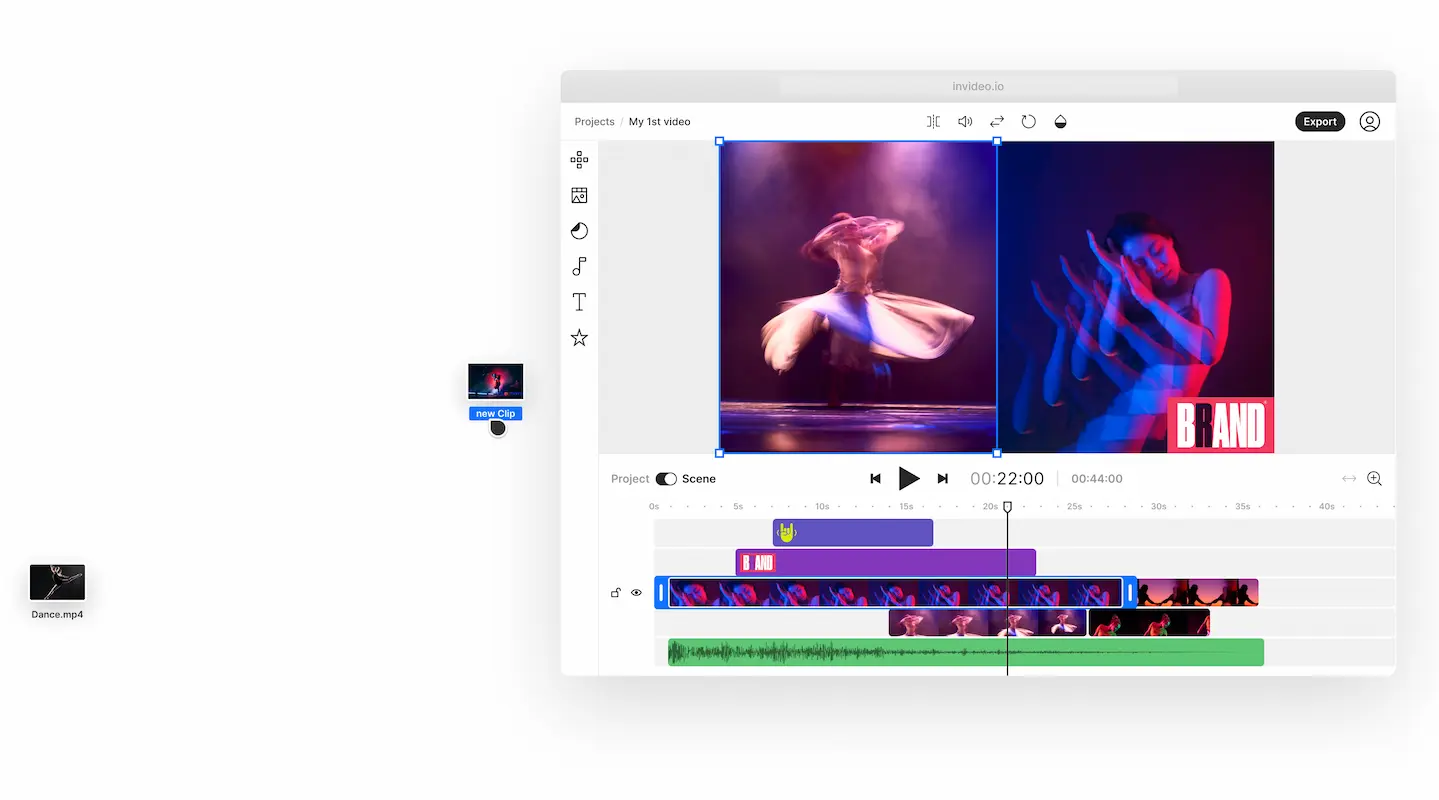
Invideo AI takes a completely different approach to video editing. Instead of uploading footage manually, you can generate entire videos using only text prompts.
For example, you can type a request describing an educational topic or marketing script. The AI will automatically:
- Write a full script
- Generate a natural voiceover
- Select matching stock video clips
- Add background music
This tool is ideal for faceless YouTube channels, marketing agencies, and content creators who want to scale production quickly without filming.
7. Kapwing (Best for Team Collaboration)
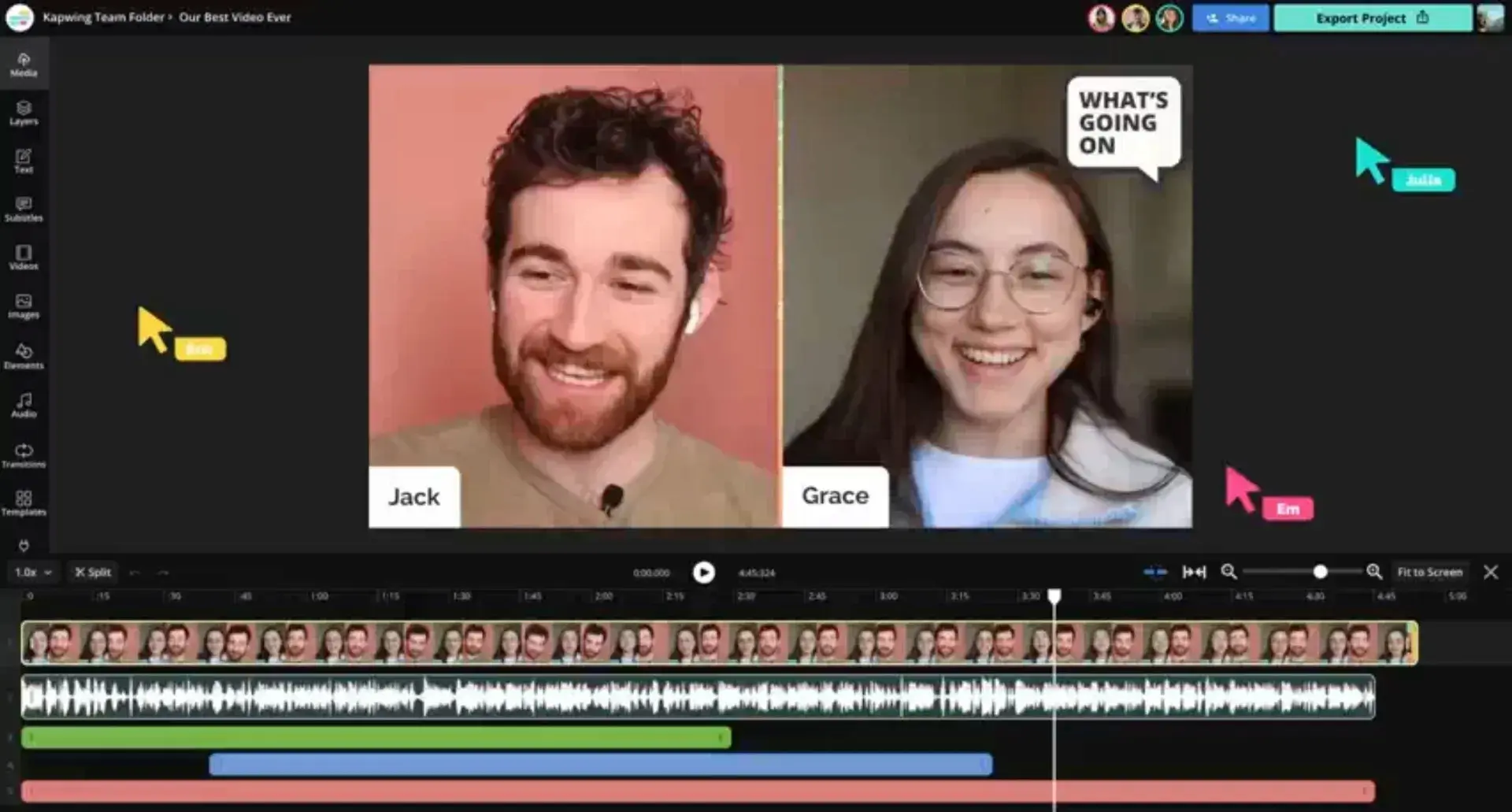
Kapwing is often compared to Google Docs for video editing because it allows multiple users to collaborate on a project in real time.
Teams can comment, edit, and revise content from different locations. Kapwing also includes a Smart Cut feature that automatically removes awkward silences from videos, saving hours of manual trimming.
It supports meme templates, subtitles, cropping, resizing, and layered editing. For remote teams and social media managers, Kapwing is one of the most practical free online editing tools.
How to Choose the Best Free Online Video Editor
Each platform serves a different purpose. Choosing the right one depends on your goals.
- For viral social media videos: CapCut
- For simple marketing and beginner projects: Canva
- For watermark-free exports: Clipchamp
- For quick professional polish: Adobe Express
- For subtitles and podcast editing: VEED
- For AI-generated content: Invideo AI
- For teamwork and collaboration: Kapwing
The good news is that all of these tools run directly in your browser, so you can test multiple platforms before deciding.
Final Thoughts
The era of expensive video editing software is fading. Free online video editing websites now offer AI-powered tools, HD exports, background removal, subtitle automation, and even full text-to-video generation.
Whether you are building a YouTube channel, marketing a business, or creating educational content, you can start today without spending a single dollar.
Source - adobe.com , canva.com , clipchamp.com , capcut.com
Frequently Asked Questions