 English
 Russian
 Español
 Français
 Deutsch
 हिन्दी
 සිංහල
සිංහල 中文
中文 日本語
日本語
For the last 30 years, using a computer has been the same. You turn it on, you click an icon, and you open an app. If you wanted to book a flight, you had to open a browser. If you wanted to calculate a budget, you had to open Excel. You were the manager, and the computer was just a tool.
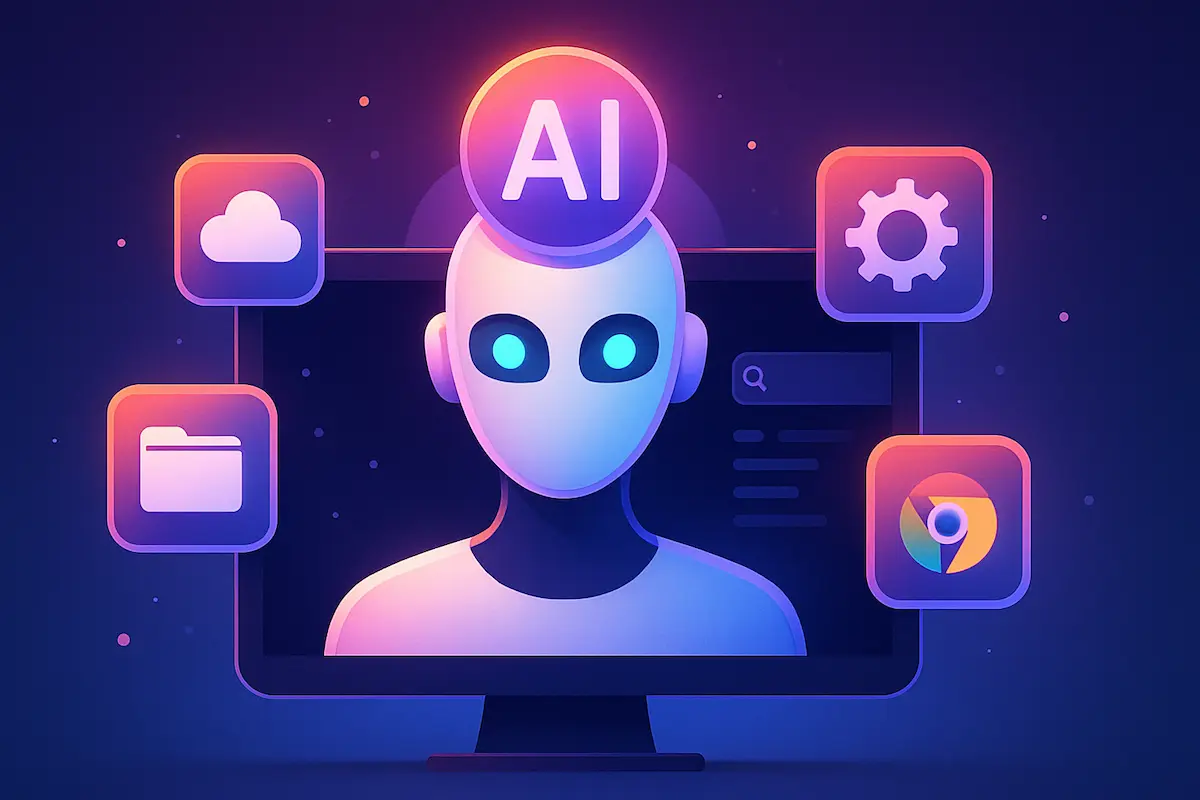
But in late 2025, that relationship has changed completely. We are witnessing the rise of the "AI-First Operating System."
Major updates from Microsoft, Google, and Apple have transformed our devices. Instead of just waiting for your clicks, your Operating System (OS) can now "see" what you are doing, "understand" your goals, and even do the work for you.
In this article, we will explore what an AI-First OS is, the new "Agentic" features released in November 2025, and what this means for your privacy.
What is an AI-First OS?
To understand this change, we need to look at how computers used to "think."
- The Old Way (Application-First): The Operating System (like Windows 10) was just a traffic cop. It managed memory and made sure apps didn't crash. It didn't know what you were doing. It didn't know if you were writing a novel or booking a hotel.
- The New Way (AI-First): An AI-First OS uses a "Large Language Model" (LLM) built directly into the core of the system. It understands context. It knows that if you are looking at a flight to Tokyo, you might also need a hotel and a calendar entry.
This shift is driven by a new technology called "Agentic AI." These are smart assistants that don't just talk they take action.
The Brain Behind the Magic: What is an NPU?
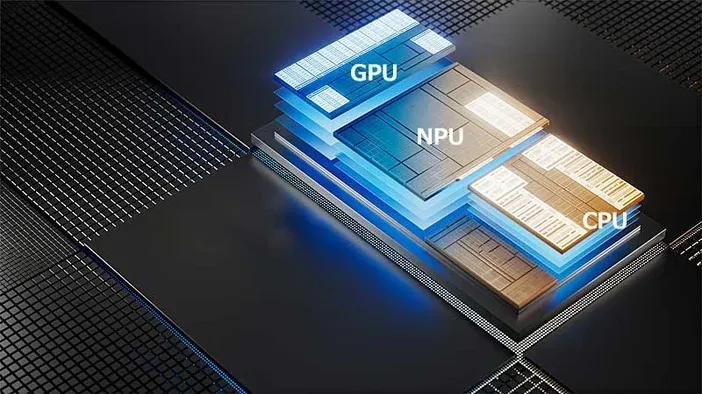
Before we look at the software, we must mention the hardware. None of this would be possible without the NPU (Neural Processing Unit).
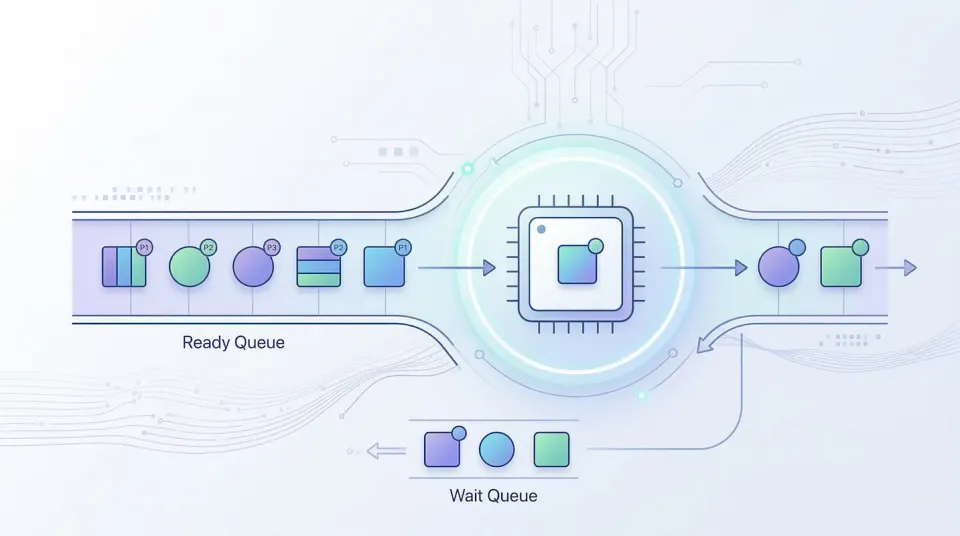
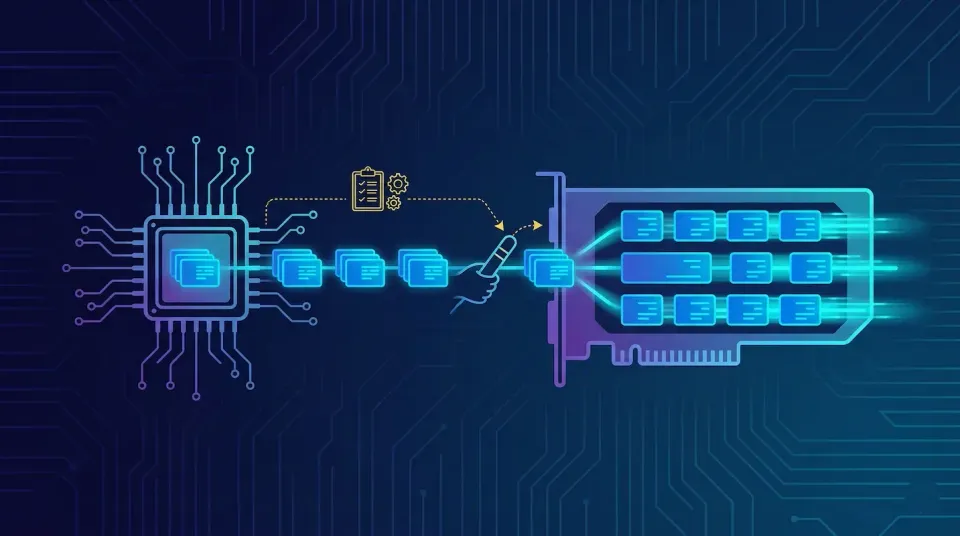
In 2024 and 2025, companies like Intel, AMD, and Qualcomm started adding NPUs to laptops. Unlike a normal processor (CPU) that does math, or a graphics card (GPU) that draws images, the NPU is designed to "think" like a human brain.
Because of the NPU, your computer can run powerful AI tasks locally (offline). This means your data doesn't always have to go to the cloud, making the new AI-First OS faster and more private.
1. Windows 11 & The "Agents on the Taskbar"
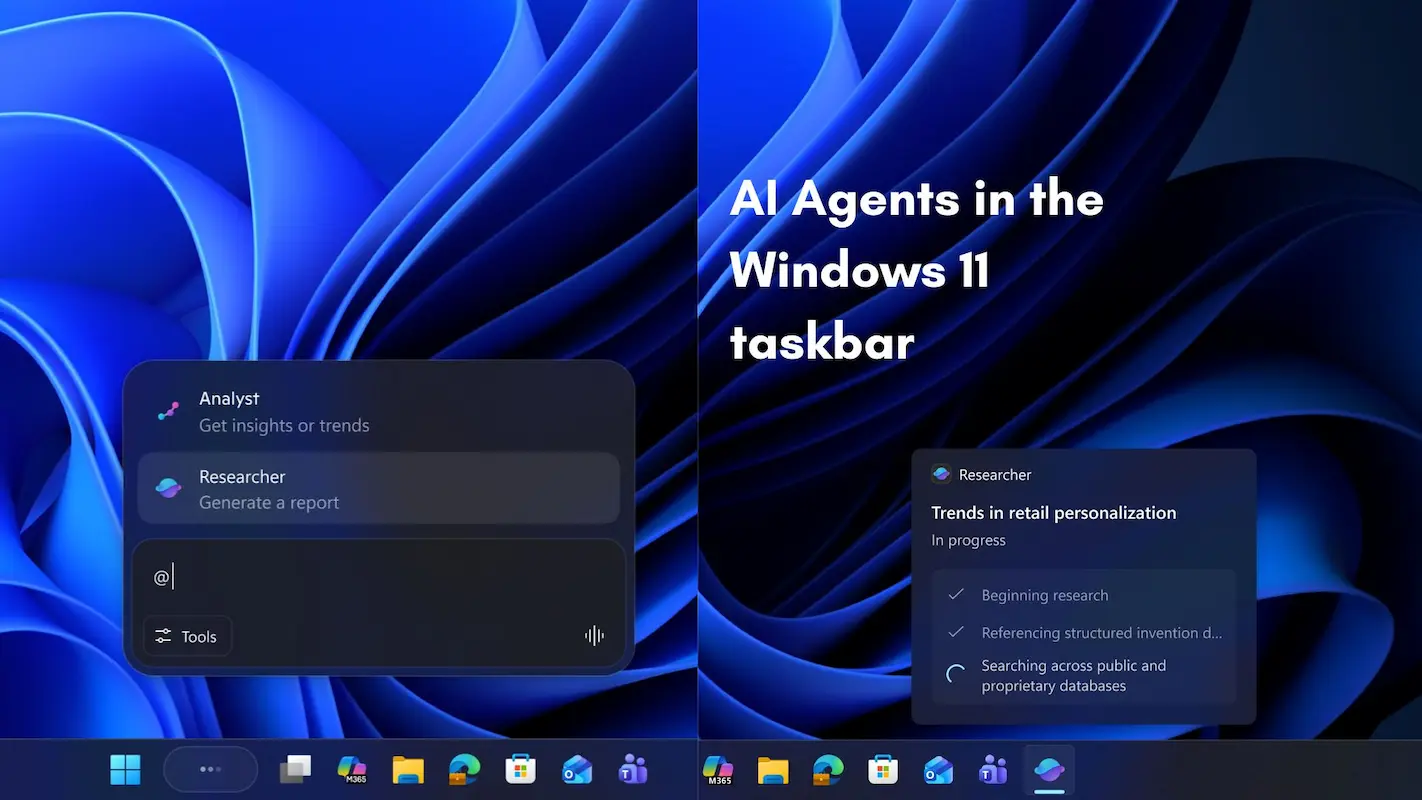
In November 2025, during the "Microsoft Ignite" event, Microsoft revealed the future of Windows. The biggest change is that AI is no longer just a chatbot in a sidebar; it is part of the interface.
Agents on the Taskbar
This new feature allows you to "hire" digital workers. You can place specialized AI agents right on your taskbar next to your favorite apps.
- Example: You can have a "Research Agent." If you drag a PDF file onto this agent's icon, it will automatically read the file, summarize it, and find related articles on the web, all without you opening a browser.
Click to Do
Have you ever seen a picture of a table in a video and wished you could copy it? With the "Click to Do" feature, the AI analyzes your screen constantly. You can pause a video, click on a chart, and the OS will instantly convert it into a real Excel spreadsheet.
Windows Recall (Fixed & Secure)
After a rocky start, the "Recall" feature is now fully mature. It takes safe "snapshots" of your work history. You can type, "Find the red shoes I was looking at last week," and the OS will scroll back in time to find that exact moment.
2. Android 16: The "Baklava" Update
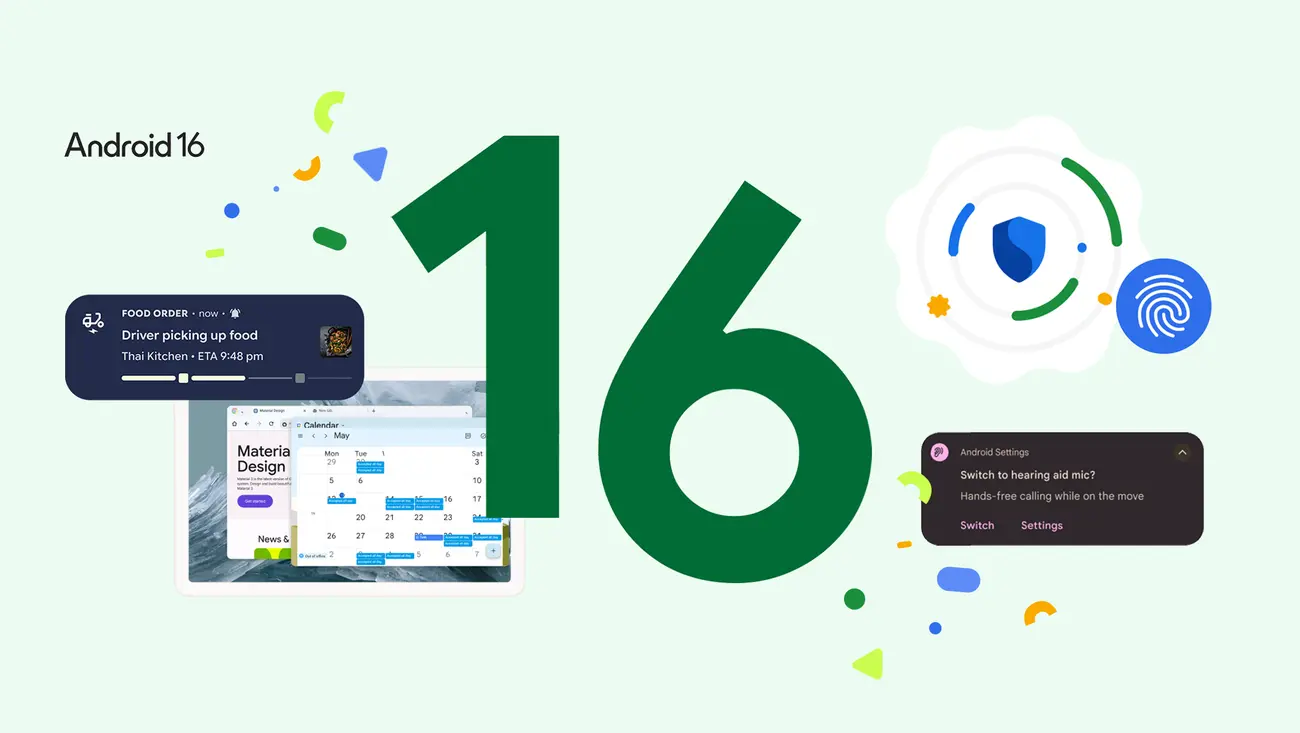
Google has taken a slightly different approach with Android 16 (codenamed Baklava). Instead of just adding features, they have rebuilt the Android system to be "AI-Native."
Gemini at the Kernel Level
In older phones, the AI was just an app. In Android 16, the Gemini Nano model lives deep inside the phone's system. This allows for the "App Functions API."
- How it works: The AI can read the buttons inside your apps. If you tell your phone, "Order my usual pizza," Gemini knows which app to open, which buttons to press, and how to pay, all by itself.
Notification Cooldown
This is a simple but brilliant AI feature. If a group chat goes crazy and sends you 50 messages in one minute, the AI realizes you are being spammed. It automatically lowers the volume of notifications and summarizes the chat into one single alert, saving you from distraction.
3. Apple Intelligence: Context is King
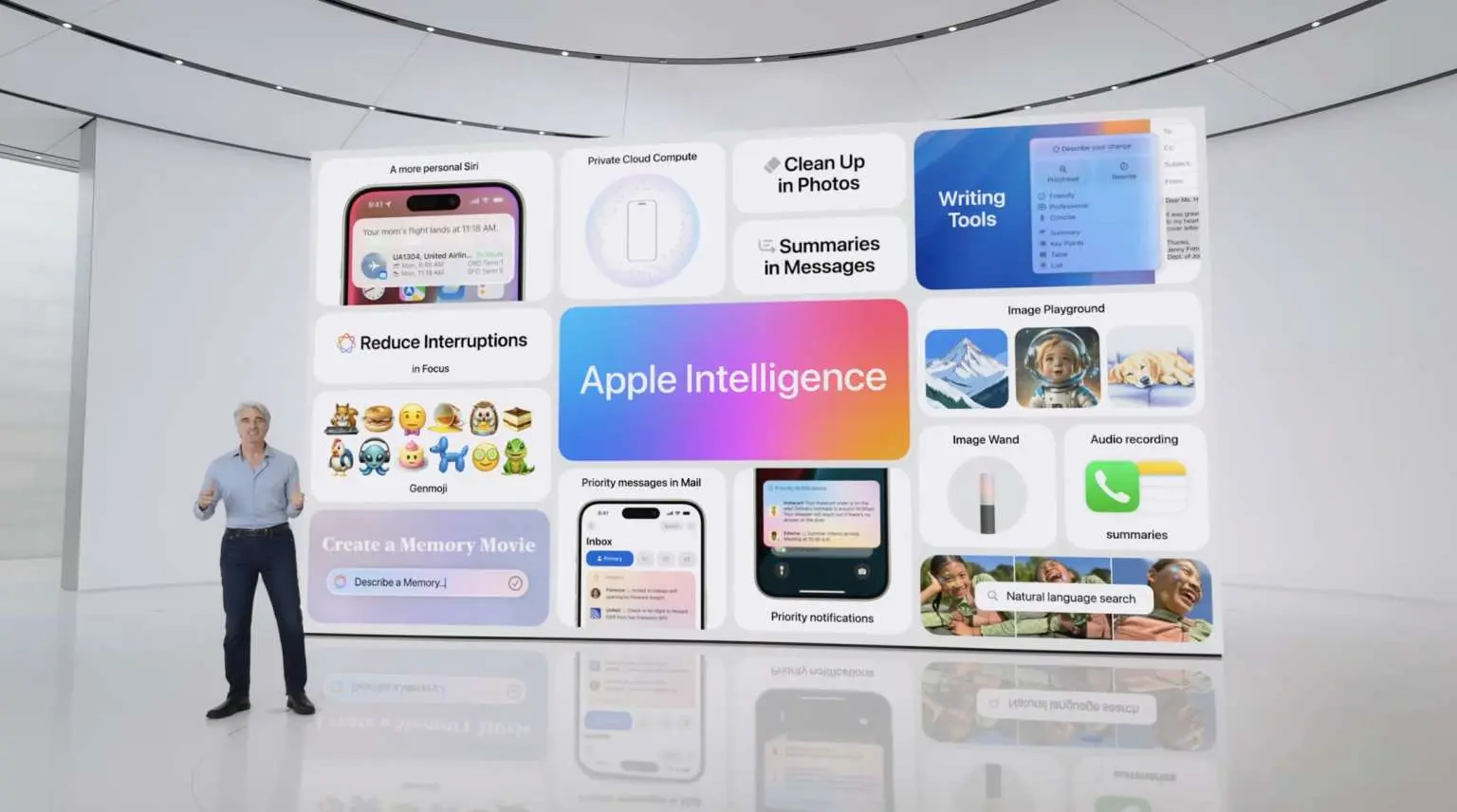
Apple entered the race later than others, but their update in late 2025 (iOS 19 and macOS Sequoia updates) focuses heavily on "Contextual Awareness."
Siri with On-Screen Awareness
Siri is no longer blind. If a friend texts you a new address, you can simply say, "Add this to his contact card." Siri "sees" the address on the screen, understands who "he" is, and updates the contact list automatically.
Private Cloud Compute
Apple's big selling point is privacy. If a task is too big for your phone's NPU, it sends data to a "Private Cloud." This is a special server that deletes your data the second the task is finished. It ensures that even Apple cannot see what you are asking.
The Challenges: Is It Safe?
With the rise of AI-First Operating Systems, many experts are asking serious questions.
- Privacy: If the OS is always "watching" your screen to help you, is it also spying on you? Companies say the data stays on the device (Local AI), but users must trust the hardware.
- Job Changes: As "Agents" become better at organizing files and managing emails, traditional office tasks might disappear.
Conclusion
The year 2025 will be remembered as the year the computer woke up. We have moved from "Operating Systems" to "Co-operating Systems."
Whether you use Windows, Android, or Apple, your device is now an active partner. It can plan your day, fix your code, and manage your life. The technology is here, and it is exciting. The only question left is: Are you ready to give your computer that much control?
Source - blogs.windows.com , developer.android.com , techcommunity.microsoft.com , apple.com
Frequently Asked Questions