 English
 Russian
 Español
 Français
 Deutsch
 हिन्दी
 සිංහල
සිංහල
 中文
中文
 日本語
日本語

How OpenClaw Works: The Rise of the "AI Employee" (2026 Guide)
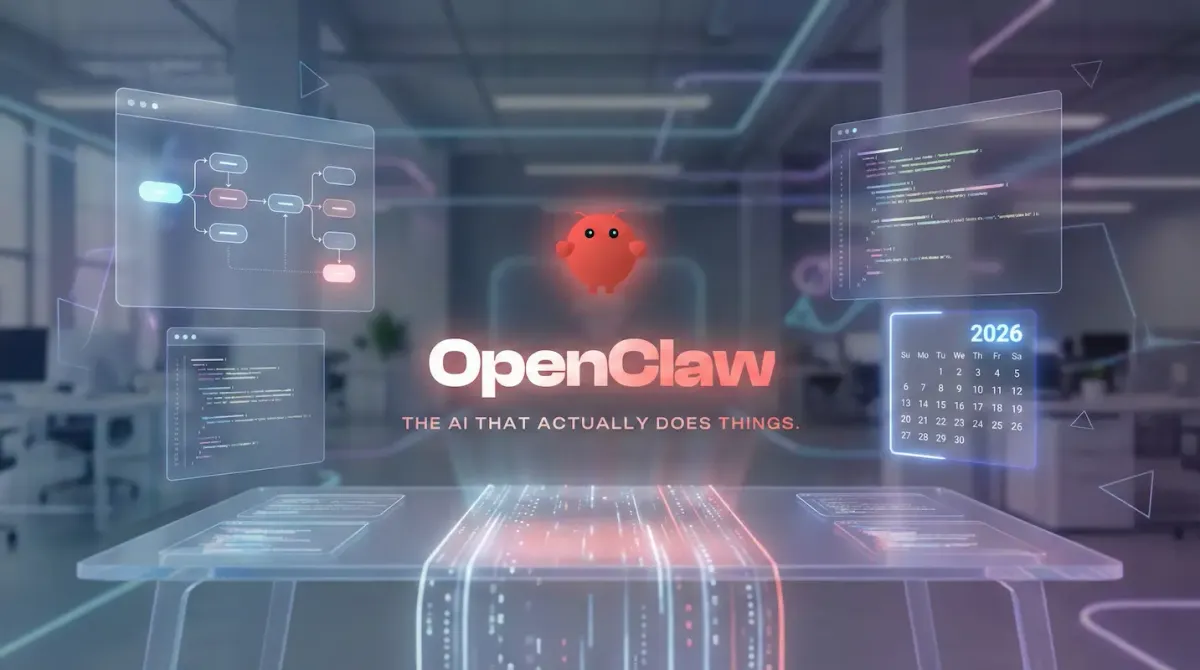
In early 2026, the open-source community started buzzing around a new name: OpenClaw. Previously known as Clawdbot and Moltbot, this project quickly climbed the GitHub charts by offering something most AI tools still avoid: real autonomy.
OpenClaw is not a chatbot that waits for instructions in a browser tab. It is an autonomous AI agent that runs directly on your own machine. It can read files, execute terminal commands, manage tasks, and communicate with you through apps like Telegram or WhatsApp.
This guide explains how OpenClaw works internally and why developers are calling it the first true “AI employee.”
Action Over Conversation
Most popular AI tools such as ChatGPT or Gemini are passive. You ask a question and receive text in return. They do not interact with your operating system or personal data.
OpenClaw is built around action rather than conversation.
Instead of replying with suggestions, it can complete tasks end to end. For example, instead of listing steps for updating a website, OpenClaw can pull the latest code, install dependencies, deploy the site, and confirm completion through your chat app.
This shift from advice to execution is what separates OpenClaw from traditional assistants.
The OpenClaw Architecture Explained
OpenClaw acts as a connector between three layers: the user interface, the AI model, and your local system.
The Interface Layer
OpenClaw does not force users into a new application. It integrates with tools people already use every day.
It can receive and send commands through messaging platforms such as Telegram, Signal, or WhatsApp. For teams, it connects to Slack or Discord. Developers can also interact with it directly through the command line.
When you send a message, the request is routed to the local OpenClaw service, processed, and the response is sent back through the same channel.
The Brain Layer (Model Flexibility)
OpenClaw does not include its own language model. Instead, it connects to external models through APIs.
Many users pair OpenClaw with Anthropic Claude because of its strong reasoning and coding performance. Others prefer running models locally using Ollama for full privacy, often choosing models like Llama or DeepSeek.
This model-agnostic design allows users to swap AI brains without changing the core system.
Persistent Memory Using Markdown
One of OpenClaw’s most important features is its memory system.
Unlike chatbots that forget everything after a session ends, OpenClaw stores knowledge as plain Markdown files on your computer. These files include user preferences, task history, and long-term context.
Because the memory is human-readable, users can inspect, edit, or delete it at any time using a simple text editor. This transparency gives users full control over what the AI remembers.
The Agent Loop in Action
When OpenClaw receives a task, it follows a structured execution loop.
First, it analyzes the request and breaks it into logical steps. Next, it selects the appropriate tools, such as file access, browser automation, or terminal commands. It then executes the action and observes the result.
If something fails, OpenClaw adjusts its approach and retries. Once the task is complete, it reports back with a clear status message.
This loop allows OpenClaw to self-correct and handle complex workflows without constant supervision.
Security and Safety Considerations
Because OpenClaw has direct access to your system, it must be used carefully.
Running shell commands gives it immense power, but also creates risk if misconfigured. Many users run OpenClaw inside Docker containers to isolate it from their main operating system.
Permission prompts and safe modes are strongly recommended. These settings force OpenClaw to ask before performing destructive actions, reducing the chance of accidental data loss.
Why Developers Are Adopting OpenClaw
OpenClaw feels less like software and more like a junior employee. It remembers context, completes tasks independently, and communicates progress clearly.
For developers, it removes repetitive work. For power users, it becomes a programmable assistant that operates across apps, files, and systems without needing constant input.
Conclusion
OpenClaw represents a major shift in how people interact with AI. Instead of chatting with a tool, users delegate work to a system that acts on their behalf.
By combining language models, persistent memory, and real system access, OpenClaw turns a computer into a capable AI worker. As autonomous agents mature, projects like OpenClaw may define the next era of personal and professional computing.
Source - openclaw.ai , github.com/openclaw , digitalocean.com