Best Free VPN Services for Desktop: No Subscription Needed (100% Free)

 English
 Russian
 Español
 Français
 Deutsch
 हिन्दी
 සිංහල
සිංහල 中文
中文 日本語
日本語
Finding a genuinely free VPN for your desktop is difficult. Most services that claim to be free are actually just limited trials that ask for your credit card upfront or, worse, sell your browsing data to advertisers to make money.
However, there are still a few trustworthy providers that offer a 100% free tier to prove their service is safe. These "Freemium" VPNs are fully functional, require no subscription, and never ask for payment details.
In this guide, we rank the best free VPNs for Desktop (Windows, Mac, and Linux) based on speed, data limits, and safety standards in late 2025.
1. Proton VPN (The Best Overall)
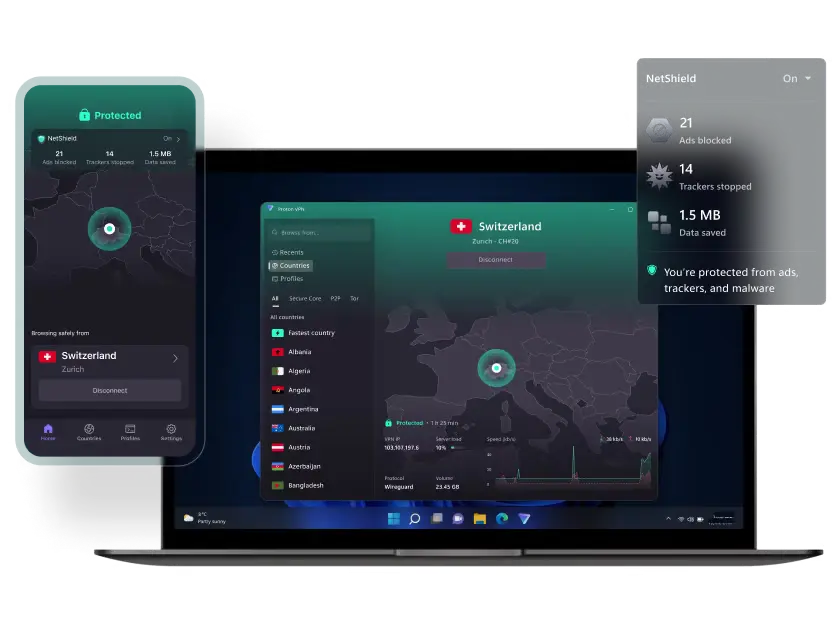
Best For: Unlimited data and maximum privacy.
Proton VPN is widely considered the number one free VPN in the world because it is the only safe option that offers Unlimited Data. You can leave it on 24 hours a day without worrying about hitting a cap or being cut off.
It comes from the scientists at CERN and is based in Switzerland, which has strict privacy laws. The free version does not show ads and does not log your browsing history.
Pros:
- Truly Unlimited: No data caps or time limits whatsoever.
- No Ads: The interface is clean with zero annoyance.
- Privacy First: Strict no-logs policy and Swiss legal protection.
Cons:
- No Server Choice: You cannot pick a specific country. It connects you to the fastest one automatically (usually US, Netherlands, or Japan).
- No Streaming: It actively blocks Netflix and torrenting on the free plan to encourage upgrades.
2. Windscribe (The Best for Features)
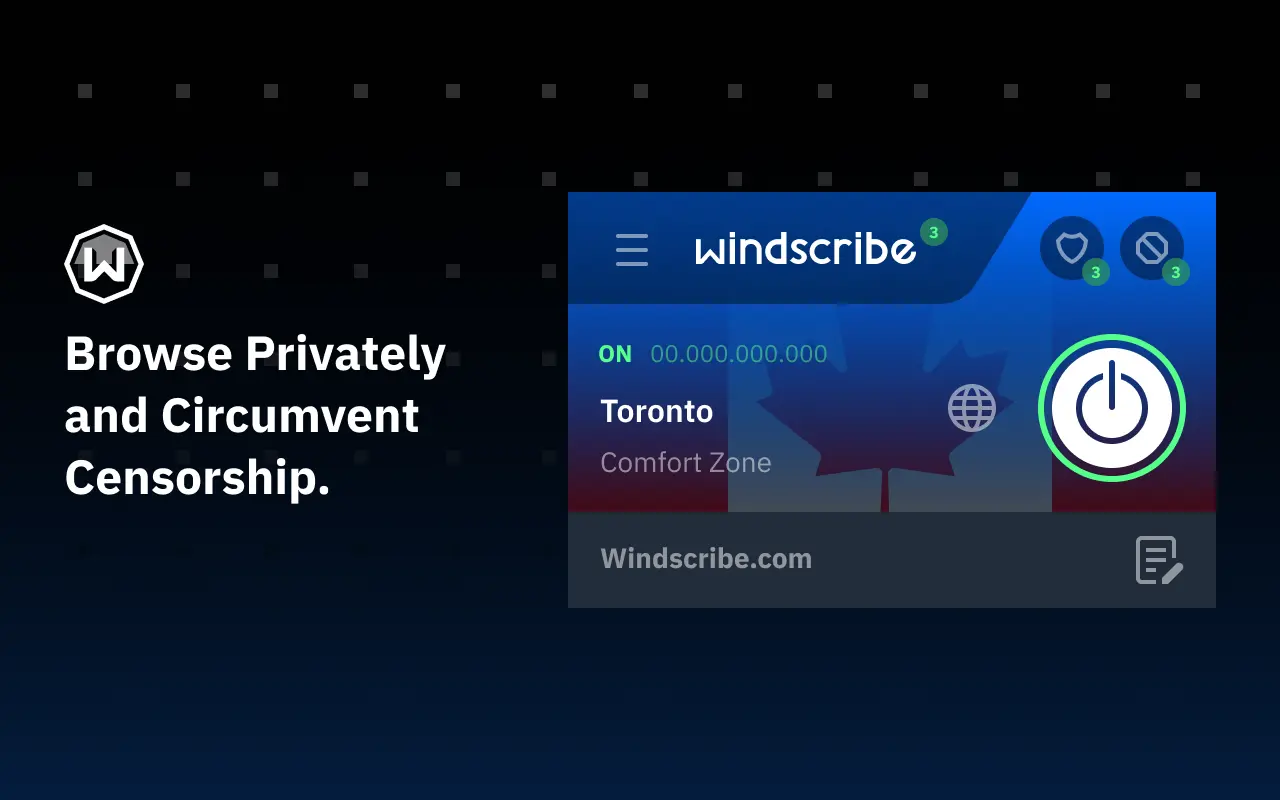
Best For: Streaming movies and ad blocking.
If you need to watch a movie or access a specific country, Windscribe is the best choice. Unlike Proton, it lets you choose your location from 10 different countries.
It also includes a powerful firewall and ad-blocker called "R.O.B.E.R.T." built directly into the desktop app. The catch is that you have a data limit.
Pros:
- Server Selection: You can manually choose from 10 countries, including the US, UK, Canada, and Germany.
- Streaming Support: It is one of the few free VPNs that works with Netflix and BBC iPlayer.
- No Credit Card: You just sign up with a username and go.
Cons:
- Data Cap: You get 10GB per month if you confirm your email address. This runs out quickly if you watch HD video.
- UI: The desktop app can look a bit cluttered for total beginners.
3. PrivadoVPN (The Best for Speed)
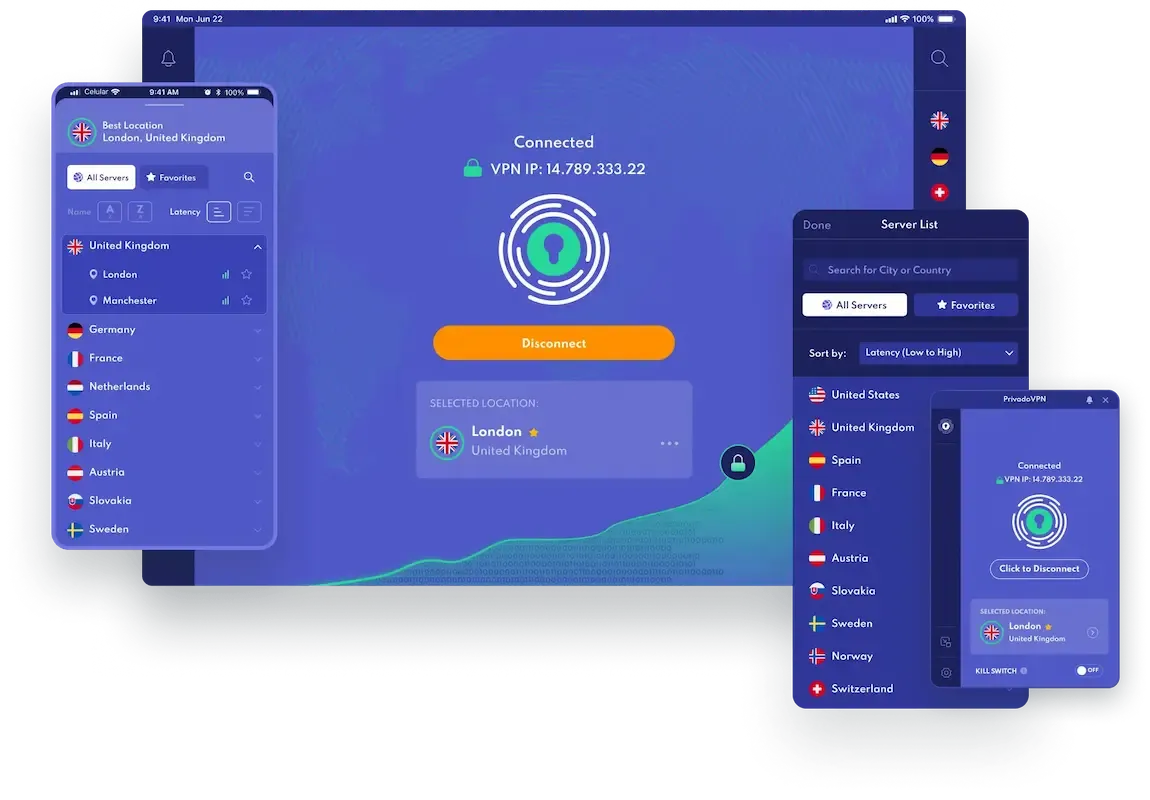
Best For: Fast browsing and torrenting files.
PrivadoVPN is a newer challenger that has gained massive popularity recently. It offers speeds that rival paid VPNs because it uses the modern WireGuard protocol. This makes it incredibly fast for browsing and downloading large files.
Pros:
- High Speed: Excellent performance for downloading.
- Torrenting Friendly: It supports P2P traffic on free servers, which many others block.
- Soft Cap: You get 10GB at full speed, but you still get unlimited internet (at a slower speed) after that.
Cons:
- Manual Refresh: You must log in to the website manually every 30 days to refresh your free data allowance.
4. Hide.me (The Reliable Backup)
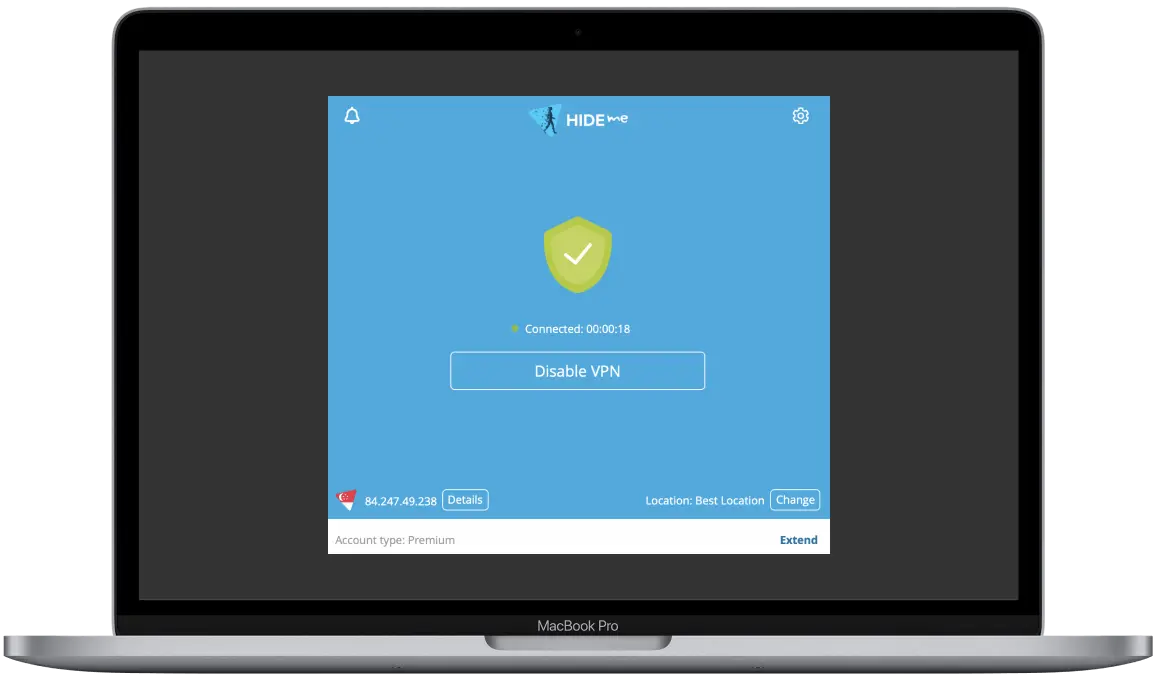
Best For: Simplicity and customer support.
Hide.me is a solid, reliable VPN that has been around for years. In late 2025, they introduced an "Unlimited" option with restricted speeds. It is known for its reliability and transparency.
Pros:
- No Sign-Up Required: You can download the app and use it without even creating an account or giving an email.
- 24/7 Support: Even free users get access to technical support if they have issues.
Cons:
- Speed Throttling: It can be slower than Windscribe or Privado during busy hours.
- No Streaming: Like Proton, it usually blocks streaming services on the free tier.
5. Hotspot Shield (The Fast US Option)
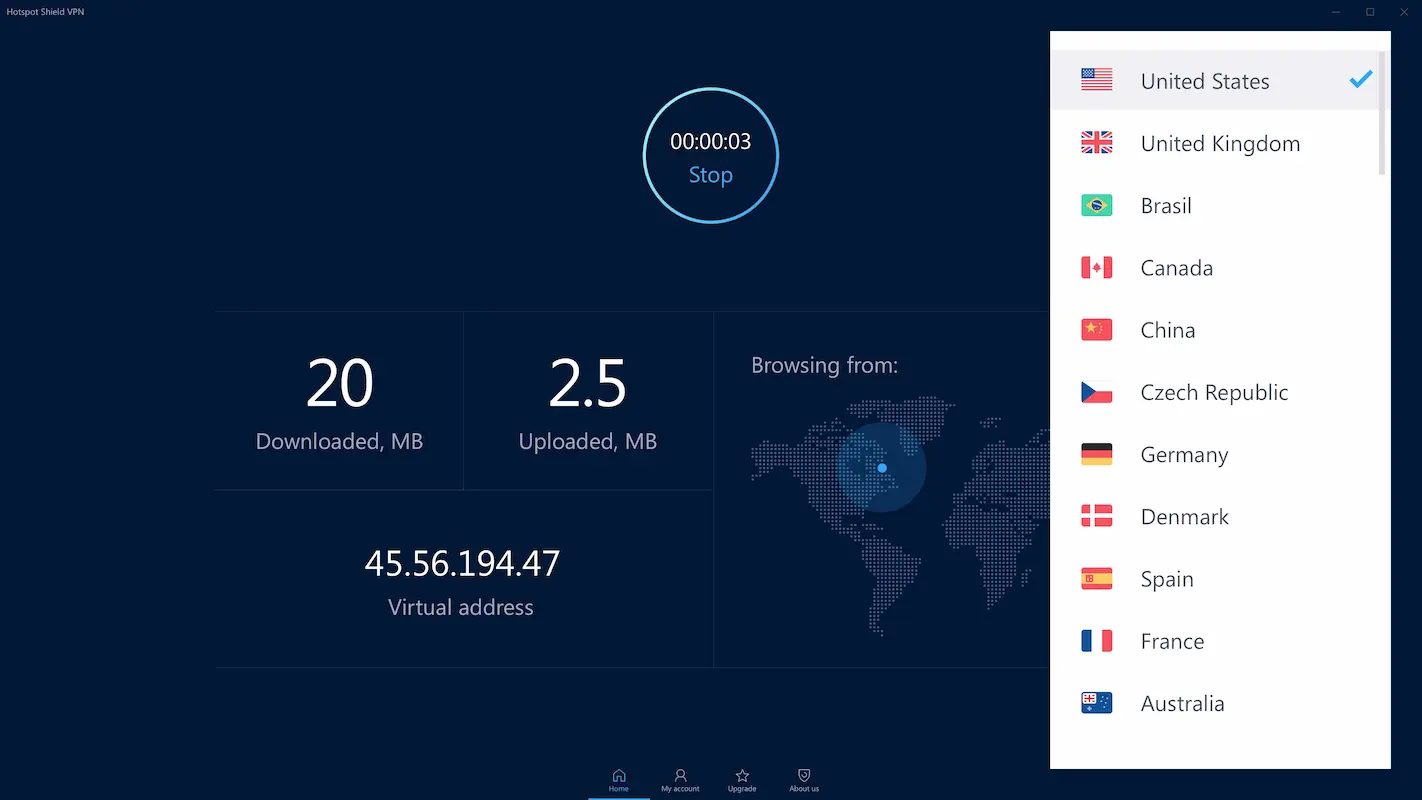
Best For: Quick US-based browsing.
Hotspot Shield is famous for its proprietary "Hydra" protocol which makes connections instant. However, the free version is heavily restricted compared to the others on this list.
Pros:
- Daily Reset: Instead of a monthly cap, you get a daily limit (500MB). If you run out, you just wait until tomorrow.
- Easy to Use: One big "Connect" button makes it very simple.
Cons:
- Ads: The free desktop app is ad-supported.
- US Only: You cannot connect to any other country on the free plan.
Warning: Avoid "Urban VPN"
You might see Urban VPN advertised as "100% Free and Unlimited" on various sites. Do not use it.
It uses a Peer-to-Peer (P2P) system, meaning other strangers use your computer's connection to browse the web. This is a massive security risk. Always stick to the reputable providers listed above.
Conclusion
Your choice depends on your needs.
- If you want Unlimited Data for privacy, download Proton VPN.
- If you want to watch Netflix or need a UK/US IP address, download Windscribe.
Both are excellent, safe, and completely free tools to keep your desktop secure.
Source - protonvpn.com , windscribe.com , privadovpn.com , hide.me
Frequently Asked Questions