6 Best Free Photoshop Alternatives: Stop Paying Monthly Subscriptions

 English
 Russian
 Español
 Français
 Deutsch
 हिन्दी
 සිංහල
සිංහල 中文
中文 日本語
日本語
Adobe Photoshop is undoubtedly the industry standard for image editing, but its monthly subscription model is expensive. For years, designers have asked for a professional alternative that doesn't cost money.
In late 2025, everything changed. Affinity, previously the biggest paid rival to Adobe, announced a shock move to make its core software free. This joins the ranks of other legendary open-source tools.
In this updated guide, we explore the best 100% free Photoshop alternatives you can download today.
1. Affinity (The New King)

Best For: Professionals who want industry-standard power for free.
In a massive update in October 2025, Affinity (now owned by Canva) made its core creative suite free for everyone. This is widely considered the biggest disruption in the design world in a decade. It combines Photo, Designer, and Publisher into one unified interface.
It is faster than Photoshop, crashes less, and opens almost instantly. It offers professional CMYK separation, frequency separation for skin retouching, and full HDR support. It is no longer just an "alternative"; for many, it is the superior choice.
Pros:
- Professional Grade: This is the same tool professionals used to pay $170 for, now free.
- Unified App: You can switch between "Photo Persona" (editing) and "Design Persona" (vectors) instantly without closing the app.
- Speed: It is optimized for modern processors and runs incredibly smooth.
Cons:
- AI Locked: While the tools are free, the new "Generative AI" features require a paid Canva subscription.
- Learning Curve: It is slightly different from Photoshop, so you will need to relearn some muscle memory.
2. GIMP (The Open-Source Legend)
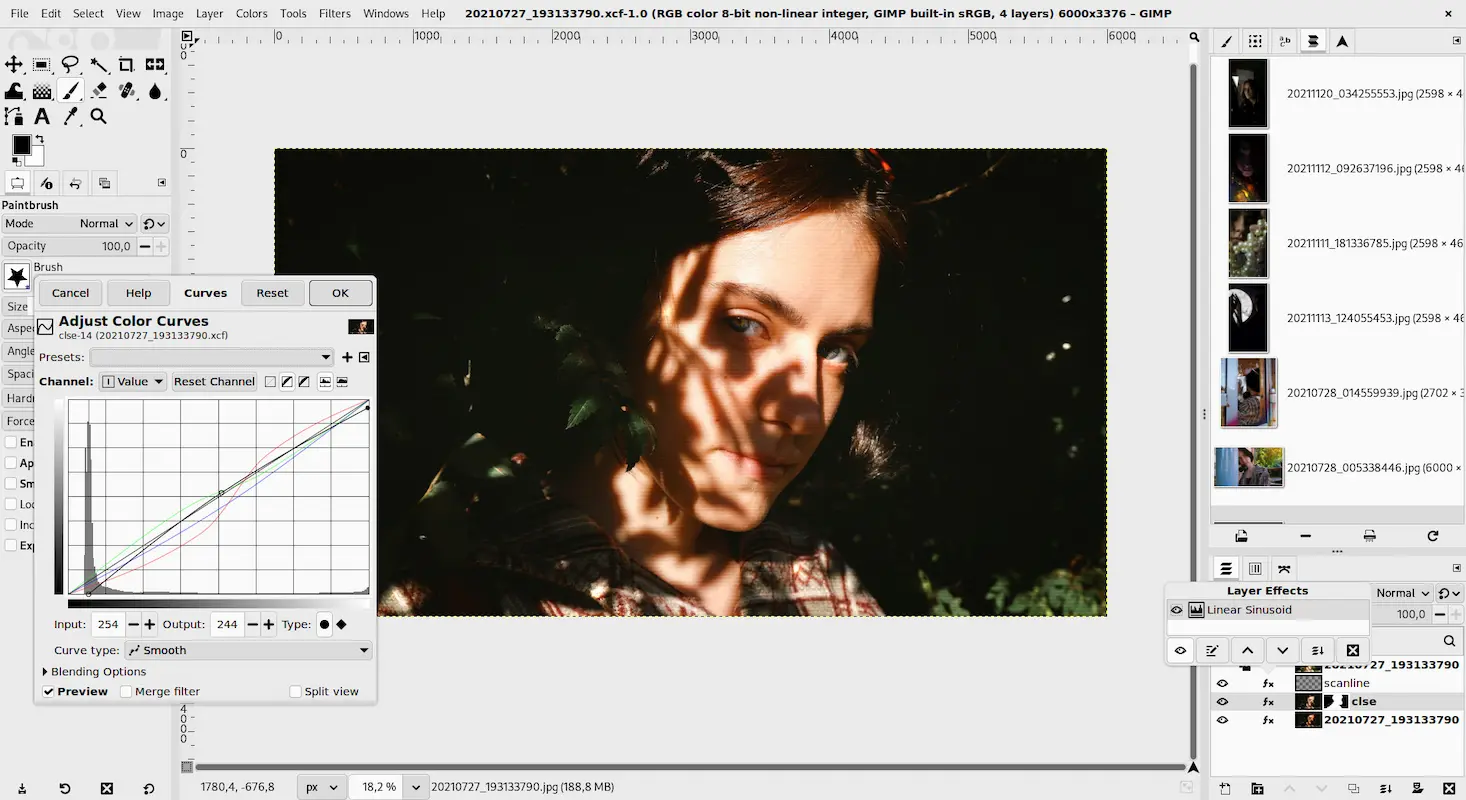
Best For: Power users who want maximum control.
If you want a tool that can do absolutely everything Photoshop does, GIMP (GNU Image Manipulation Program) is the answer. It is open-source, meaning it is completely free forever with no corporate owner.
GIMP offers a massive toolkit including layers, masks, curves, and levels. It supports third-party plugins and can even open Photoshop (PSD) files. While the interface is less polished than Affinity's, it is incredibly powerful in the right hands.
Pros:
- 100% Free & Open Source: No hidden costs, ever.
- Plugin System: Thousands of free community plugins available.
- Customizable: You can move every window and button to fit your workflow.
Cons:
- Clunky Interface: It feels a bit "old school" compared to modern apps.
- No CMYK: Not great for professional print work (books/magazines).
3. Photopea (The Browser-Based Miracle)
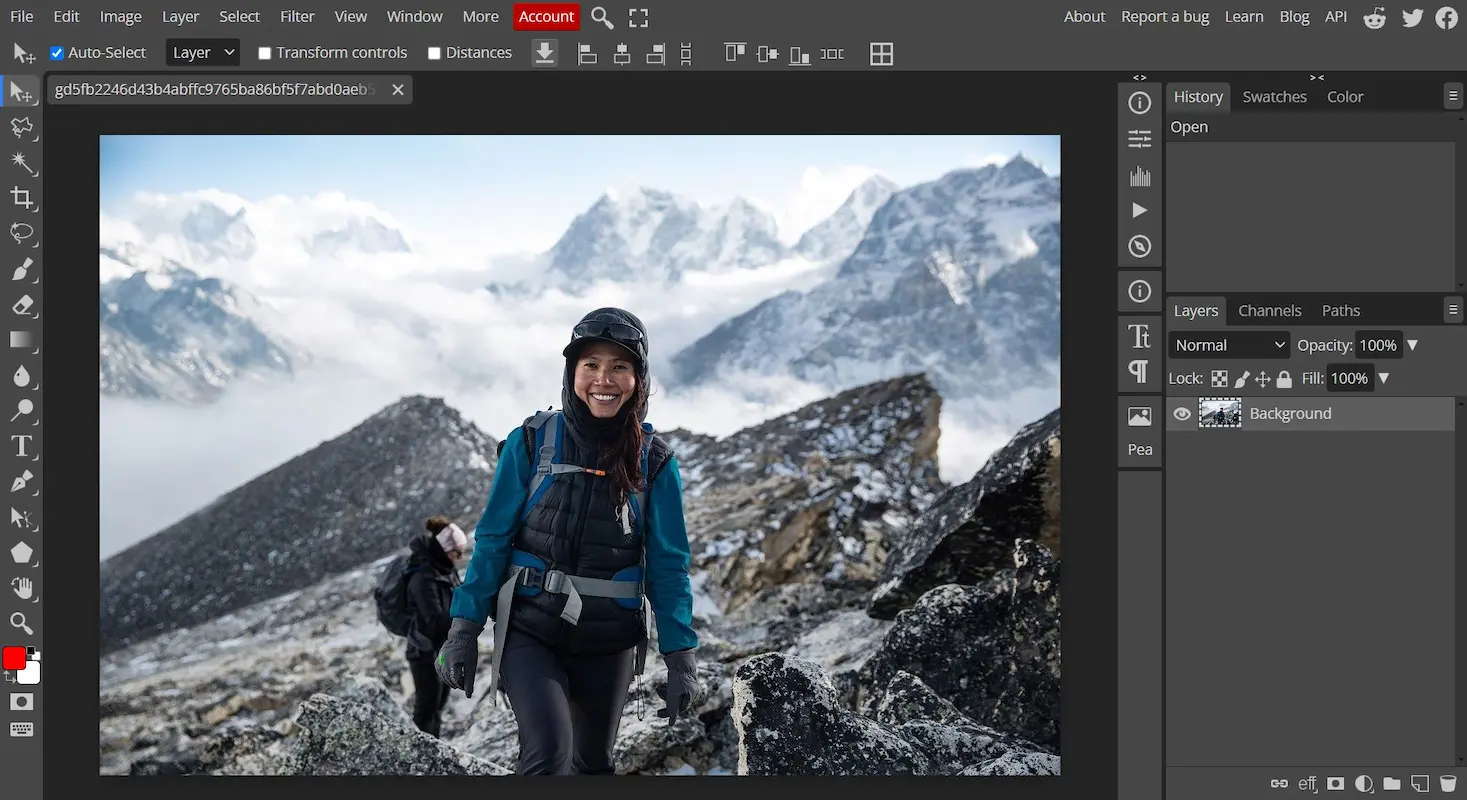
Best For: Quick edits without installing software.
Photopea is a miracle of modern web engineering. It is an advanced image editor that runs entirely inside your web browser. The interface is almost identical to Photoshop, so if you already know Adobe, you will feel at home immediately.
Pros:
- No Installation: Works on any computer (even a Chromebook) with internet.
- Familiar UI: If you know Photoshop, you already know Photopea.
- Format Support: Opens PSD, AI, XD, and Sketch files perfectly.
Cons:
- Ads: The free version has ads on the side of the screen.
- Performance: Can be slow if you are editing massive files with hundreds of layers.
4. Krita (The Digital Artist's Choice)
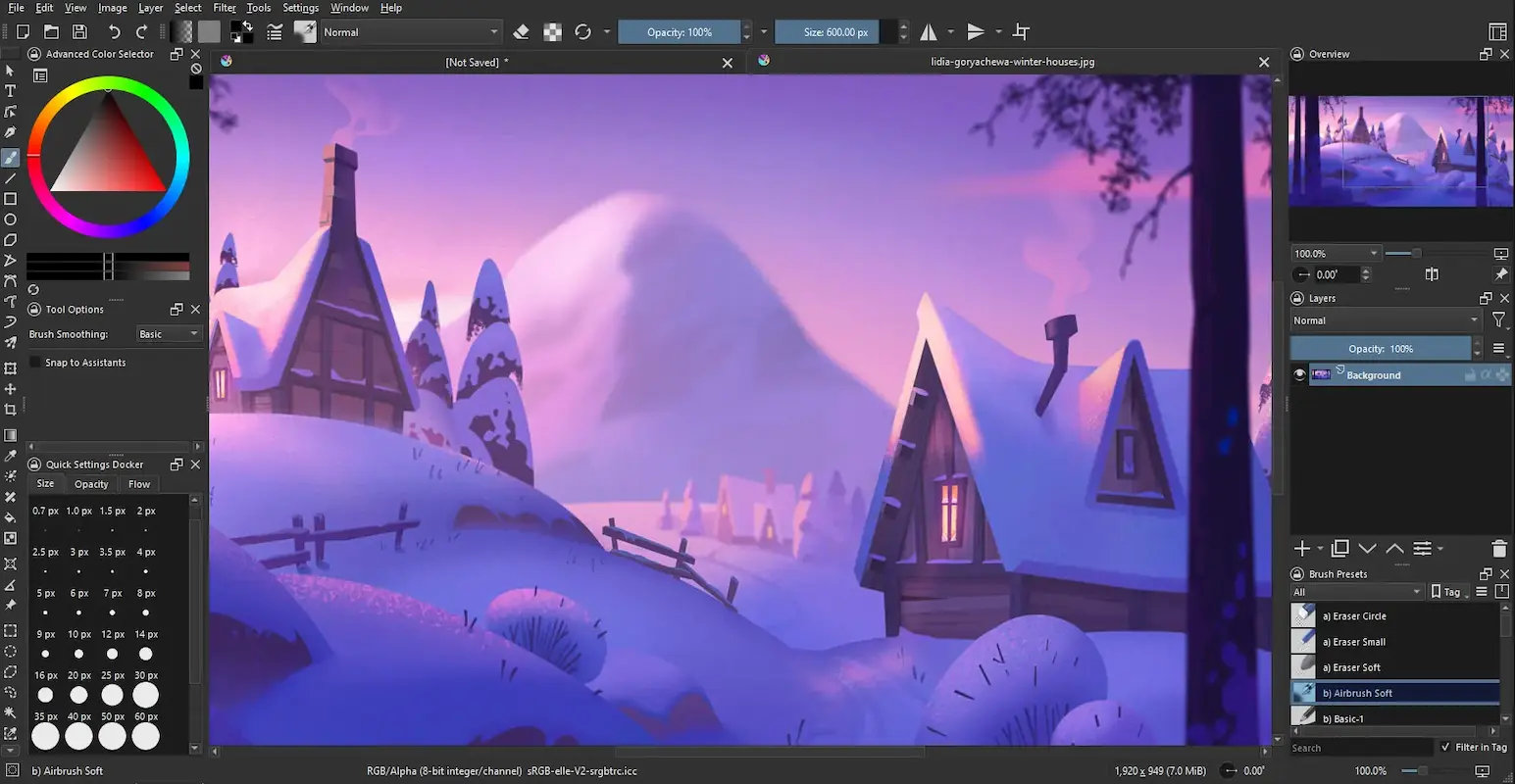
Best For: Digital painting, illustration, and comics.
While Photoshop is a photo editor that can paint, Krita is a painting program that can edit photos. It is designed specifically for concept artists, illustrators, and comic book creators.
Pros:
- Brush Engine: The best free brush system in the world, with stabilizers for smooth lines.
- Animation: It has a built-in "Timeline" for creating 2D animations.
- Tablet Support: Works perfectly with Wacom and Huion tablets.
Cons:
- Not for Photo Retouching: It lacks advanced photo manipulation tools like "Content-Aware Fill."
- Text Tools: The text tool is notoriously difficult to use.
5. Paint.NET (The Lightweight Editor)

Best For: Windows users who need speed.
Sometimes GIMP is too complex and Microsoft Paint is too simple. Paint.NET sits perfectly in the middle. It is fast, lightweight, and completely free. It supports layers and unlimited undo history.
Pros:
- Fast: Loads instantly even on old laptops.
- Simple: Very easy to learn for beginners.
- Community Plugins: Good support for extra effects.
Cons:
- Windows Only: Does not work on Mac or Linux.
- Basic: Lacks advanced features like Masks or RAW editing.
6. Darktable (The Photographer's Darkroom)
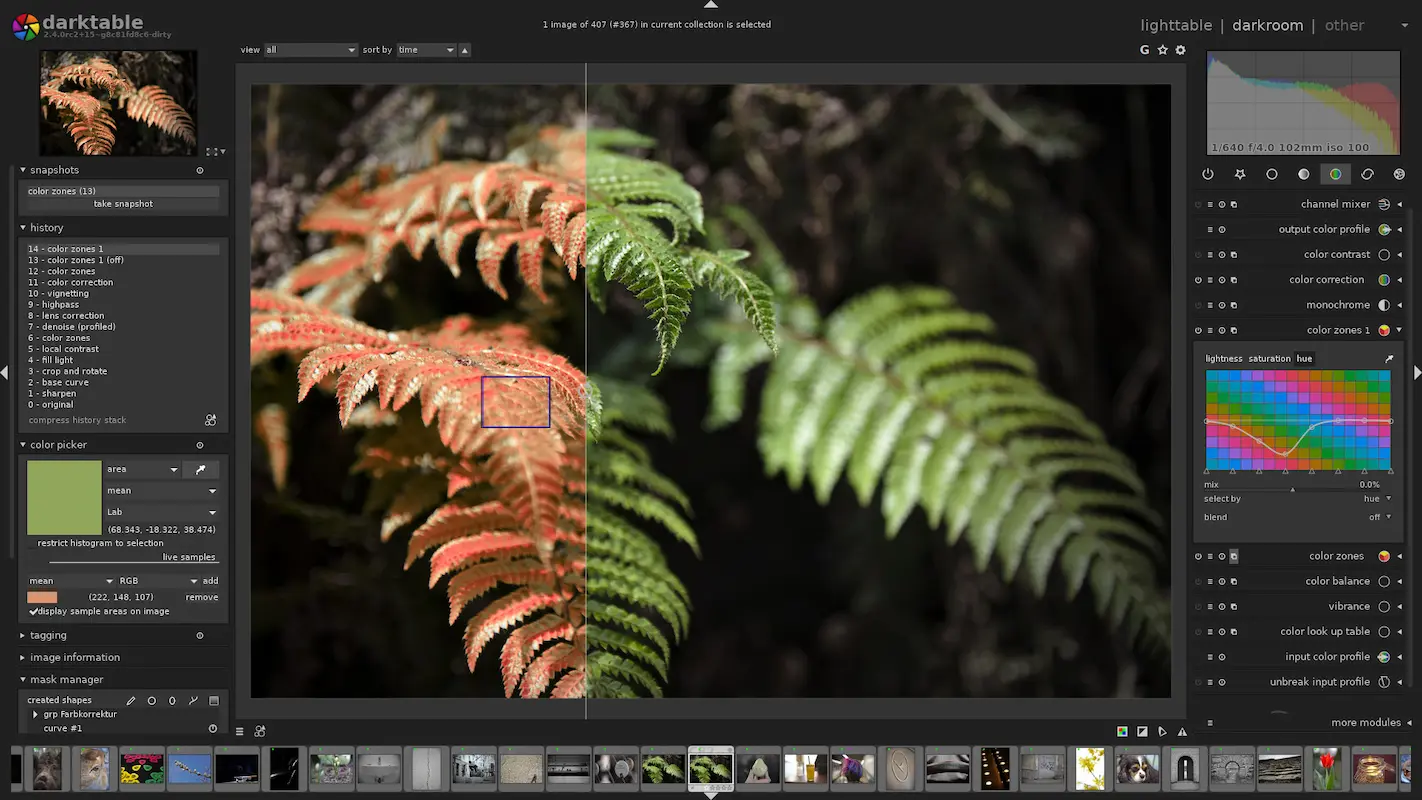
Best For: RAW photo editing and color correction.
If you are looking for a free alternative to Adobe Lightroom rather than Photoshop, Darktable is the answer. It is a "non-destructive" RAW developer that allows you to manage thousands of photos.
Pros:
- RAW Processing: Excellent quality for professional photographers.
- Non-Destructive: Your original file is never touched; edits are saved separately.
- Tethering: Supports connecting your camera directly to the computer.
Cons:
- Steep Learning Curve: It is very technical and can be confusing for beginners.
- Slow: Can be sluggish on older computers when exporting.
Conclusion
The era of paying monthly rent for software is over.
- If you want the industry standard for free, download Affinity.
- If you want portability, use Photopea.
- If you are an artist, get Krita.
Which one will you try first? Let us know in the comments!
Source - affinity.serif.com , gimp.org , photopea.com , krita.org
Frequently Asked Questions