5 Best Free IDM Alternatives: Fast, Safe, and No Trial Periods

 English
 Russian
 Español
 Français
 Deutsch
 हिन्दी
 සිංහල
සිංහල 中文
中文 日本語
日本語

Internet Download Manager (IDM) is legendary for its speed, but its paid license and outdated interface are major drawbacks in 2025. Once your 30-day trial ends, you are locked out.
Fortunately, a new wave of open-source download managers has arrived. These tools match IDM's speed, offer better "Dark Mode" interfaces, and are completely free forever.
In this guide, we rank the best free IDM alternatives, featuring the rising star AB Download Manager.
1. Free Download Manager (The Reliable King)
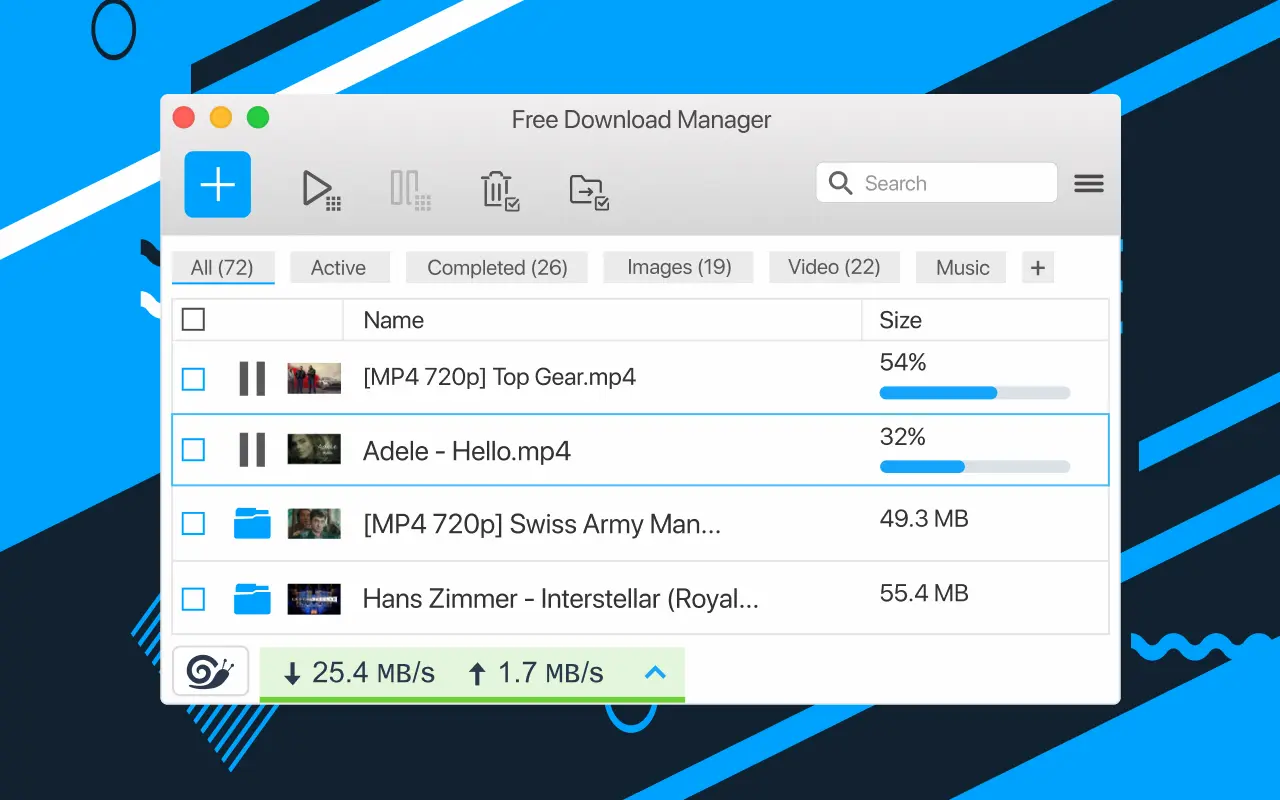
Best For: Users who want a proven, all-in-one solution.
Free Download Manager (FDM) remains the most popular alternative for a reason. It is stable, fast, and feature-rich. Like IDM, it splits files into small chunks to maximize speed.
Its biggest advantage is versatility. FDM is not just a downloader; it is also a full BitTorrent Client. You can download movies via magnet links directly inside the app, saving you from installing extra software like uTorrent. It also runs on Windows, macOS, Android, and Linux.
2. AB Download Manager (The Modern Choice)
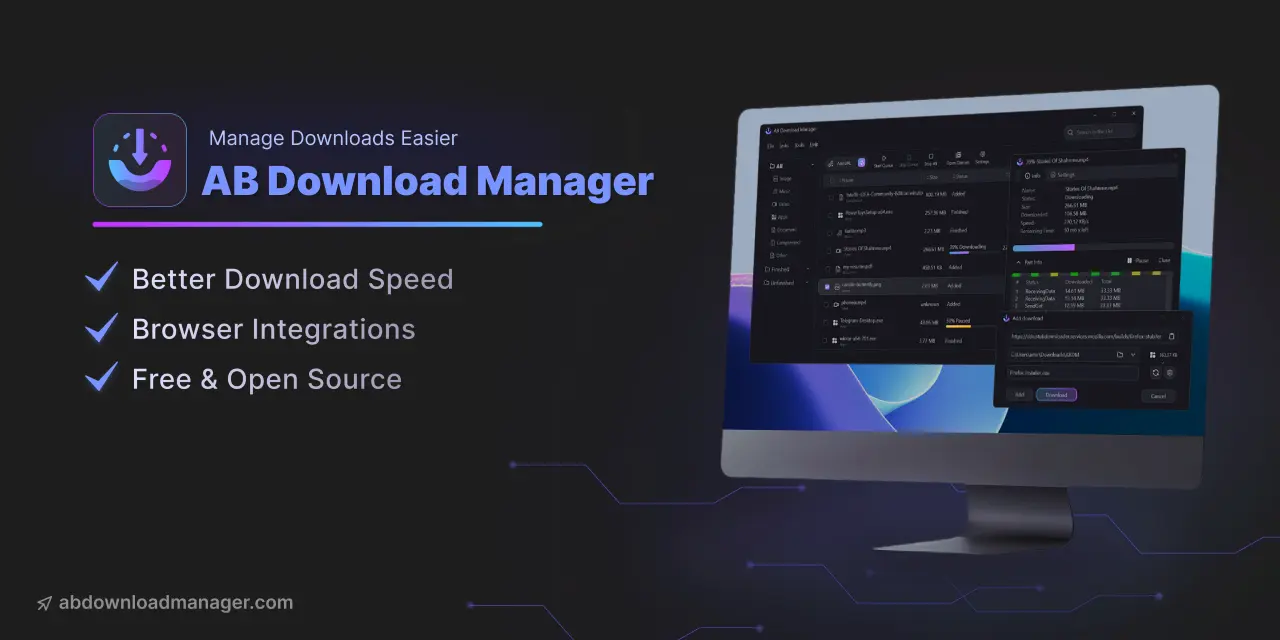
Best For: Users who want a beautiful, clean interface with IDM power.
AB Download Manager is the newest and most exciting tool on this list. While IDM looks like it was made for Windows 98, AB Download Manager features a stunning, modern Dark Mode UI that looks perfect on Windows 11.
It is open-source and powered by a multi-threaded engine that boosts speeds just like IDM.
- Browser Extensions: It has excellent extensions for Chrome and Firefox that automatically catch download links.
- Speed Limiter: You can easily limit speed if you are sharing WiFi.
- No Clutter: Unlike others, it has zero ads and no confusing menus. It is simple, fast, and beautiful.
3. Neat Download Manager (The Lightweight Clone)
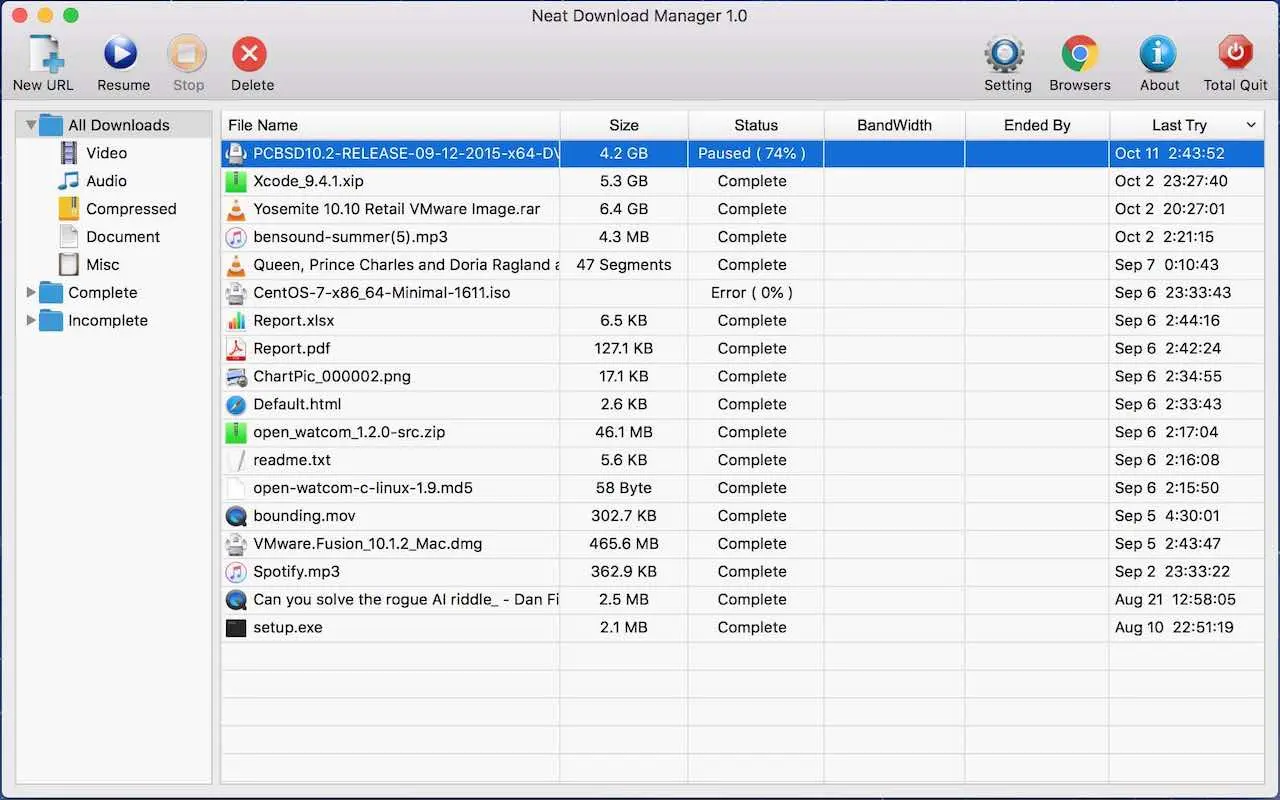
Best For: Users who want the exact "IDM feel" on a slow PC.
If you don't care about looks and just want a tiny app that works exactly like IDM, get Neat Download Manager.
The installer is less than 2MB, and it uses almost no CPU power. Despite its size, it includes a powerful browser extension that sits on top of video players, allowing you to "grab" video files from websites instantly. It is the closest functional clone to IDM available for free.
4. JDownloader 2 (The Automation Beast)
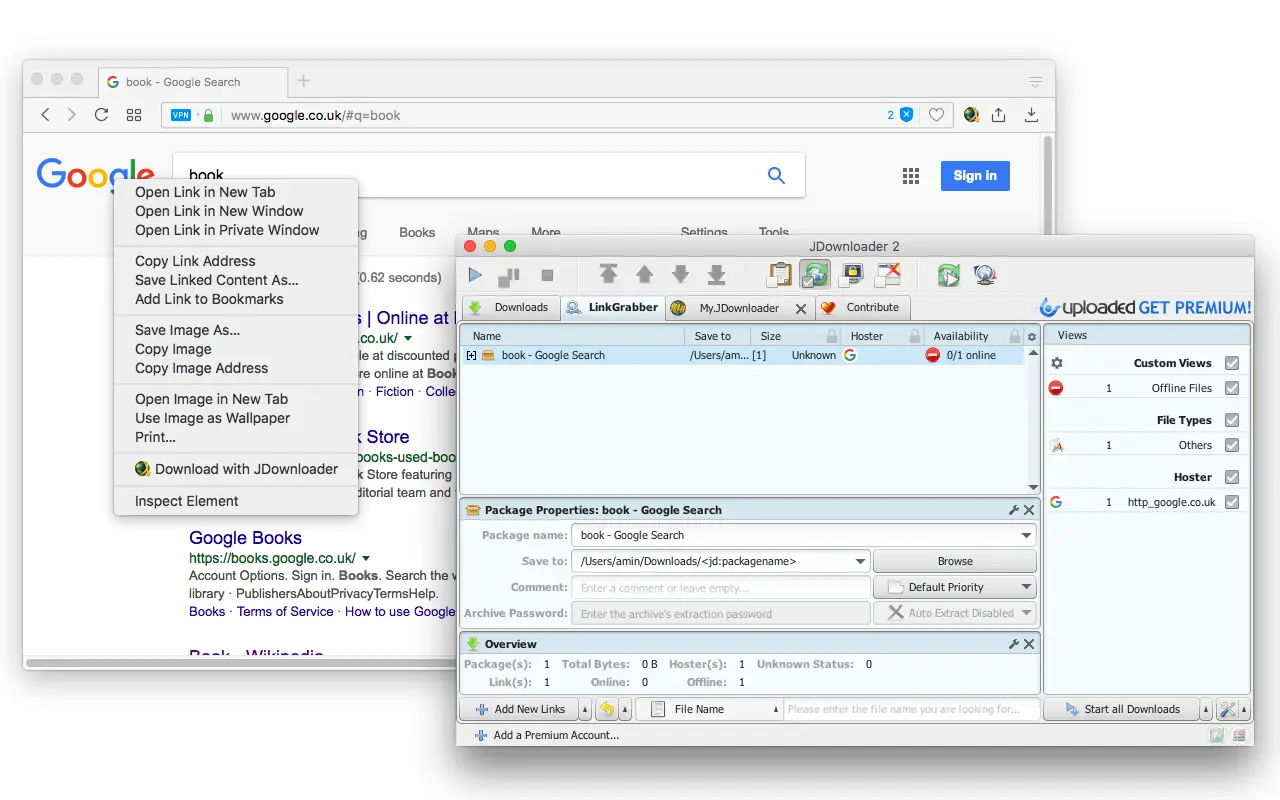
Best For: Power users downloading huge lists of files.
JDownloader 2 is designed for people who download terabytes of data. It is famous for its "Link Grabber" technology. You can copy a list of 50 URLs to your clipboard, and JDownloader will instantly recognize them, check their status, and queue them up.
It automates the annoying parts of the internet: it can solve CAPTCHAs for you and wait out the "countdown timers" on file-hosting sites like Mega or MediaFire.
5. Xtreme Download Manager (The Video Grabber)
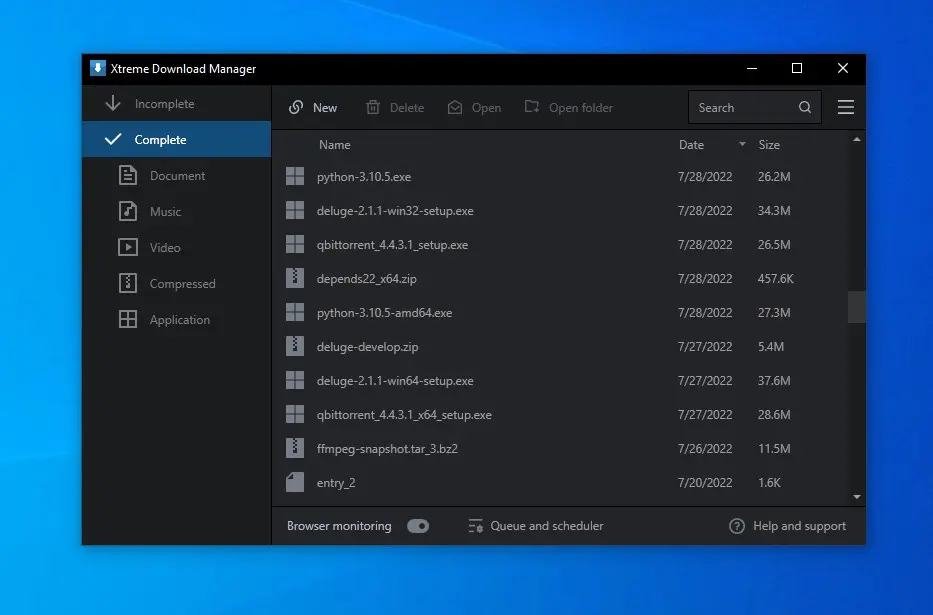
Best For: Downloading stubborn video streams.
XDM (Xtreme Download Manager) is famous for its aggressive video detection. If a website tries to block you from downloading a video, XDM can usually bypass it.
It claims to increase download speeds by up to 500%. It also features a built-in Video Converter, so if you download a file in a strange format, you can convert it to MP4 directly inside the app to play on your phone.
Conclusion
You do not need to use a cracked version of IDM in 2025.
- For a Modern, Beautiful UI, choose AB Download Manager.
- For Torrents + Downloads, choose FDM.
- For Low-Spec PCs, choose Neat Download Manager.
Source - abdownloadmanager.com , freedownloadmanager.org , neatdownloadmanager.com , jdownloader.org
Frequently Asked Questions