English
 Russian
 Español
 Français
 Deutsch
 हिन्दी
 සිංහල
සිංහල 中文
中文 日本語
日本語
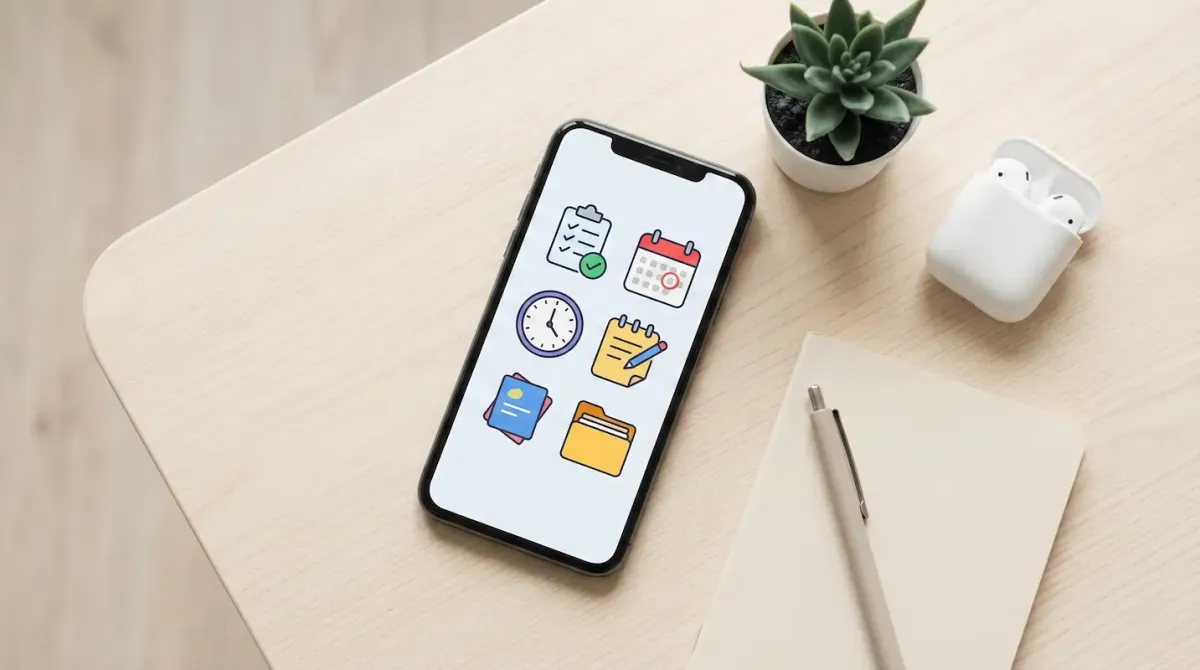
In 2026, staying organized should not require a monthly subscription. Unfortunately, many popular productivity apps now lock essential features behind expensive paywalls, making simple task management unnecessarily costly.
The good news is that several high-quality apps remain completely free and are powerful enough to manage everything from daily errands to long-term personal projects. Whether you prefer simple task lists, structured planning, or deep note-taking systems, there is a free tool that fits your workflow.
Below are the best free apps to organize your daily life and tasks in 2026.
Google Tasks and Google Calendar (The Seamless Ecosystem)
Best for: Users who want simplicity with minimal setup.
If you already use Gmail or Android, Google Tasks combined with Google Calendar offers one of the smoothest productivity experiences available. Google has refined this integration in 2026, turning it into a lightweight but powerful planning system.
Tasks created in Gmail instantly sync with your calendar, allowing you to see deadlines alongside meetings and events. Voice commands also work exceptionally well. Saying “Remind me to pay the electricity bill tomorrow at 9 AM” creates a task and reminder instantly.
For users who value speed and zero learning curve, this ecosystem is hard to beat and remains completely free.
Microsoft To Do (The Best Free Task List)
Best for: Daily planning and work-life balance.
Microsoft To Do continues to stand out because it offers all features without a premium tier. The app focuses on clarity and daily intention rather than overwhelming users with endless lists.
Its strongest feature is My Day, which resets every morning. You manually choose which tasks matter today, helping reduce stress and decision fatigue. This approach is especially useful for people juggling work and personal responsibilities.
Microsoft To Do also integrates seamlessly with Outlook. Flagging an email automatically creates a task, making it ideal for office environments.
Notion (The Custom Life Organizer)
Best for: Students and people who want full control.
Notion is more than a task app. It is a flexible workspace where you can manage schedules, notes, finances, projects, and personal goals in one place.
In 2026, Notion’s free plan remains generous for individual users, offering unlimited pages and blocks as long as collaboration is not required. Users can choose from thousands of free templates, including weekly planners, habit trackers, and personal dashboards.
For those who enjoy building systems tailored to their lifestyle, Notion offers unmatched flexibility at zero cost.
TickTick (Task Management With Focus)
Best for: Productivity with time tracking.
TickTick blends traditional task lists with built-in focus tools. Its integrated Pomodoro timer allows users to work in short, focused sessions while tracking how much time is spent on each task.
The app also understands natural language input. Typing “Study every Friday at 7 PM” instantly creates a recurring reminder. While advanced calendar views require a subscription, the free version is more than enough for everyday task management and focus sessions.
TickTick is ideal for users who struggle with distractions and want structure without complexity.
Obsidian (The Private Knowledge Vault)
Best for: Notes, ideas, and long-term thinking.
If your daily chaos comes from scattered notes rather than unfinished tasks, Obsidian is a powerful solution. It stores notes as plain text files directly on your device, giving you full control over your data.
Obsidian allows you to link notes together, creating a personal knowledge network similar to a private wiki. Unlike cloud-based tools, it works completely offline and does not track user behavior.
For people who value privacy and long-term knowledge management, Obsidian remains one of the best free tools available.
Quick Comparison
| App | Best Use Case | Platforms | Cost |
|---|---|---|---|
| Google Tasks | Simple daily reminders | Web, Android, iOS | Free |
| Microsoft To Do | Focused daily planning | Web, Windows, Mobile | Free |
| Notion | All-in-one organization | All Platforms | Free (Personal) |
| TickTick | Tasks plus focus timer | All Platforms | Free / Optional Premium |
| Obsidian | Private note-taking | Desktop & Mobile | Free |
Conclusion
The best productivity app is not the most expensive one, but the one you consistently use. Free tools in 2026 are more than capable of handling daily organization when matched correctly to your habits.
If you want simplicity, Google Tasks or Microsoft To Do are excellent choices. If you enjoy customization, Notion offers endless possibilities. For deep thinking and note storage, Obsidian provides unmatched privacy and control.
Source - microsoft.com , notion.so , ticktick.com
Frequently Asked Questions