English
 Russian
 Español
 Français
 Deutsch
 हिन्दी
 සිංහල
සිංහල 中文
中文 日本語
日本語
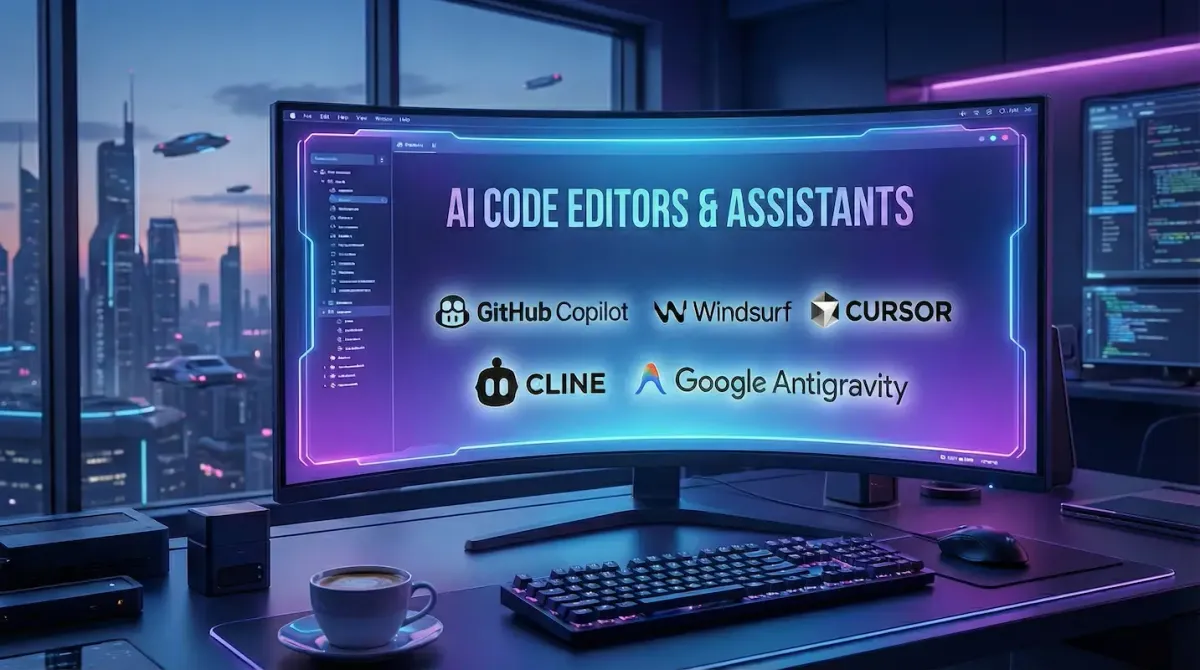
The way we write software has changed forever. In the past, "AI for coding" meant a simple autocomplete plugin that suggested the next line. Today, we have "Agentic IDEs" (Integrated Development Environments) that can plan, write, debug, and even deploy entire applications with minimal human supervision.
However, the market is crowded. Developers are currently torn between established giants like GitHub Copilot and powerful new "AI-Native" editors like Cursor and Windsurf. To make matters even more interesting, Google recently entered the race with its revolutionary Antigravity platform.
In this guide, we break down the best AI code editing tools available right now, comparing their features, pricing, and unique superpowers.
1. Google Antigravity (The New Game Changer)
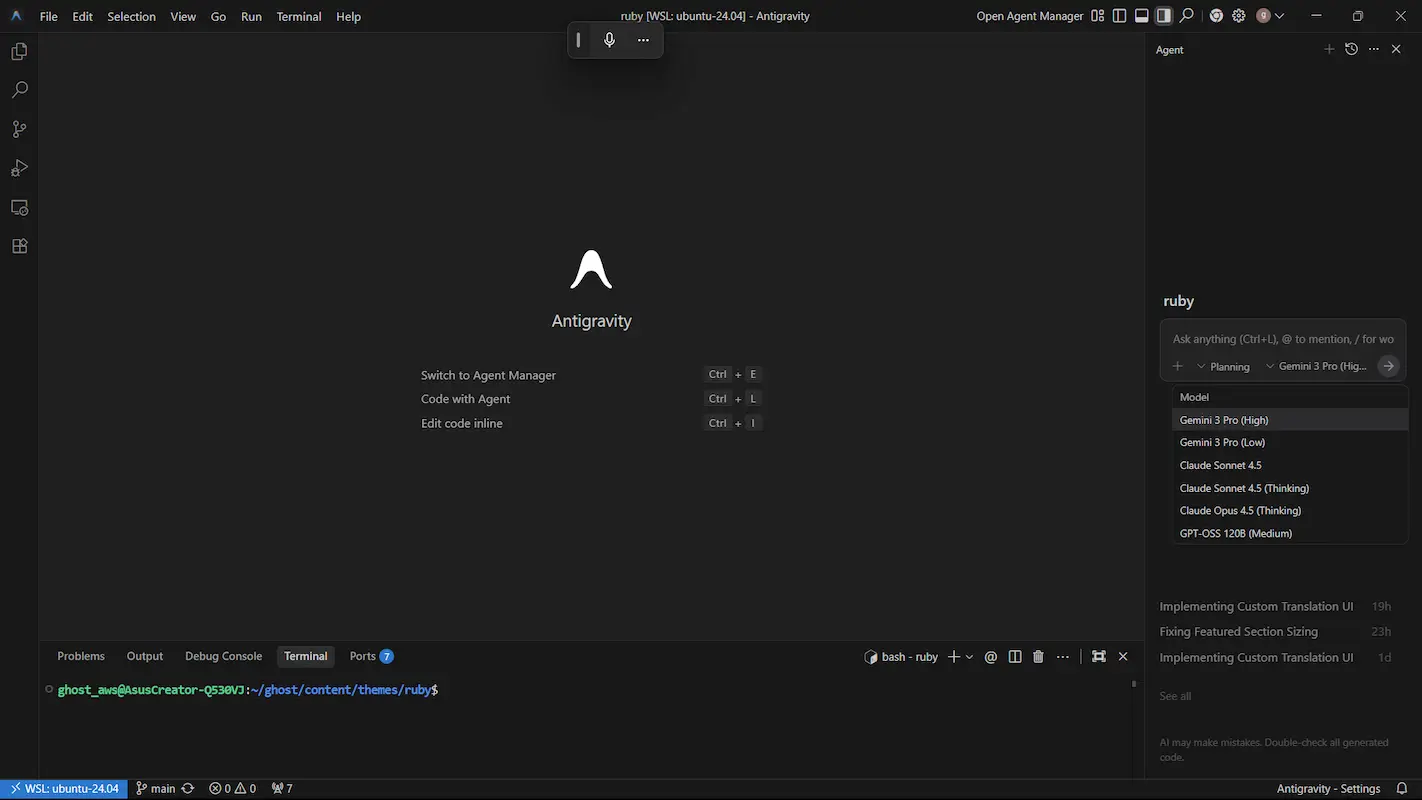
Best For: Developers deeply invested in the Google ecosystem and agentic workflows.
Released in November 2025 alongside Gemini 3, Antigravity is Google's answer to the AI coding revolution. Unlike traditional editors where AI is a sidebar, Antigravity is built as an "Agent-First" platform. It allows you to assign complex tasks to autonomous agents that work in the background.
 Neovise Staff
The standout feature is its "Manager View." Instead of writing every line of code yourself, you act as a project manager. You can tell an agent to "Refactor this entire authentication module," and it will break the task down, edit multiple files, run tests, and present you with a final report (Artifact) for approval. It is currently in Public Preview and free for individual developers, making it an incredibly attractive option for those wanting to test the bleeding edge of AI.
2. Cursor (The Power User's Choice)
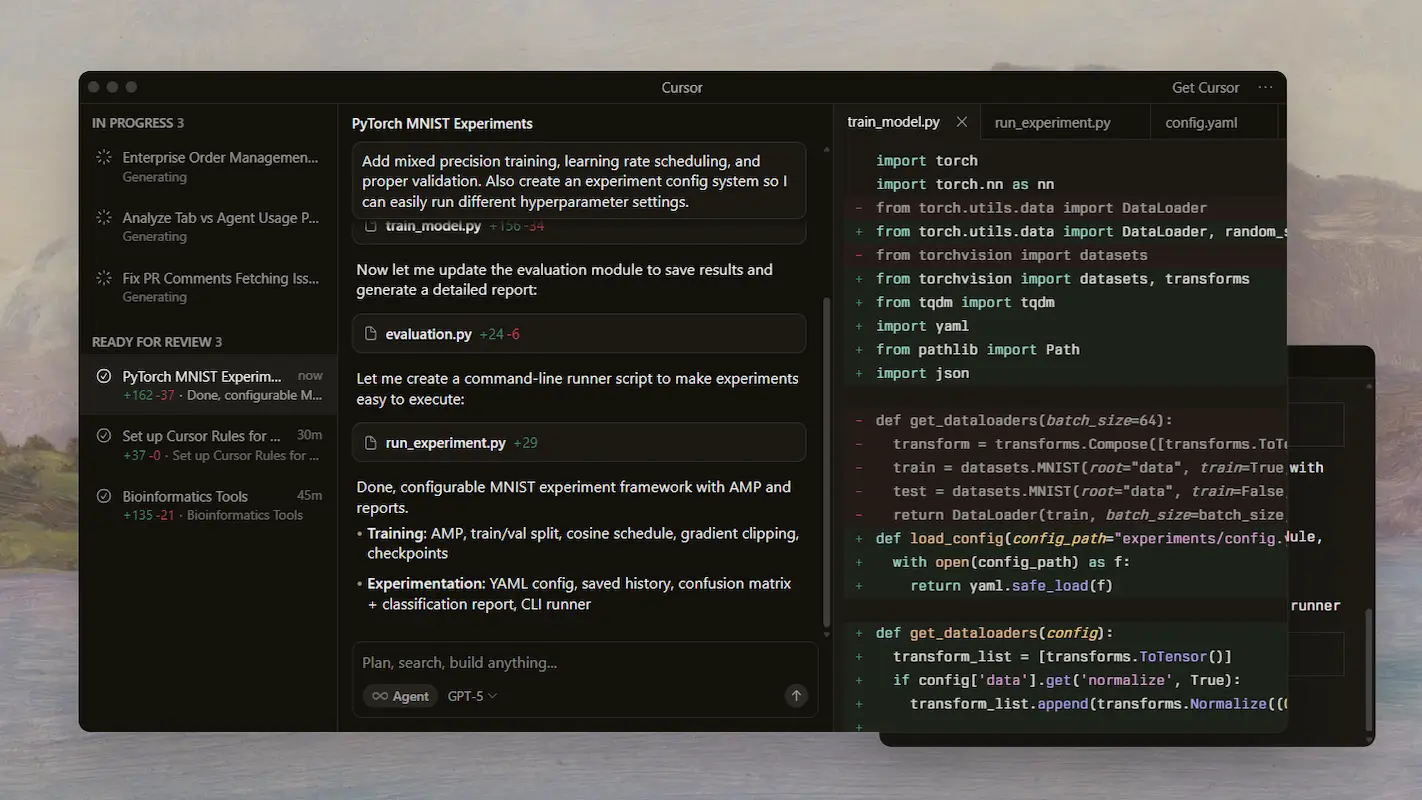
Best For: Developers who want the most advanced, customizable AI experience.
For most of 2025, Cursor has been the undisputed king of AI editors. It is a "fork" of VS Code, which means it looks and feels exactly like the editor you already use, but with AI baked into its core.
Cursor is famous for its "Tab" feature. It does not just complete one line; it can predict your next huge edit, including changing multiple files at once. Its "Composer" mode allows you to write natural language instructions (like "Add a dark mode toggle to the settings page") and watch the editor implement it in real-time. It supports almost every major model, allowing you to switch between Claude 3.5 Sonnet, GPT-4o, and Gemini Pro depending on your task.
3. Windsurf (The Intuitive Alternative)
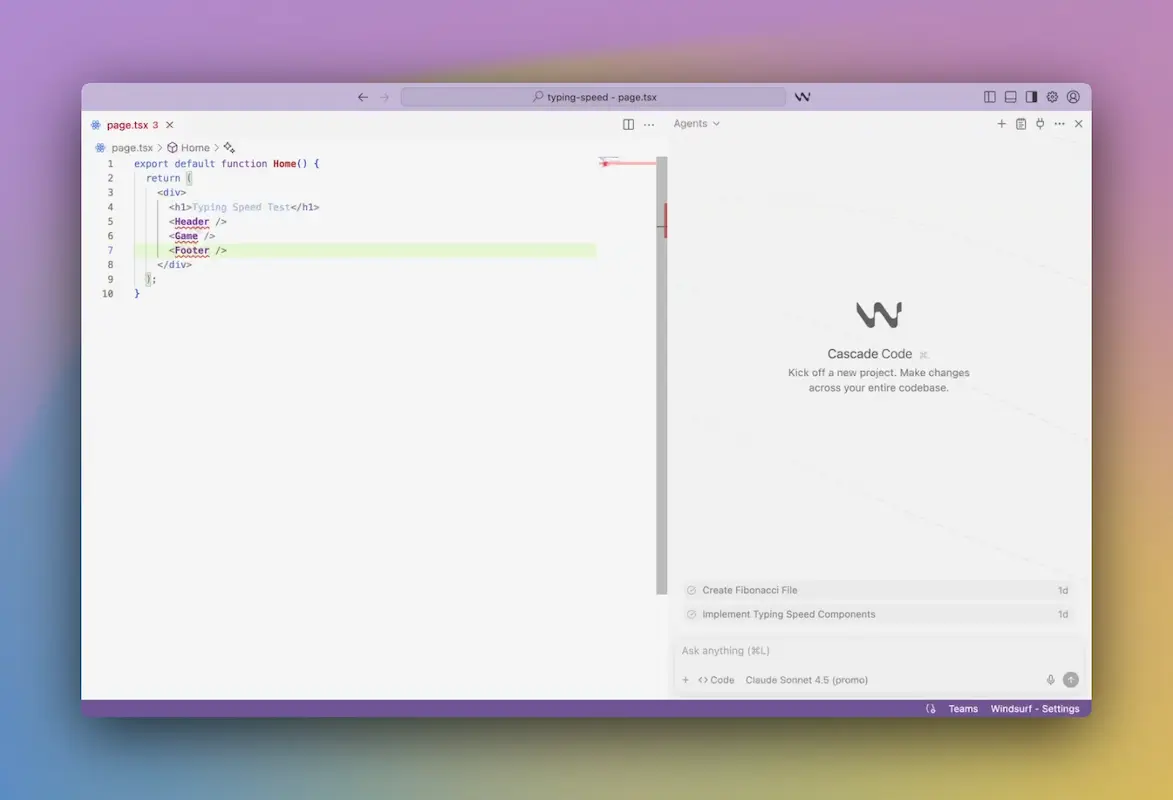
Best For: Developers who want a seamless, "Flow-state" experience.
Windsurf, created by Codeium, is the biggest rival to Cursor. While Cursor is packed with settings and knobs, Windsurf focuses on being incredibly smooth and intuitive.
Its key feature is called "Cascade Flow." This system deeply indexes your entire codebase, so the AI understands not just the file you are looking at, but how it connects to every other file in your project. This "deep context" awareness means Windsurf rarely hallucinates imports or variable names that do not exist. It also features "Supercomplete," which predicts your next actions before you even type them. For many users, Windsurf feels faster and less cluttered than Cursor.
4. GitHub Copilot (The Enterprise Standard)
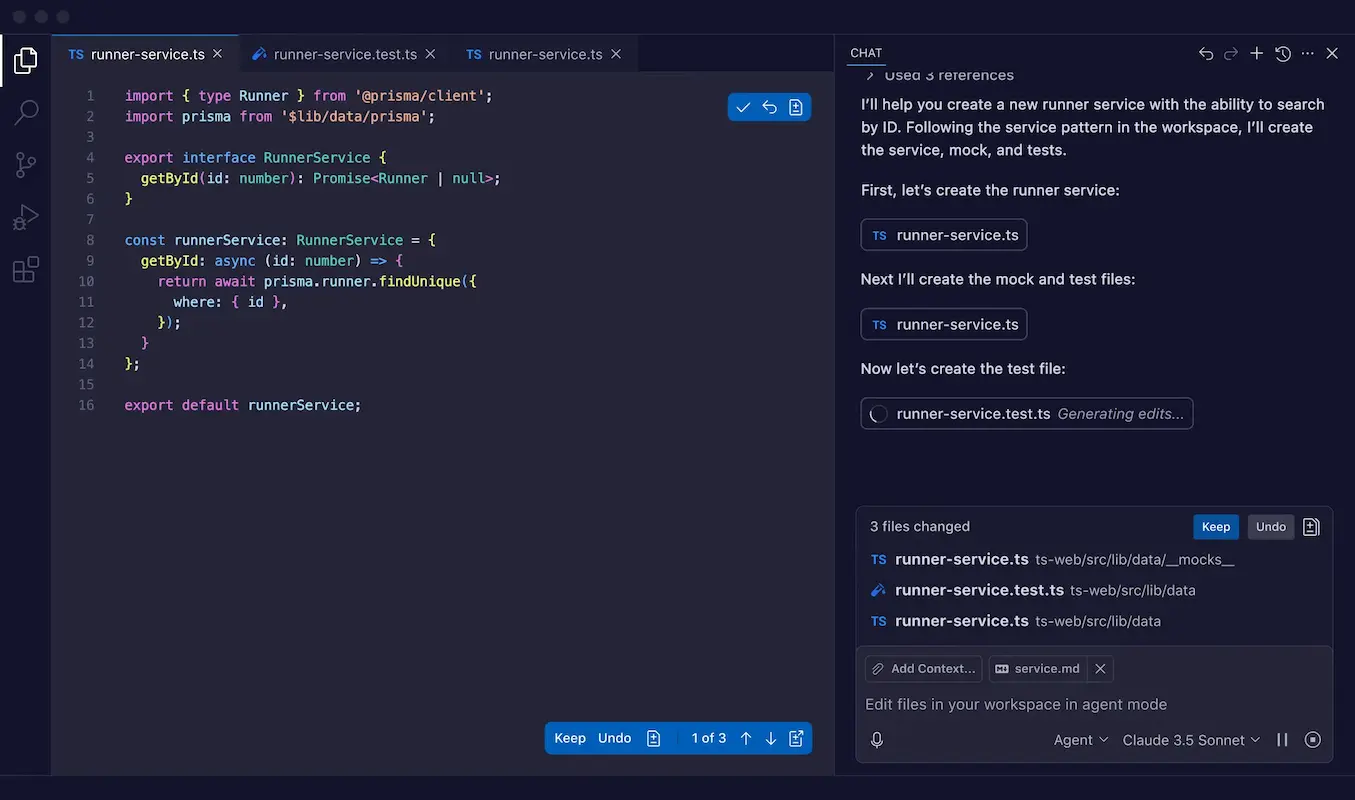
Best For: Corporate environments and GitHub heavy users.
GitHub Copilot is the tool that started it all. While it works as an extension inside VS Code rather than a standalone editor, it remains the industry standard for a reason. It is reliable, secure, and integrates perfectly with GitHub Enterprise.
In late 2025, Copilot received a massive upgrade with "Copilot Vision" and multi-model support. You can now choose to use Anthropic's Claude or Google's Gemini models directly inside Copilot, removing the need to switch tools. If your company pays for your tools, this is likely what you will use, and it is still one of the best assistants on the market.
5. Cline (The Open Source Hero)
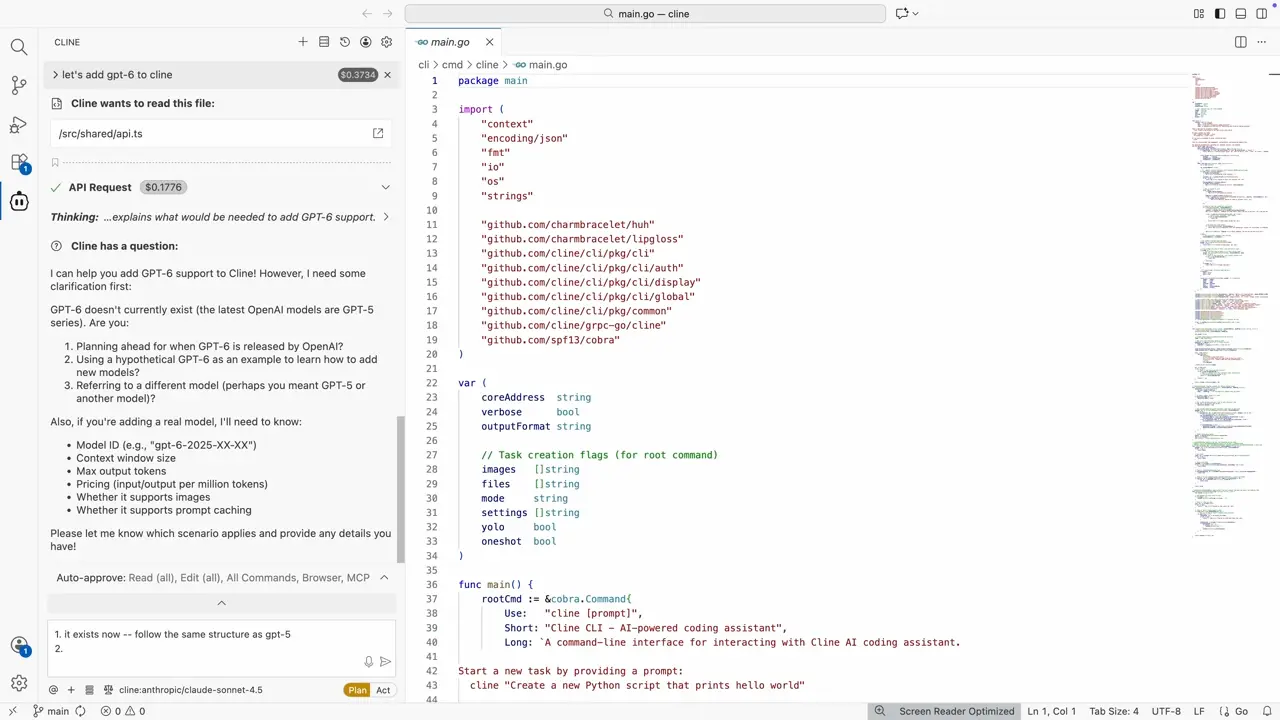
Best For: Privacy advocates and those who want full control.
If you are worried about sending your code to a corporate cloud, Cline is the best open-source alternative. It is an autonomous coding agent that runs as a VS Code extension.
The beauty of Cline is its flexibility. You can connect it to any AI model you want, including Local Models running on your own computer (via Ollama). This means you can have a powerful AI agent refactoring your code without a single byte of data leaving your machine. It is completely free to use (you only pay for your own API keys if you use cloud models), making it the most cost-effective option for power users.
Conclusion: Which One Should You Choose?
The decision comes down to how much control you want versus how much automation you need.
- If you want to manage autonomous agents, download Google Antigravity.
- If you want the smartest editor with the most features, choose Cursor.
- If you want a smooth, context-aware experience, try Windsurf.
- If you need offline privacy, install Cline.
The best part is that most of these tools have generous free tiers, so you can download them all and see which one fits your coding style best.
Source - antigravity.google , cursor.com , windsurf.com , github.com , cline.bot
Frequently Asked Questions